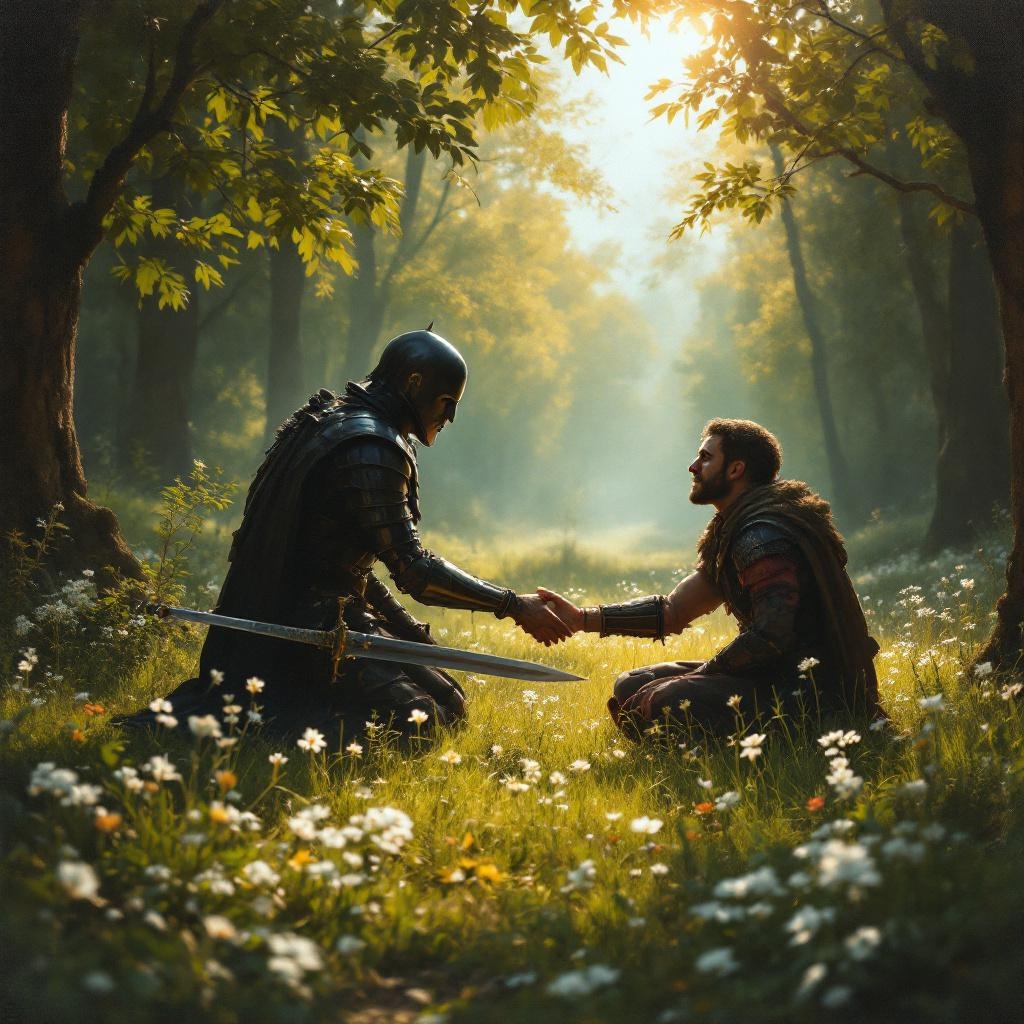
Do not repay evil with evil. - Flux.1.1 pro
Invite
**Prompt:** A serene scene in a sunlit forest clearing, where a wounded warrior kneels before an enemy who has just spared their life. The warrior's sword lies discarded on the grass, symbolizing restraint. The enemy, clad in dark armor, extends a hand in peace, their face softened by compassion. Golden light filters through the trees, casting a warm glow on the moment of forgiveness. The style is reminiscent of classical oil paintings, with rich textures and dramatic chiaroscuro to emphasize the contrast between violence and mercy. Delicate wildflowers bloom at their feet, representing renewal. The mood is solemn yet hopeful, capturing the transformative power of choosing kindness over vengeance.
Analyse Détaillée du Prompt d'Image Flux IA
Analysez le prompt détaillé utilisé pour générer l'image avec Flux IA Image Generator.
Explorez les invites Flux IA
Comment générer une image par Flux.1.1 pro
Suivez ces quatre étapes simples pour créer l'image désirée.
Étape 1 : Entrez votre texte (N'hésitez pas à affiner votre prompt pour de meilleurs résultats)
Étape 2 : Choisissez le ratio d'aspect de l'image
Étape 3 : Sélectionnez votre modèle Flux :
Étape 4 : Cliquez sur le bouton Générer et attendez quelques secondes pour votre image
Outils Flux IA liés aux prompts sur Flux.1.1 pro
Découvrez des outils avancés de Flux IA pour booster votre flux de travail créatif.