Do not repay evil with evil. - Flux.1.1 pro
Lời nhắc
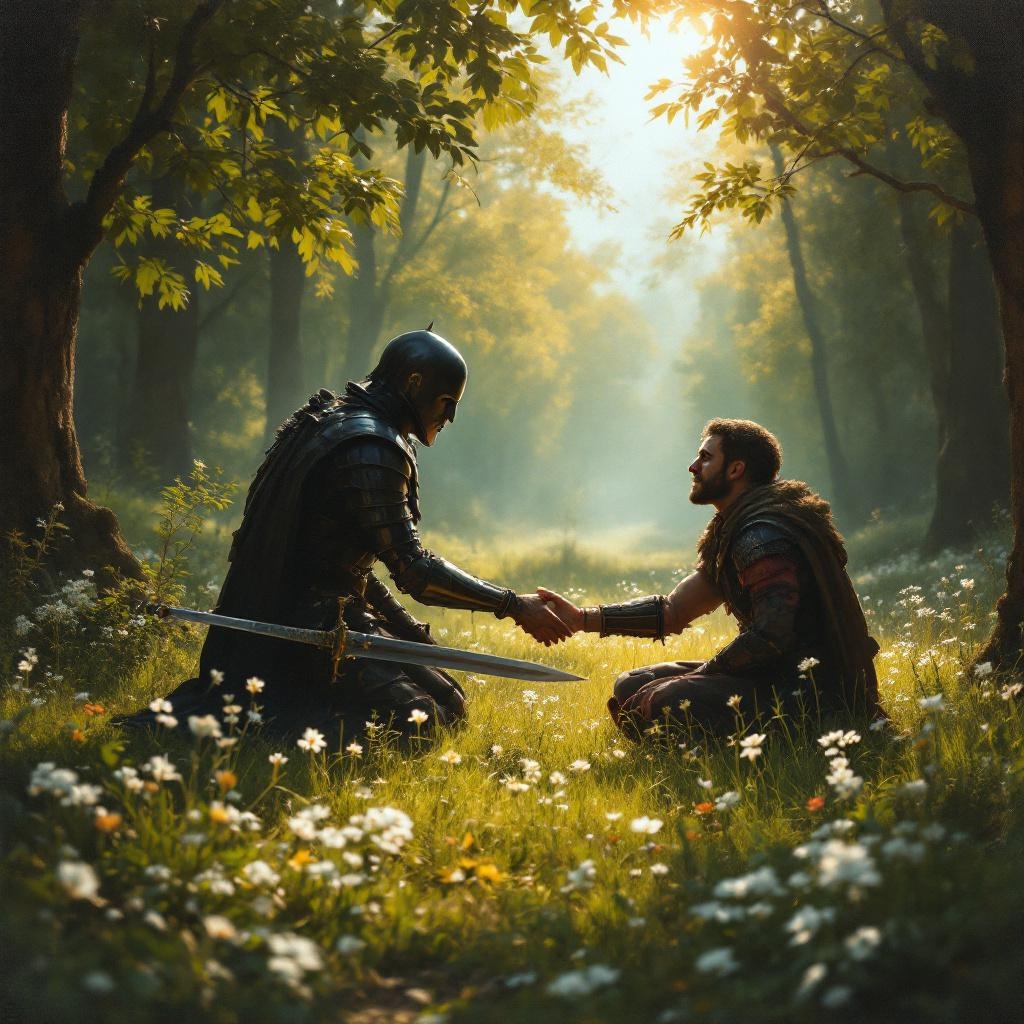
**Prompt:** A serene scene in a sunlit forest clearing, where a wounded warrior kneels before an enemy who has just spared their life. The warrior's sword lies discarded on the grass, symbolizing restraint. The enemy, clad in dark armor, extends a hand in peace, their face softened by compassion. Golden light filters through the trees, casting a warm glow on the moment of forgiveness. The style is reminiscent of classical oil paintings, with rich textures and dramatic chiaroscuro to emphasize the contrast between violence and mercy. Delicate wildflowers bloom at their feet, representing renewal. The mood is solemn yet hopeful, capturing the transformative power of choosing kindness over vengeance.
Phân tích Chi tiết về Prompt Hình ảnh Flux AI
Phân tích prompt chi tiết được sử dụng để tạo ra hình ảnh với Flux AI Image Generator.
Khám phá Flux Prompts cho Trình tạo hình ảnh Flux AI
Cách tạo hình ảnh bằng Flux.1.1 pro
Theo dõi bốn bước đơn giản dưới đây để tạo ra hình ảnh bạn mong muốn.
Bước 1: Nhập Văn bản của Bạn (Cảm thấy tự do tinh chỉnh prompt của bạn để có kết quả tốt hơn)
Bước 2: Chọn Tỷ lệ Khung Hình của Hình ảnh
Bước 3: Chọn Mô hình Flux của Bạn:
Bước 4: Nhấn Nút Tạo và Chờ vài Giây để Có Hình ảnh của Bạn
Công cụ Flux AI liên quan đến prompts về Flux.1.1 pro
Khám phá các công cụ nâng cao từ Flux AI để tăng cường quy trình làm việc sáng tạo của bạn.