Do not repay evil with evil. - Flux.1.1 pro
prompt
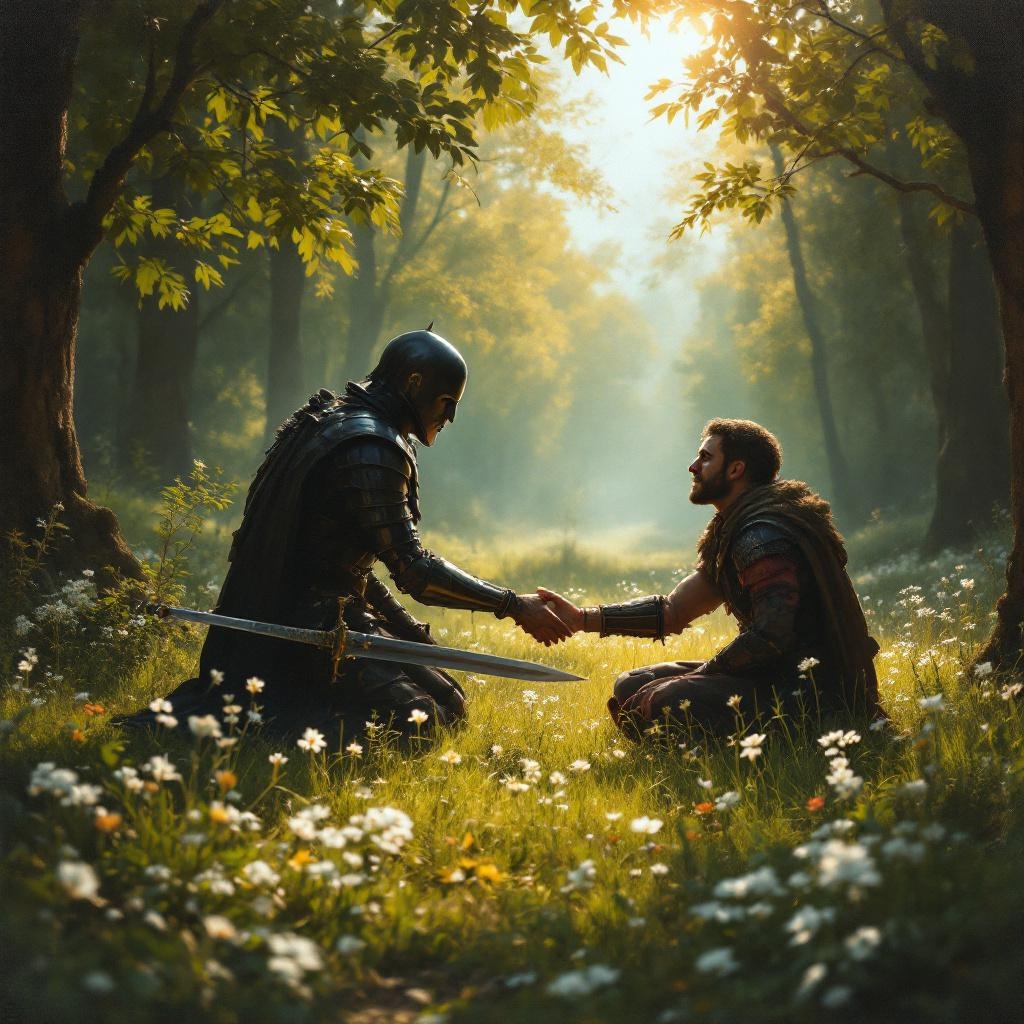
**Prompt:** A serene scene in a sunlit forest clearing, where a wounded warrior kneels before an enemy who has just spared their life. The warrior's sword lies discarded on the grass, symbolizing restraint. The enemy, clad in dark armor, extends a hand in peace, their face softened by compassion. Golden light filters through the trees, casting a warm glow on the moment of forgiveness. The style is reminiscent of classical oil paintings, with rich textures and dramatic chiaroscuro to emphasize the contrast between violence and mercy. Delicate wildflowers bloom at their feet, representing renewal. The mood is solemn yet hopeful, capturing the transformative power of choosing kindness over vengeance.
Analisis Terperinci Prompt Gambar Flux AI
Analisis prompt terperinci yang digunakan untuk menghasilkan gambar dengan Generator Gambar Flux AI.
Jelajahi Prompt Flux untuk Generator Gambar AI Flux
Cara menghasilkan gambar dengan Flux.1.1 pro
Ikuti empat langkah sederhana ini untuk membuat gambar yang Anda inginkan.
Langkah 1: Masukkan Teks Anda (Silakan sempurnakan prompt untuk hasil yang lebih baik)
Langkah 2: Pilih Rasio Aspek Gambar
Langkah 3: Pilih Model Flux Anda:
Langkah 4: Klik Tombol Buat dan Tunggu Beberapa Detik untuk Gambar Anda
Alat Flux AI terkait untuk prompt tentang Flux.1.1 pro
Temukan alat-alat canggih dari Flux AI untuk meningkatkan alur kerja kreatif Anda.