Do not repay evil with evil. - Flux.1.1 pro
prompt
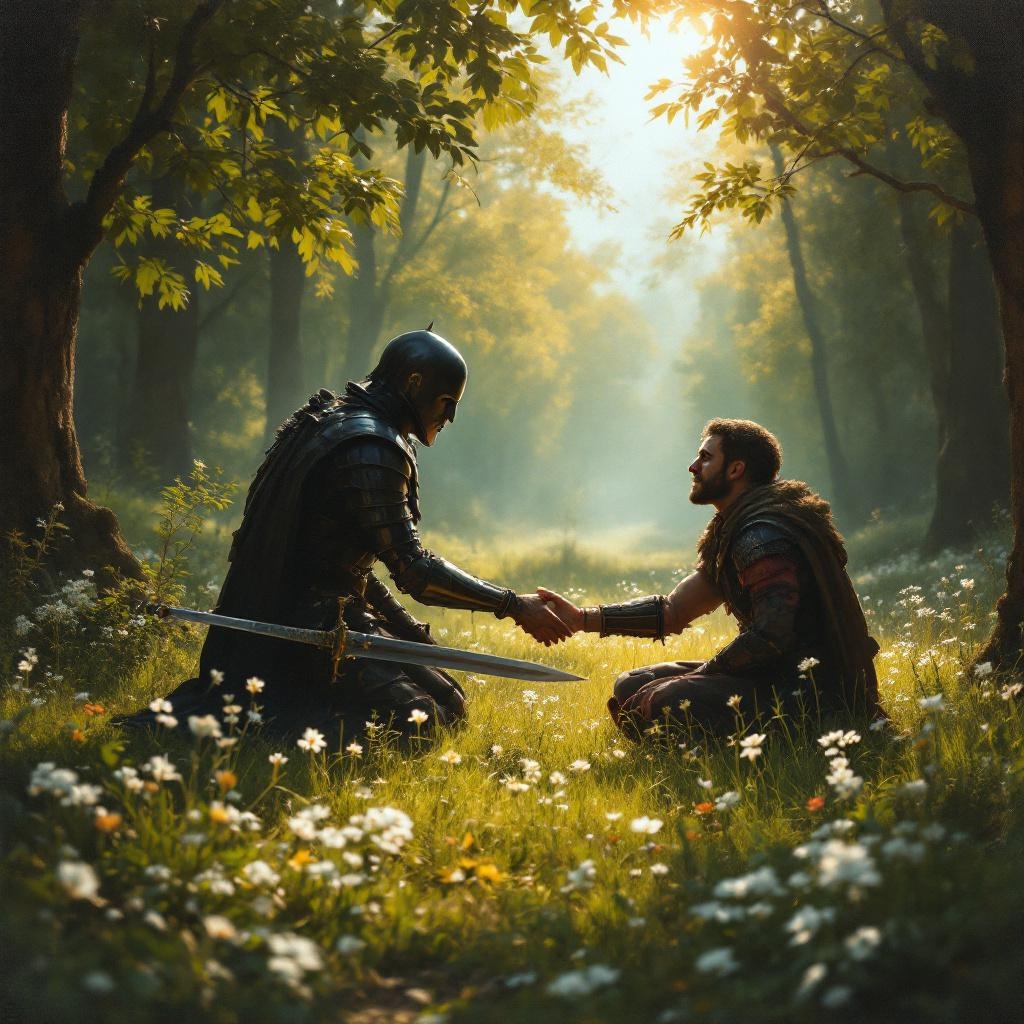
**Prompt:** A serene scene in a sunlit forest clearing, where a wounded warrior kneels before an enemy who has just spared their life. The warrior's sword lies discarded on the grass, symbolizing restraint. The enemy, clad in dark armor, extends a hand in peace, their face softened by compassion. Golden light filters through the trees, casting a warm glow on the moment of forgiveness. The style is reminiscent of classical oil paintings, with rich textures and dramatic chiaroscuro to emphasize the contrast between violence and mercy. Delicate wildflowers bloom at their feet, representing renewal. The mood is solemn yet hopeful, capturing the transformative power of choosing kindness over vengeance.
Analisi Dettagliata del Prompt Immagine Flux AI
Analizza il prompt dettagliato utilizzato per generare l'immagine con il Generatore Immagini Flux AI.
Esplora i Prompt Flux per il Generatore Immagini Flux AI
Come generare immagini con Flux.1.1 pro
Segui questi quattro semplici passaggi per creare l'immagine desiderata.
Passaggio 1: Inserisci il Tuo Testo (Sentiti libero di perfezionare il prompt per risultati migliori)
Passaggio 2: Scegli le Proporzioni dell'Immagine
Passaggio 3: Seleziona il Tuo Modello Flux:
Passaggio 4: Clicca il Pulsante Genera e Attendi Alcuni Secondi per la Tua Immagine
Strumenti Flux AI correlati per prompt su Flux.1.1 pro
Scopri strumenti avanzati di Flux AI per potenziare il tuo flusso di lavoro creativo.