Caldo Verde - Flux.1 dev
Invite
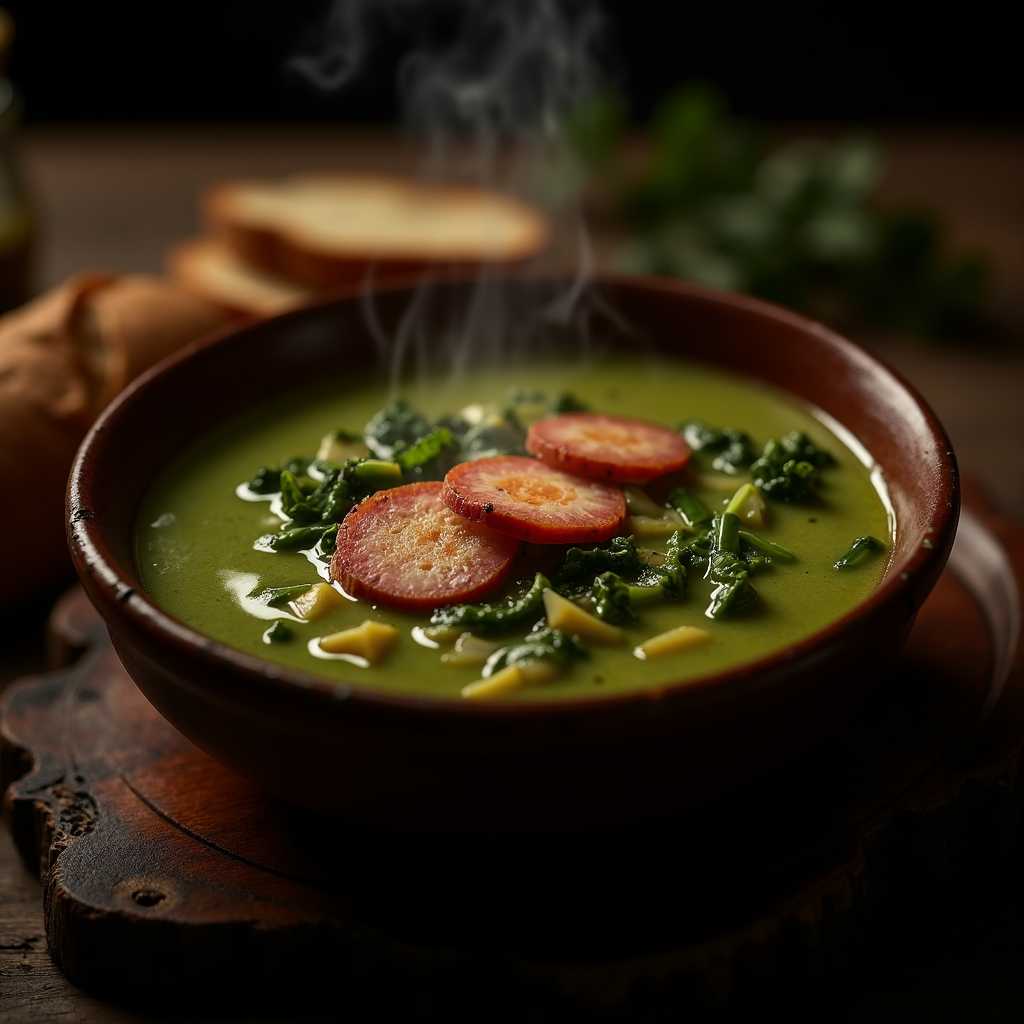
**Prompt:** "A steaming bowl of **Caldo Verde**, vibrant green with ribbons of tender kale swirling in a velvety potato broth, topped with golden slices of **chouriço** glistening under warm, diffused light. The rustic earthenware bowl sits on a weathered wooden table, surrounded by crusty bread and a drizzle of olive oil catching the light. A wisp of aromatic steam rises, hinting at garlic and paprika. Shot in a cozy, rustic style with soft shadows and rich textures, the close-up composition highlights the soup’s creamy consistency and the **chouriço**’s crisp edges, evoking the comfort of a Portuguese kitchen at dusk." (984 characters)
Analyse Détaillée du Prompt d'Image Flux IA
Analysez le prompt détaillé utilisé pour générer l'image avec Flux IA Image Generator.
Explorez les invites Flux IA
Comment générer une image par Flux.1 dev
Suivez ces quatre étapes simples pour créer l'image désirée.
Étape 1 : Entrez votre texte (N'hésitez pas à affiner votre prompt pour de meilleurs résultats)
Étape 2 : Choisissez le ratio d'aspect de l'image
Étape 3 : Sélectionnez votre modèle Flux :
Étape 4 : Cliquez sur le bouton Générer et attendez quelques secondes pour votre image
Outils Flux IA liés aux prompts sur Flux.1 dev
Découvrez des outils avancés de Flux IA pour booster votre flux de travail créatif.