Caldo Verde - Flux.1 dev
prompt
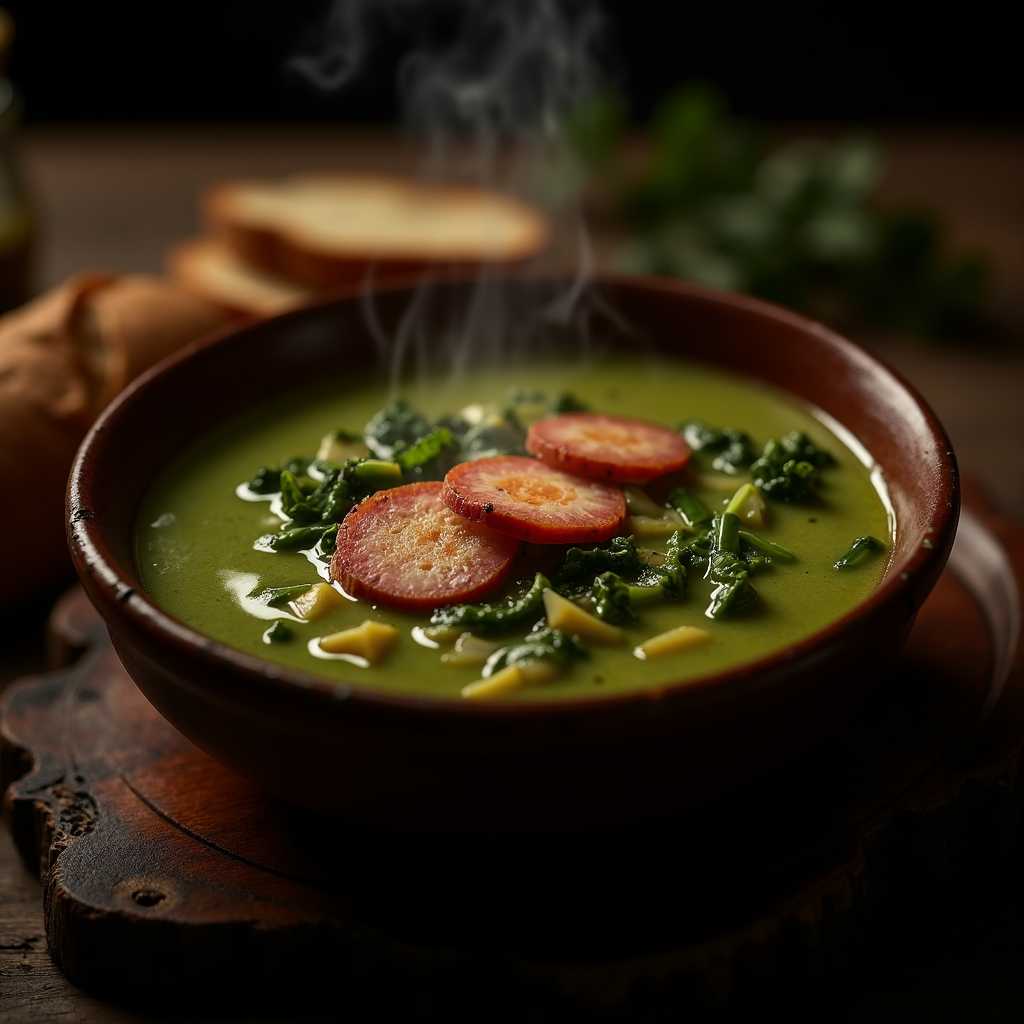
**Prompt:** "A steaming bowl of **Caldo Verde**, vibrant green with ribbons of tender kale swirling in a velvety potato broth, topped with golden slices of **chouriço** glistening under warm, diffused light. The rustic earthenware bowl sits on a weathered wooden table, surrounded by crusty bread and a drizzle of olive oil catching the light. A wisp of aromatic steam rises, hinting at garlic and paprika. Shot in a cozy, rustic style with soft shadows and rich textures, the close-up composition highlights the soup’s creamy consistency and the **chouriço**’s crisp edges, evoking the comfort of a Portuguese kitchen at dusk." (984 characters)
Analisi Dettagliata del Prompt Immagine Flux AI
Analizza il prompt dettagliato utilizzato per generare l'immagine con il Generatore Immagini Flux AI.
Esplora i Prompt Flux per il Generatore Immagini Flux AI
Come generare immagini con Flux.1 dev
Segui questi quattro semplici passaggi per creare l'immagine desiderata.
Passaggio 1: Inserisci il Tuo Testo (Sentiti libero di perfezionare il prompt per risultati migliori)
Passaggio 2: Scegli le Proporzioni dell'Immagine
Passaggio 3: Seleziona il Tuo Modello Flux:
Passaggio 4: Clicca il Pulsante Genera e Attendi Alcuni Secondi per la Tua Immagine
Strumenti Flux AI correlati per prompt su Flux.1 dev
Scopri strumenti avanzati di Flux AI per potenziare il tuo flusso di lavoro creativo.