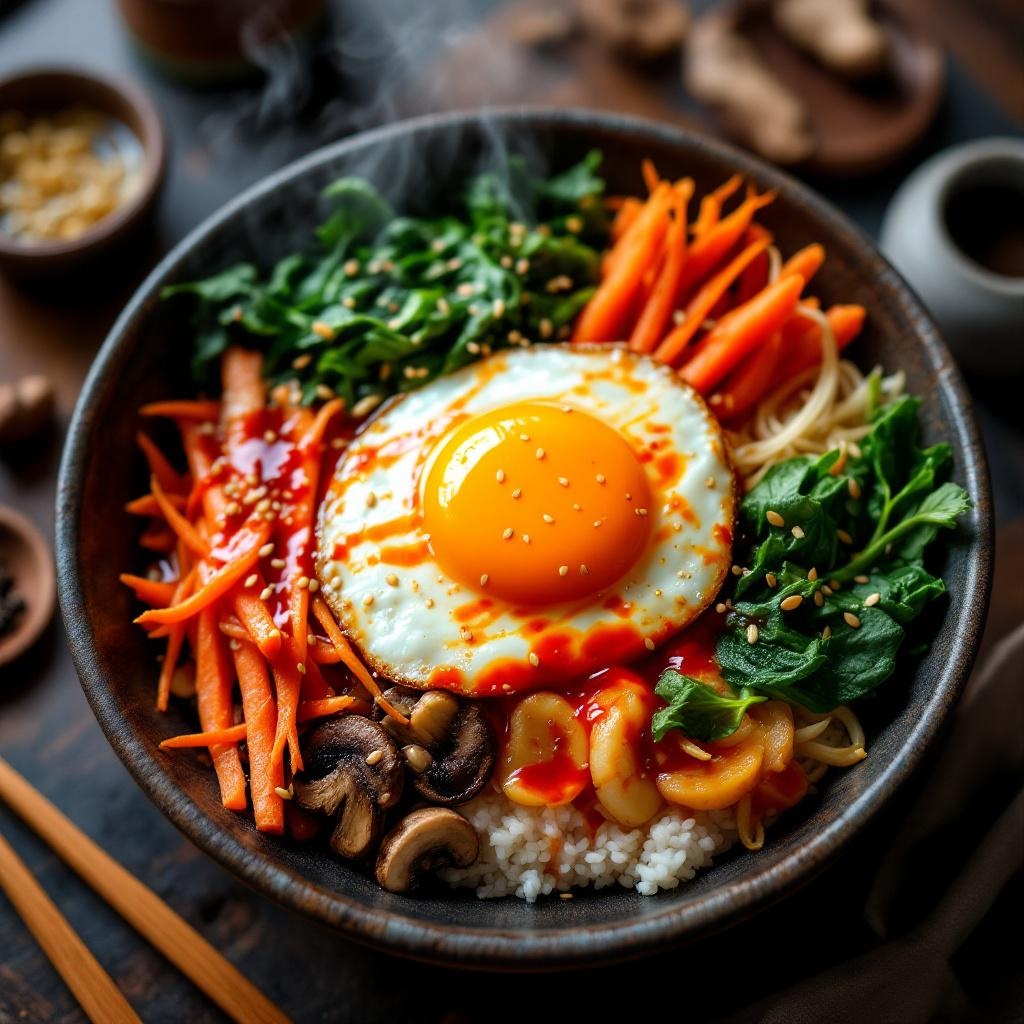
Bibimbap - Flux.1.1 pro
Invite
**Prompt:** "A vibrant bowl of Bibimbap, bursting with colors: bright orange carrots, emerald spinach, golden fried egg yolk, and ruby-red gochujang sauce, all atop a bed of steaming white rice. Crisp bean sprouts and earthy shiitake mushrooms add texture, while sesame seeds glisten under warm, diffused lighting. Shot in a cozy, rustic Korean eatery with wooden tables and traditional ceramics, the composition focuses on a close-up, slightly overhead angle, capturing the dish’s intricate layers. Steam rises gently, hinting at freshness, and the sauce drizzles seductively over the ingredients. Style: rich, high-detail food photography with a touch of cinematic warmth, emphasizing the dish’s inviting, hearty appeal.
Analyse Détaillée du Prompt d'Image Flux IA
Analysez le prompt détaillé utilisé pour générer l'image avec Flux IA Image Generator.
Explorez les invites Flux IA
Comment générer une image par Flux.1.1 pro
Suivez ces quatre étapes simples pour créer l'image désirée.
Étape 1 : Entrez votre texte (N'hésitez pas à affiner votre prompt pour de meilleurs résultats)
Étape 2 : Choisissez le ratio d'aspect de l'image
Étape 3 : Sélectionnez votre modèle Flux :
Étape 4 : Cliquez sur le bouton Générer et attendez quelques secondes pour votre image
Outils Flux IA liés aux prompts sur Flux.1.1 pro
Découvrez des outils avancés de Flux IA pour booster votre flux de travail créatif.