Bibimbap - Flux.1.1 pro
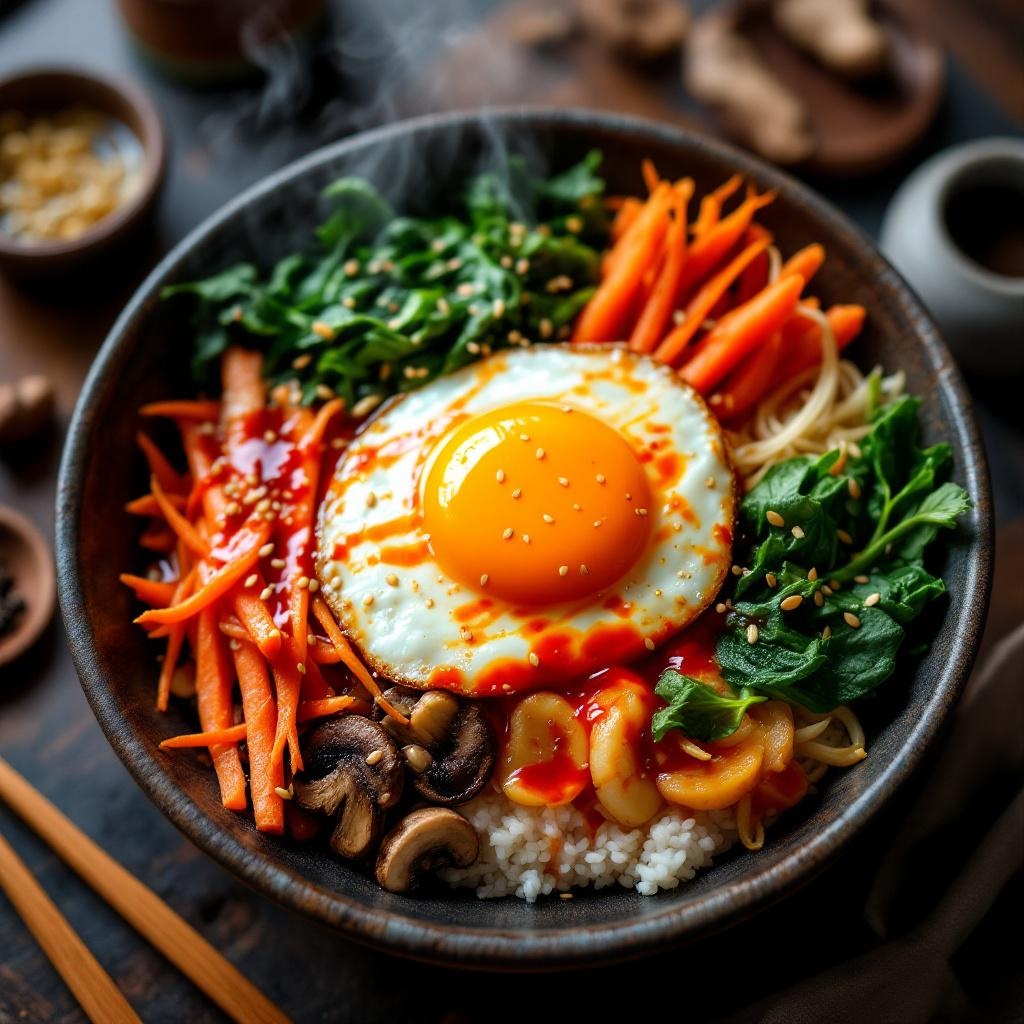
prompt
**Prompt:** "A vibrant bowl of Bibimbap, bursting with colors: bright orange carrots, emerald spinach, golden fried egg yolk, and ruby-red gochujang sauce, all atop a bed of steaming white rice. Crisp bean sprouts and earthy shiitake mushrooms add texture, while sesame seeds glisten under warm, diffused lighting. Shot in a cozy, rustic Korean eatery with wooden tables and traditional ceramics, the composition focuses on a close-up, slightly overhead angle, capturing the dish’s intricate layers. Steam rises gently, hinting at freshness, and the sauce drizzles seductively over the ingredients. Style: rich, high-detail food photography with a touch of cinematic warmth, emphasizing the dish’s inviting, hearty appeal.
Detailed Analysis of the Flux AI Image Prompt
Analyze the detailed prompt used to generate the image with Flux AI Image Generator.
Explore Flux Prompts for the Flux AI Image Generator
How to generate image by Flux.1.1 pro
Follow these four simple steps to create your desired image.
Step 1: Enter Your Text (Feel free to refine your prompt for better results)
Step 2: Choose Image Aspect Ratio
Step 3: Select Your Flux Model:
Step 4: Click the Generate Button and Wait a Few Seconds for Your Image
Related Flux AI tools for prompts about Flux.1.1 pro
Discover advanced tools from Flux AI to boost your creative workflow.