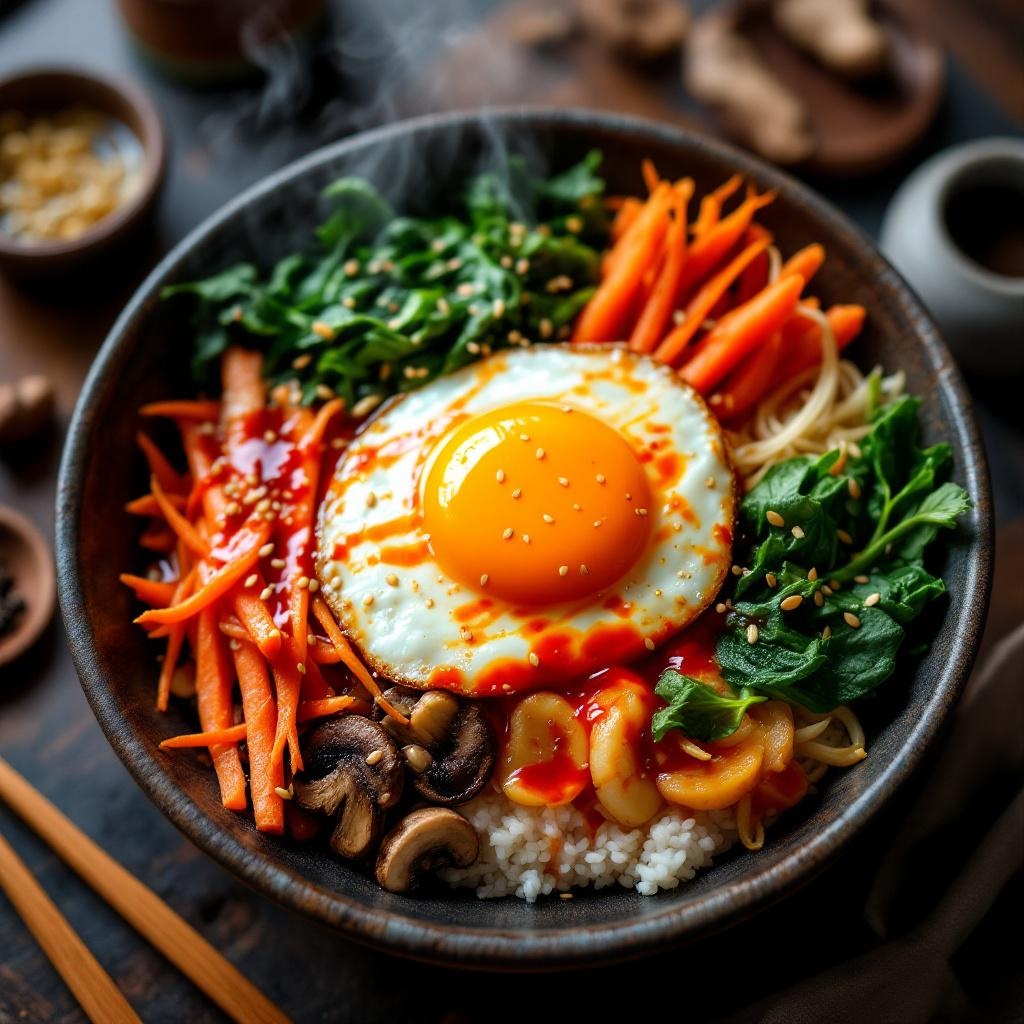
Bibimbap - Flux.1.1 pro
Prompt
**Prompt:** "A vibrant bowl of Bibimbap, bursting with colors: bright orange carrots, emerald spinach, golden fried egg yolk, and ruby-red gochujang sauce, all atop a bed of steaming white rice. Crisp bean sprouts and earthy shiitake mushrooms add texture, while sesame seeds glisten under warm, diffused lighting. Shot in a cozy, rustic Korean eatery with wooden tables and traditional ceramics, the composition focuses on a close-up, slightly overhead angle, capturing the dish’s intricate layers. Steam rises gently, hinting at freshness, and the sauce drizzles seductively over the ingredients. Style: rich, high-detail food photography with a touch of cinematic warmth, emphasizing the dish’s inviting, hearty appeal.
Análise Detalhada do Prompt de Imagem Flux IA
Analise o prompt detalhado usado para gerar a imagem com o Flux IA Image Generator.
Explore Prompts Flux para o Gerador de Imagens
Como gerar uma imagem por Flux.1.1 pro
Siga estes quatro passos simples para criar a imagem desejada.
Passo 1: Insira seu texto (Sinta-se à vontade para refinar seu prompt para melhores resultados)
Passo 2: Escolha a proporção da imagem
Passo 3: Selecione seu modelo Flux:
Passo 4: Clique no botão Gerar e aguarde alguns segundos para sua imagem
Ferramentas Flux IA relacionadas a prompts sobre Flux.1.1 pro
Descubra ferramentas avançadas da Flux IA para melhorar seu fluxo de trabalho criativo.