Bibimbap - Flux.1.1 pro
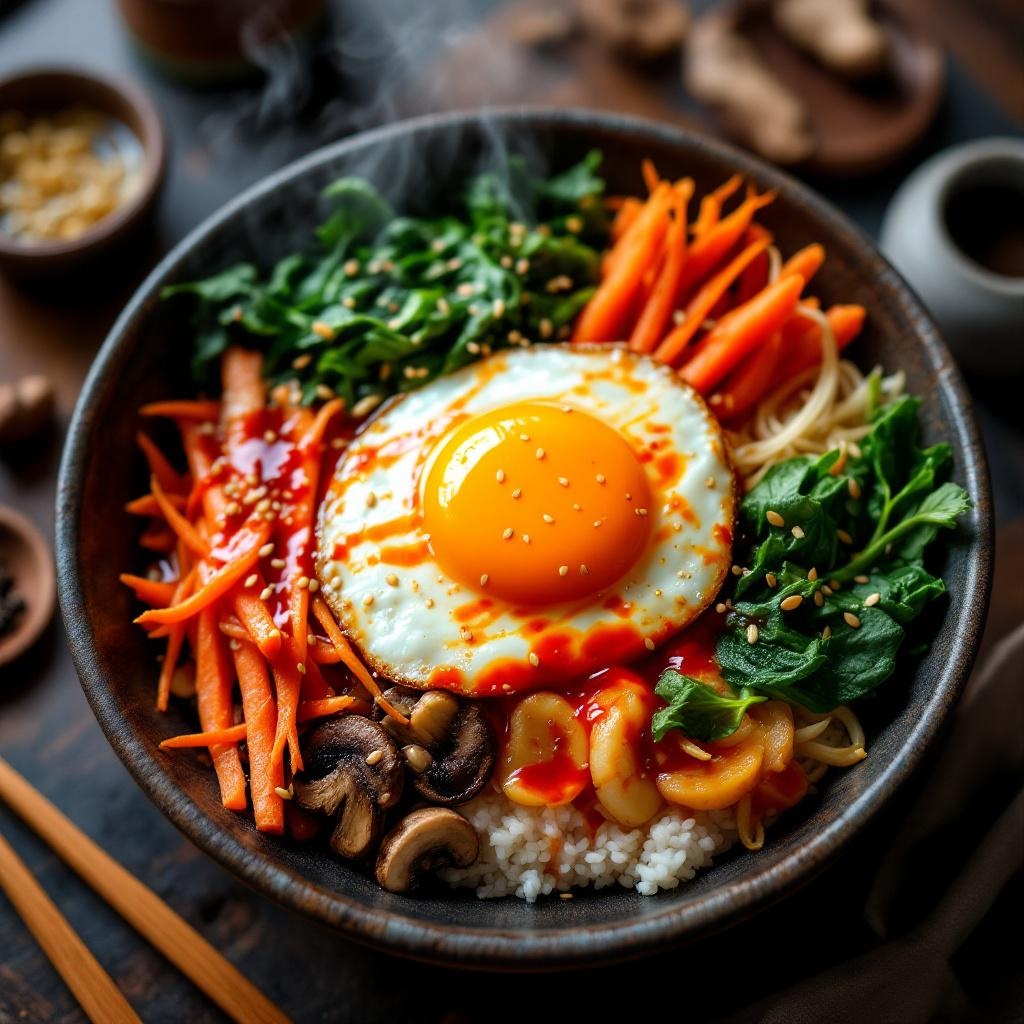
prompt
**Prompt:** "A vibrant bowl of Bibimbap, bursting with colors: bright orange carrots, emerald spinach, golden fried egg yolk, and ruby-red gochujang sauce, all atop a bed of steaming white rice. Crisp bean sprouts and earthy shiitake mushrooms add texture, while sesame seeds glisten under warm, diffused lighting. Shot in a cozy, rustic Korean eatery with wooden tables and traditional ceramics, the composition focuses on a close-up, slightly overhead angle, capturing the dish’s intricate layers. Steam rises gently, hinting at freshness, and the sauce drizzles seductively over the ingredients. Style: rich, high-detail food photography with a touch of cinematic warmth, emphasizing the dish’s inviting, hearty appeal.
Analisis Terperinci Prompt Gambar Flux AI
Analisis prompt terperinci yang digunakan untuk menghasilkan gambar dengan Generator Gambar Flux AI.
Jelajahi Prompt Flux untuk Generator Gambar AI Flux
Cara menghasilkan gambar dengan Flux.1.1 pro
Ikuti empat langkah sederhana ini untuk membuat gambar yang Anda inginkan.
Langkah 1: Masukkan Teks Anda (Silakan sempurnakan prompt untuk hasil yang lebih baik)
Langkah 2: Pilih Rasio Aspek Gambar
Langkah 3: Pilih Model Flux Anda:
Langkah 4: Klik Tombol Buat dan Tunggu Beberapa Detik untuk Gambar Anda
Alat Flux AI terkait untuk prompt tentang Flux.1.1 pro
Temukan alat-alat canggih dari Flux AI untuk meningkatkan alur kerja kreatif Anda.