Ratatouille - Flux.1 dev
Invite
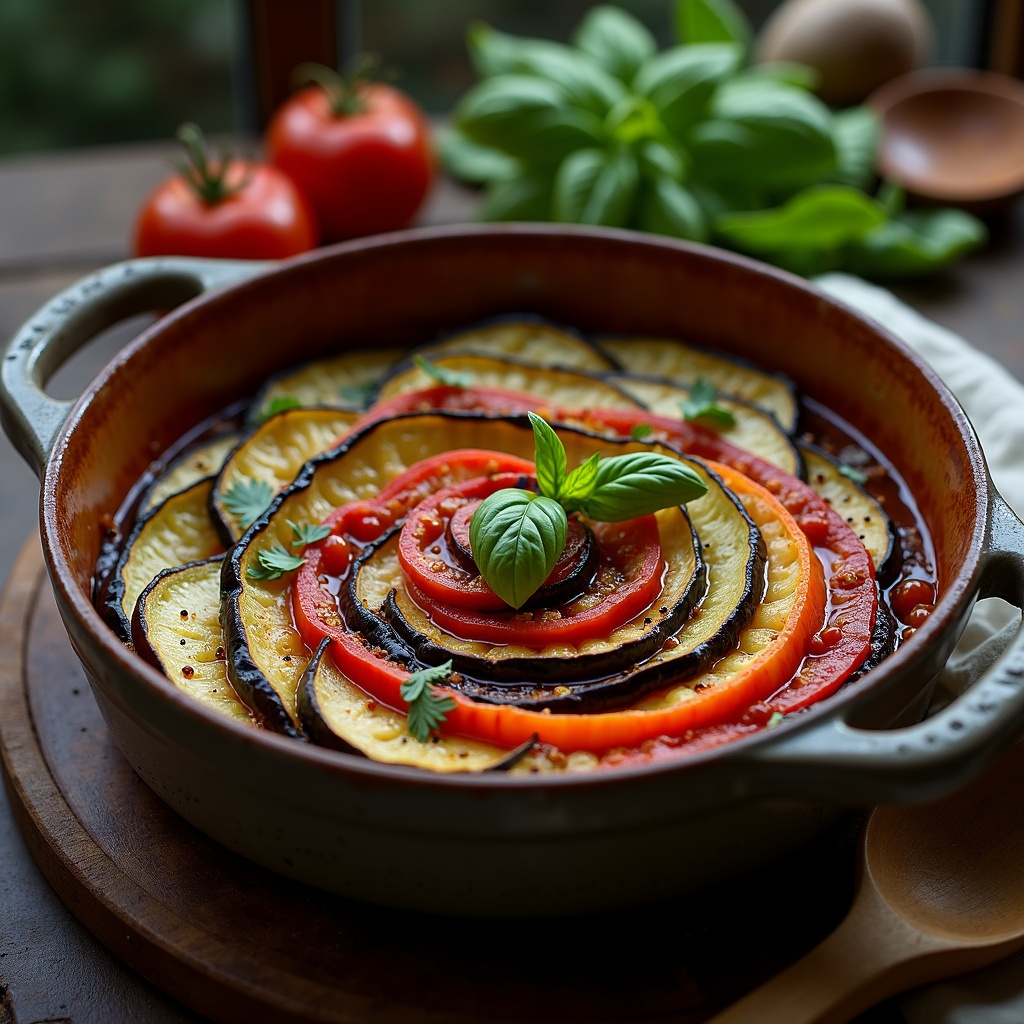
**Prompt:** "A vibrant, rustic Ratatouille arranged in a perfect spiral within a weathered ceramic dish, showcasing layers of thinly sliced zucchini, eggplant, and tomatoes in rich hues of deep purple, emerald green, and ruby red. The vegetables glisten with a glossy olive oil sheen, steam rising gently from the warm, herb-infused stew beneath. Fresh basil leaves scatter across the top, adding a pop of bright green. Soft, diffused natural light streams through a sunlit Provençal kitchen window, casting delicate shadows and highlighting the dish's textures—silky eggplant, tender peppers, and caramelized edges. Shot in a warm, inviting food photography style with a shallow depth of field, focusing on the intricate layers while a wooden spoon rests casually beside the dish, hinting at a home-cooked meal.
Analyse Détaillée du Prompt d'Image Flux IA
Analysez le prompt détaillé utilisé pour générer l'image avec Flux IA Image Generator.
Explorez les invites Flux IA
Comment générer une image par Flux.1 dev
Suivez ces quatre étapes simples pour créer l'image désirée.
Étape 1 : Entrez votre texte (N'hésitez pas à affiner votre prompt pour de meilleurs résultats)
Étape 2 : Choisissez le ratio d'aspect de l'image
Étape 3 : Sélectionnez votre modèle Flux :
Étape 4 : Cliquez sur le bouton Générer et attendez quelques secondes pour votre image
Outils Flux IA liés aux prompts sur Flux.1 dev
Découvrez des outils avancés de Flux IA pour booster votre flux de travail créatif.