Ratatouille - Flux.1 dev
プロンプト
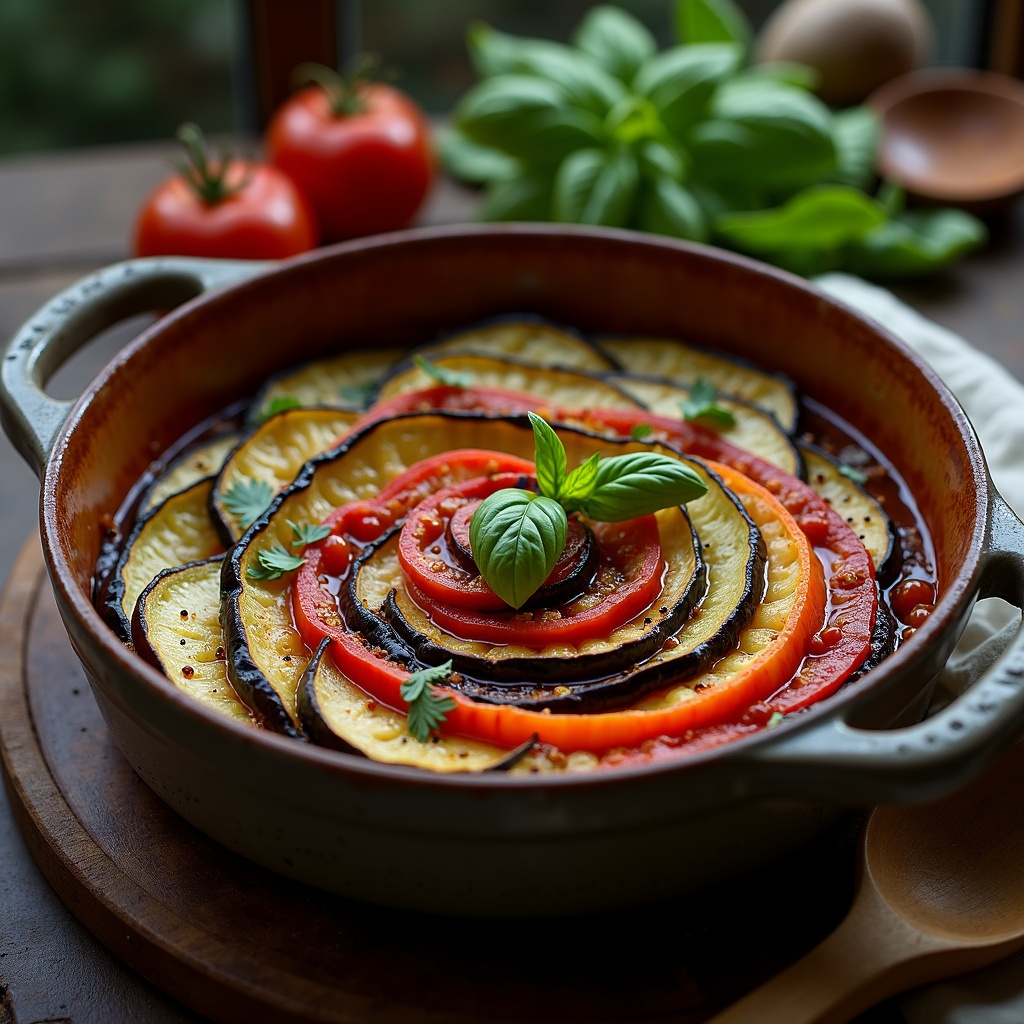
**Prompt:** "A vibrant, rustic Ratatouille arranged in a perfect spiral within a weathered ceramic dish, showcasing layers of thinly sliced zucchini, eggplant, and tomatoes in rich hues of deep purple, emerald green, and ruby red. The vegetables glisten with a glossy olive oil sheen, steam rising gently from the warm, herb-infused stew beneath. Fresh basil leaves scatter across the top, adding a pop of bright green. Soft, diffused natural light streams through a sunlit Provençal kitchen window, casting delicate shadows and highlighting the dish's textures—silky eggplant, tender peppers, and caramelized edges. Shot in a warm, inviting food photography style with a shallow depth of field, focusing on the intricate layers while a wooden spoon rests casually beside the dish, hinting at a home-cooked meal.
Flux AI Image Promptの詳細分析
Flux AI Image Generatorを使用して画像を生成するために使用された詳細なプロンプトを分析します。
Flux AI画像生成のプロンプトを探索
で画像を生成する方法 Flux.1 dev
以下の4つの簡単なステップに従って、希望する画像を作成してください。
ステップ 1: テキストを入力 (より良い結果のためにプロンプトを調整してください)
ステップ 2: 画像のアスペクト比を選択
ステップ 3: Fluxモデルを選択:
ステップ 4: 生成ボタンをクリックして数秒待ち、画像を取得
プロンプトに関連するFlux AIツール Flux.1 dev
Flux AIの高度なツールを発見して、クリエイティブな作業フローを強化しましょう。