Ratatouille - Flux.1 dev
prompt
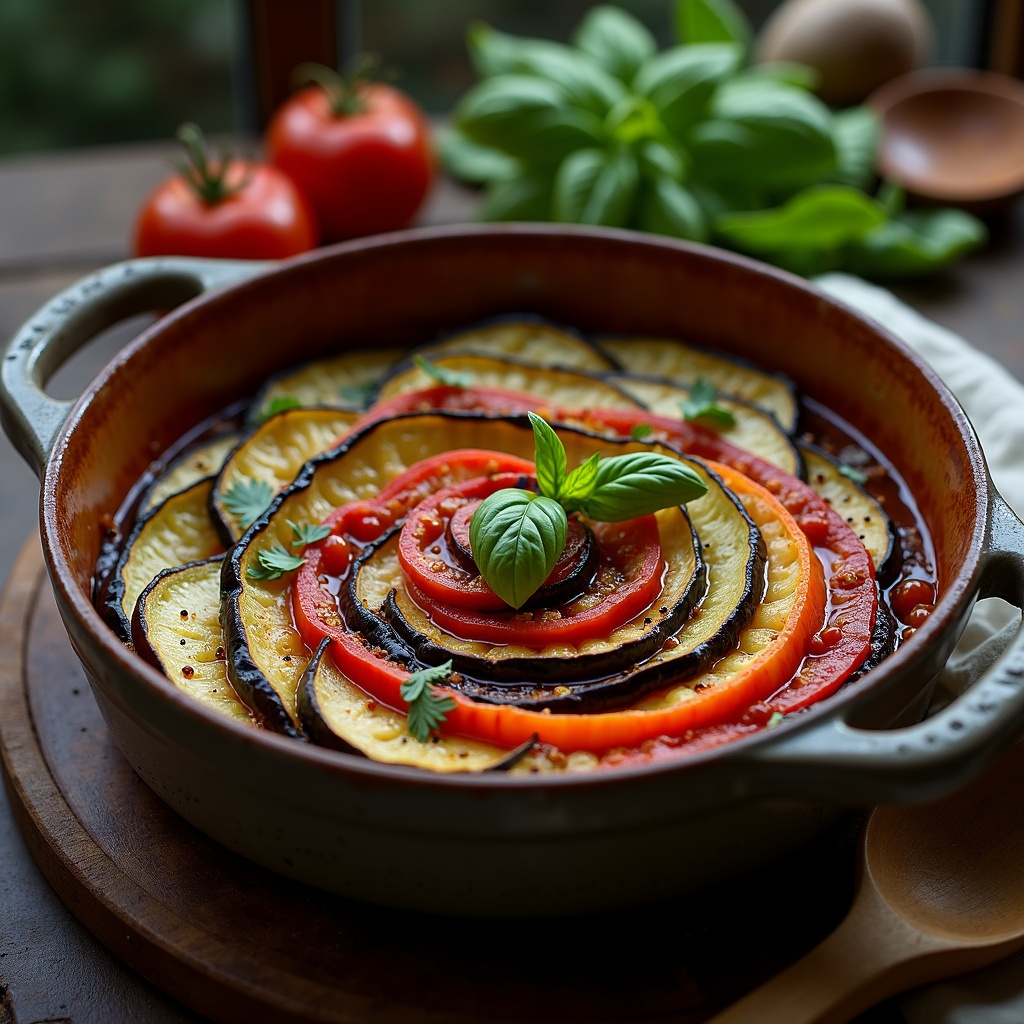
**Prompt:** "A vibrant, rustic Ratatouille arranged in a perfect spiral within a weathered ceramic dish, showcasing layers of thinly sliced zucchini, eggplant, and tomatoes in rich hues of deep purple, emerald green, and ruby red. The vegetables glisten with a glossy olive oil sheen, steam rising gently from the warm, herb-infused stew beneath. Fresh basil leaves scatter across the top, adding a pop of bright green. Soft, diffused natural light streams through a sunlit Provençal kitchen window, casting delicate shadows and highlighting the dish's textures—silky eggplant, tender peppers, and caramelized edges. Shot in a warm, inviting food photography style with a shallow depth of field, focusing on the intricate layers while a wooden spoon rests casually beside the dish, hinting at a home-cooked meal.
Analisi Dettagliata del Prompt Immagine Flux AI
Analizza il prompt dettagliato utilizzato per generare l'immagine con il Generatore Immagini Flux AI.
Esplora i Prompt Flux per il Generatore Immagini Flux AI
Come generare immagini con Flux.1 dev
Segui questi quattro semplici passaggi per creare l'immagine desiderata.
Passaggio 1: Inserisci il Tuo Testo (Sentiti libero di perfezionare il prompt per risultati migliori)
Passaggio 2: Scegli le Proporzioni dell'Immagine
Passaggio 3: Seleziona il Tuo Modello Flux:
Passaggio 4: Clicca il Pulsante Genera e Attendi Alcuni Secondi per la Tua Immagine
Strumenti Flux AI correlati per prompt su Flux.1 dev
Scopri strumenti avanzati di Flux AI per potenziare il tuo flusso di lavoro creativo.