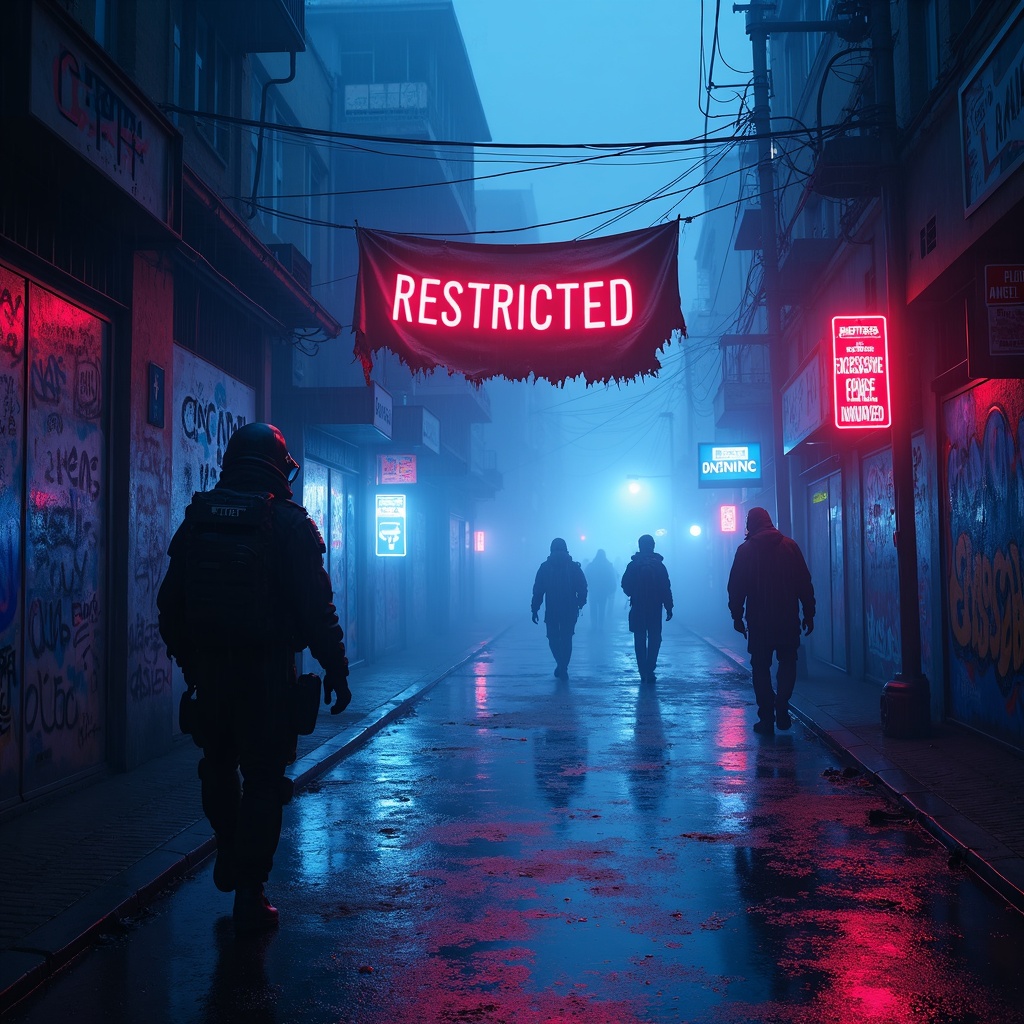
Glowing AR tags mark police brutality evidence zones - Flux.1 dev
Invite
**Prompt:** In a rain-soaked cyberpunk alleyway, neon reflections ripple across wet pavement as glowing augmented reality tags pulse ominously, marking evidence zones of police brutality with holographic caution symbols and fragmented crime scene data. The air hums with the low buzz of drones scanning the area, their red lenses casting eerie streaks of light through the mist. Graffiti-covered walls flicker with glitching surveillance feeds, overlayed with translucent AR text reading "RESTRICTED—EXCESSIVE FORCE DOCUMENTED." A tattered protest banner, half-burnt and smeared with soot, flutters weakly in the wind, its frayed edges catching the glow of nearby bioluminescent ads. Shadowy figures in high-tech gas masks and armored gear move cautiously, their silhouettes distorted by the shifting holograms. The dominant palette is electric blues and toxic purples, punctuated by the stark reds of warning glyphs, while the pervasive fog diffuses the light into a surreal, oppressive haze, amplifying the sense of dystopian tension.
Analyse Détaillée du Prompt d'Image Flux IA
Analysez le prompt détaillé utilisé pour générer l'image avec Flux IA Image Generator.
Explorez les invites Flux IA
Comment générer une image par Flux.1 dev
Suivez ces quatre étapes simples pour créer l'image désirée.
Étape 1 : Entrez votre texte (N'hésitez pas à affiner votre prompt pour de meilleurs résultats)
Étape 2 : Choisissez le ratio d'aspect de l'image
Étape 3 : Sélectionnez votre modèle Flux :
Étape 4 : Cliquez sur le bouton Générer et attendez quelques secondes pour votre image
Outils Flux IA liés aux prompts sur Flux.1 dev
Découvrez des outils avancés de Flux IA pour booster votre flux de travail créatif.