Glowing AR tags mark police brutality evidence zones - Flux.1 dev
프롬프트
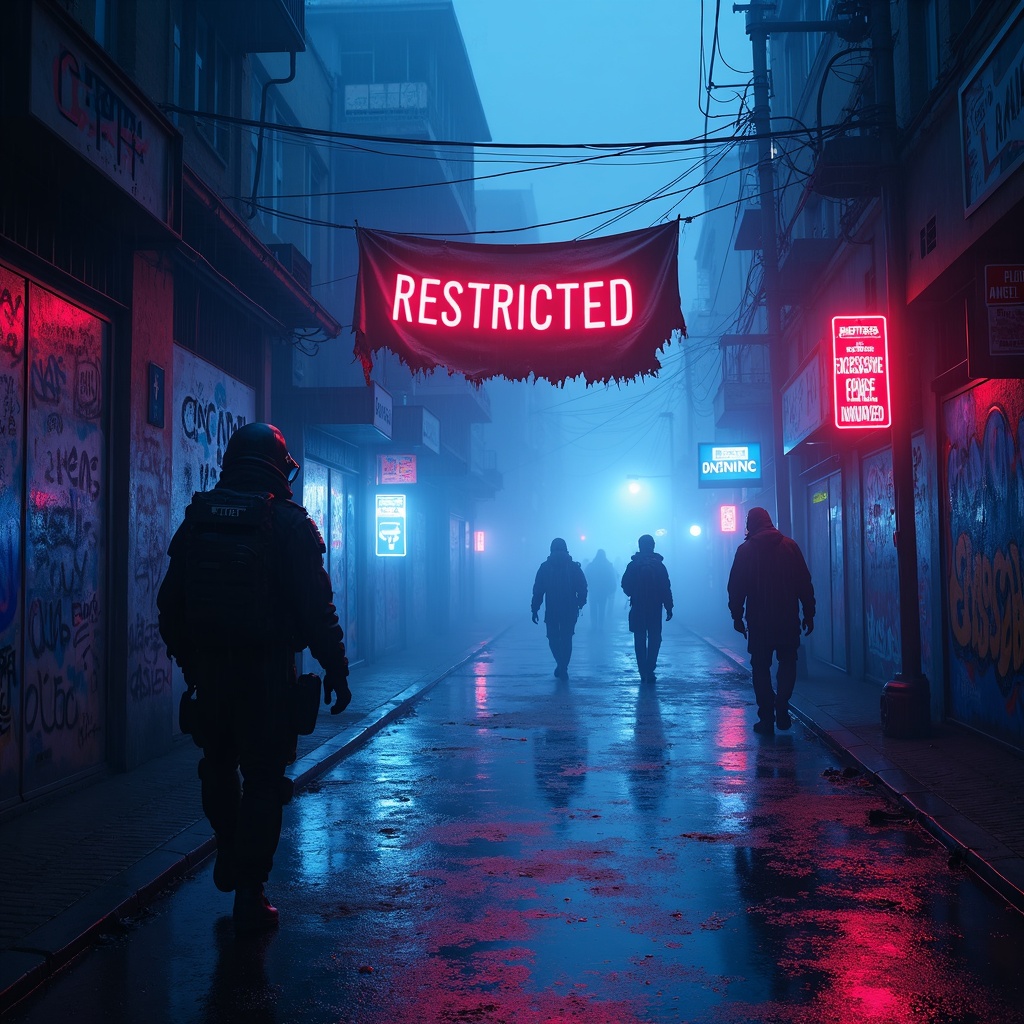
**Prompt:** In a rain-soaked cyberpunk alleyway, neon reflections ripple across wet pavement as glowing augmented reality tags pulse ominously, marking evidence zones of police brutality with holographic caution symbols and fragmented crime scene data. The air hums with the low buzz of drones scanning the area, their red lenses casting eerie streaks of light through the mist. Graffiti-covered walls flicker with glitching surveillance feeds, overlayed with translucent AR text reading "RESTRICTED—EXCESSIVE FORCE DOCUMENTED." A tattered protest banner, half-burnt and smeared with soot, flutters weakly in the wind, its frayed edges catching the glow of nearby bioluminescent ads. Shadowy figures in high-tech gas masks and armored gear move cautiously, their silhouettes distorted by the shifting holograms. The dominant palette is electric blues and toxic purples, punctuated by the stark reds of warning glyphs, while the pervasive fog diffuses the light into a surreal, oppressive haze, amplifying the sense of dystopian tension.
Flux AI 이미지 프롬프트에 대한 상세 분석
Flux AI Image Generator를 사용하여 이미지를 생성하는 데 사용된 상세한 프롬프트를 분석합니다.
Flux AI 이미지 생성기 프롬프트 탐색
을 통해 이미지를 생성하는 방법 Flux.1 dev
원하는 이미지를 만들기 위해 다음 네 가지 간단한 단계를 따르세요.
단계 1: 텍스트 입력 (더 나은 결과를 위해 프롬프트를 자유롭게 수정하세요)
단계 2: 이미지 종횡비 선택
단계 3: Flux 모델 선택:
단계 4: 생성 버튼을 클릭하고 몇 초간 기다려 이미지를 받으세요
프롬프트와 관련된 Flux AI 도구 Flux.1 dev
Flux AI의 고급 도구를 발견하여 창의적인 작업 흐름을 향상시키세요.