Transformative Butterfly Blossom - Flux.1 dev
prompt
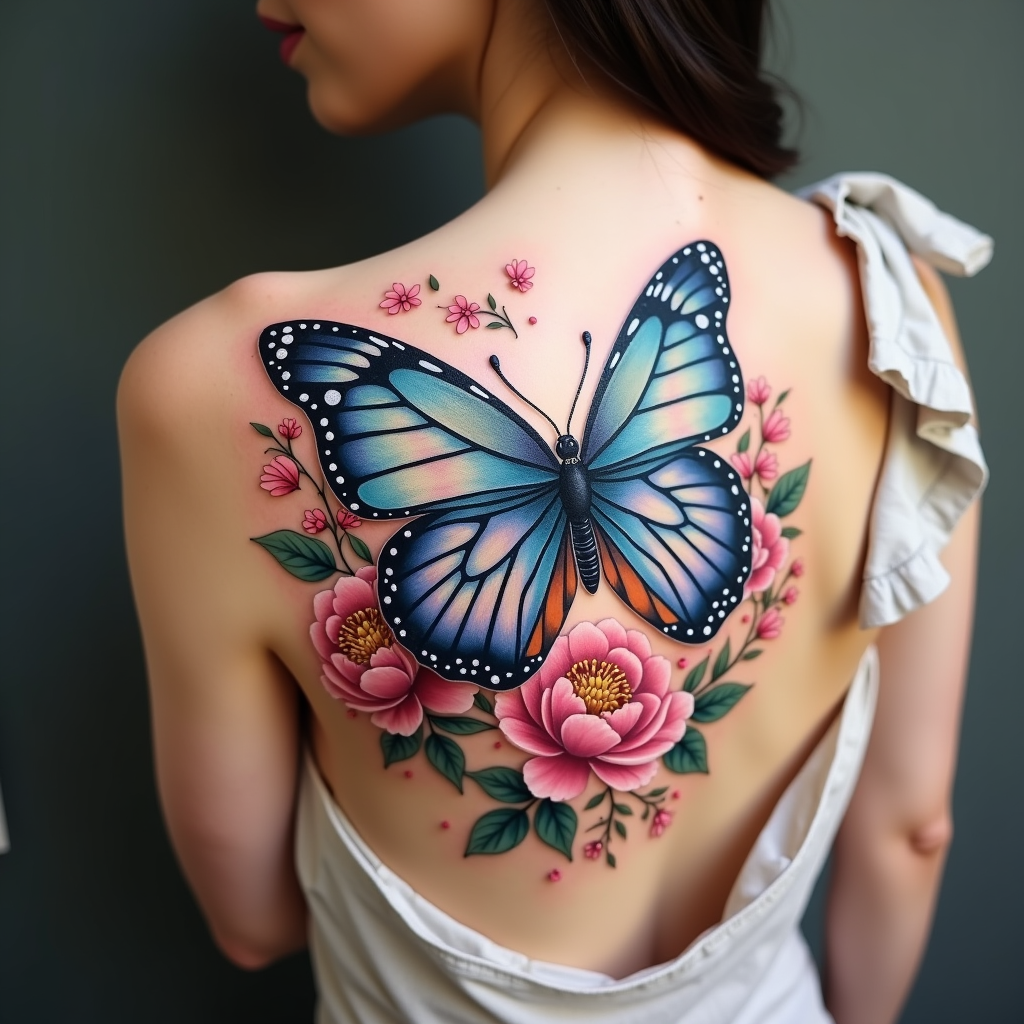
Create a tattoo design for the side of the upper back featuring a realistic butterfly as the central element, its wings spread wide to showcase intricate details like delicate veins and shimmering textures. Surround the butterfly with lush floral elements, including peonies and cherry blossoms, rendered in a hyper-realistic style to enhance the natural beauty. The design should flow elegantly along the contours of the body, with the butterfly positioned slightly off-center to create a dynamic visual. The size should be medium to large, allowing for detailed work without overwhelming the space. Use a vibrant color palette with shades of blue, purple, and soft pinks, contrasted by deep greens in the foliage. Incorporate fine line work and stippling for added depth. The overall mood should evoke a sense of freedom and transformation, symbolizing beauty and resilience, drawing inspiration from nature’s harmony.
Analisis Terperinci Prompt Gambar Flux AI
Analisis prompt terperinci yang digunakan untuk menghasilkan gambar dengan Generator Gambar Flux AI.
Jelajahi Prompt Flux untuk Generator Gambar AI Flux
Cara menghasilkan gambar dengan Flux.1 dev
Ikuti empat langkah sederhana ini untuk membuat gambar yang Anda inginkan.
Langkah 1: Masukkan Teks Anda (Silakan sempurnakan prompt untuk hasil yang lebih baik)
Langkah 2: Pilih Rasio Aspek Gambar
Langkah 3: Pilih Model Flux Anda:
Langkah 4: Klik Tombol Buat dan Tunggu Beberapa Detik untuk Gambar Anda
Alat Flux AI terkait untuk prompt tentang Flux.1 dev
Temukan alat-alat canggih dari Flux AI untuk meningkatkan alur kerja kreatif Anda.