Sydney Harbour Bridge - Flux.1 schnell
prompt
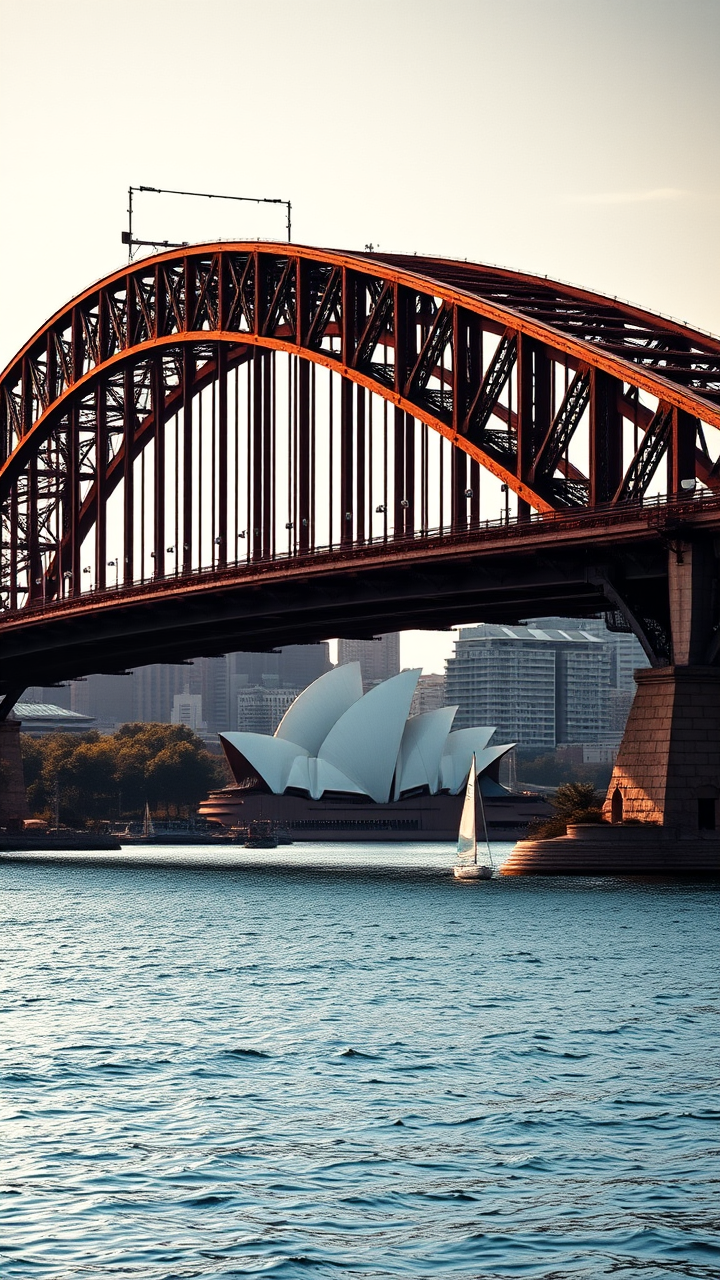
Create a stunning image of the Sydney Harbour Bridge, showcasing its iconic steel arch design and Art Deco elements. Highlight the bridge's massive, sweeping curves and intricate detailing, emphasizing the rust-red color of its steel structure against the azure blue of the harbor. Capture the texture of the weathered metal and the smooth surface of the water below, reflecting the bridge's silhouette. Surround the scene with the vibrant cityscape of Sydney, featuring the Sydney Opera House in the background, framed by lush greenery and the sparkling harbor. Set the scene during the golden hour, with warm, soft light casting long shadows and illuminating the bridge in a warm glow. Include a few sailboats drifting in the harbor to add life to the scene. Use a high-contrast photographic style to accentuate the bridge's grandeur and the dynamic interplay of light and shadow, evoking a sense of awe and admiration for this engineering marvel.
Analisis Terperinci Prompt Gambar Flux AI
Analisis prompt terperinci yang digunakan untuk menghasilkan gambar dengan Generator Gambar Flux AI.
Jelajahi Prompt Flux untuk Generator Gambar AI Flux
Cara menghasilkan gambar dengan Flux.1 schnell
Ikuti empat langkah sederhana ini untuk membuat gambar yang Anda inginkan.
Langkah 1: Masukkan Teks Anda (Silakan sempurnakan prompt untuk hasil yang lebih baik)
Langkah 2: Pilih Rasio Aspek Gambar
Langkah 3: Pilih Model Flux Anda:
Langkah 4: Klik Tombol Buat dan Tunggu Beberapa Detik untuk Gambar Anda
Alat Flux AI terkait untuk prompt tentang Flux.1 schnell
Temukan alat-alat canggih dari Flux AI untuk meningkatkan alur kerja kreatif Anda.