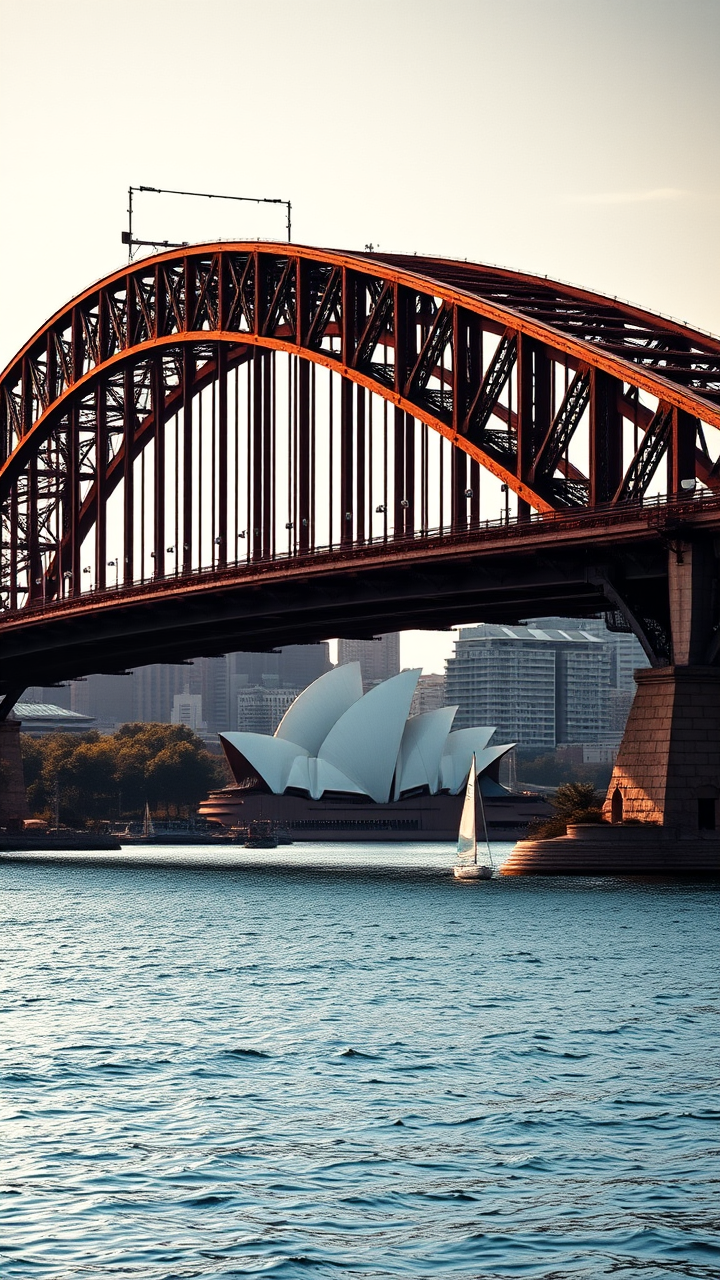
Sydney Harbour Bridge - Flux.1 schnell
프롬프트
Create a stunning image of the Sydney Harbour Bridge, showcasing its iconic steel arch design and Art Deco elements. Highlight the bridge's massive, sweeping curves and intricate detailing, emphasizing the rust-red color of its steel structure against the azure blue of the harbor. Capture the texture of the weathered metal and the smooth surface of the water below, reflecting the bridge's silhouette. Surround the scene with the vibrant cityscape of Sydney, featuring the Sydney Opera House in the background, framed by lush greenery and the sparkling harbor. Set the scene during the golden hour, with warm, soft light casting long shadows and illuminating the bridge in a warm glow. Include a few sailboats drifting in the harbor to add life to the scene. Use a high-contrast photographic style to accentuate the bridge's grandeur and the dynamic interplay of light and shadow, evoking a sense of awe and admiration for this engineering marvel.
Flux AI 이미지 프롬프트에 대한 상세 분석
Flux AI Image Generator를 사용하여 이미지를 생성하는 데 사용된 상세한 프롬프트를 분석합니다.
Flux AI 이미지 생성기 프롬프트 탐색
을 통해 이미지를 생성하는 방법 Flux.1 schnell
원하는 이미지를 만들기 위해 다음 네 가지 간단한 단계를 따르세요.
단계 1: 텍스트 입력 (더 나은 결과를 위해 프롬프트를 자유롭게 수정하세요)
단계 2: 이미지 종횡비 선택
단계 3: Flux 모델 선택:
단계 4: 생성 버튼을 클릭하고 몇 초간 기다려 이미지를 받으세요
프롬프트와 관련된 Flux AI 도구 Flux.1 schnell
Flux AI의 고급 도구를 발견하여 창의적인 작업 흐름을 향상시키세요.