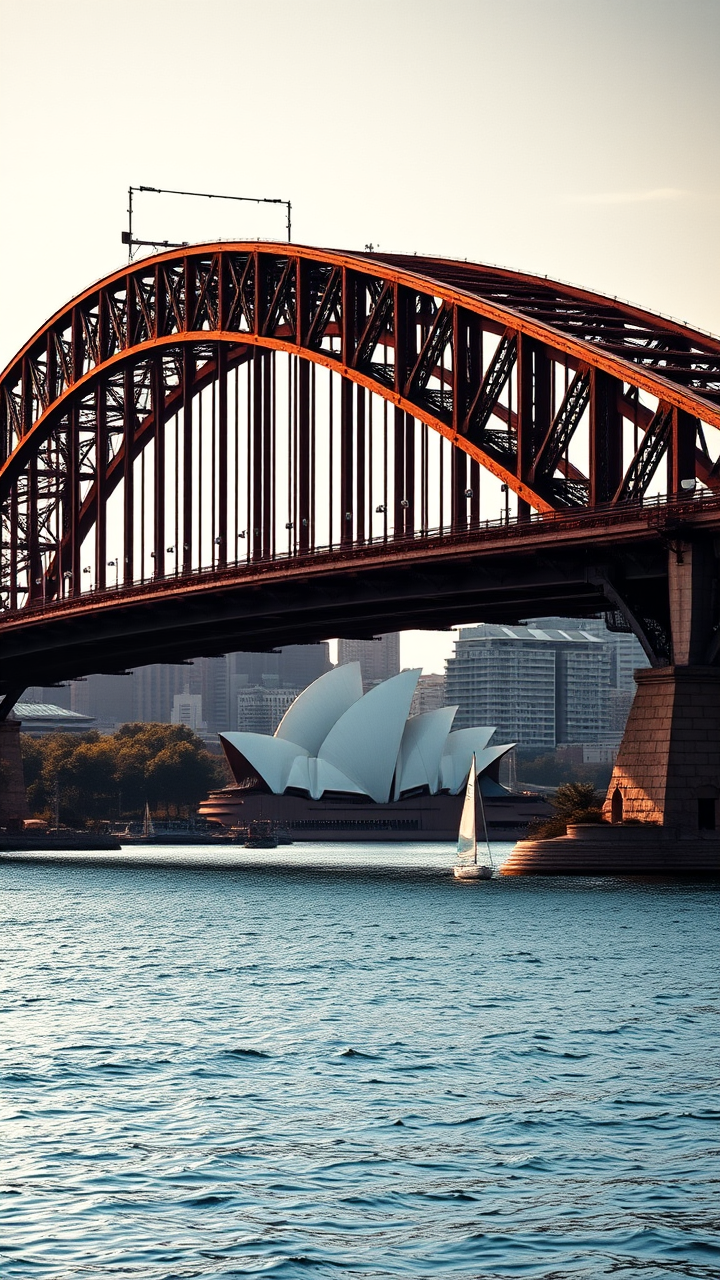
Sydney Harbour Bridge - Flux.1 schnell
Prompt
Create a stunning image of the Sydney Harbour Bridge, showcasing its iconic steel arch design and Art Deco elements. Highlight the bridge's massive, sweeping curves and intricate detailing, emphasizing the rust-red color of its steel structure against the azure blue of the harbor. Capture the texture of the weathered metal and the smooth surface of the water below, reflecting the bridge's silhouette. Surround the scene with the vibrant cityscape of Sydney, featuring the Sydney Opera House in the background, framed by lush greenery and the sparkling harbor. Set the scene during the golden hour, with warm, soft light casting long shadows and illuminating the bridge in a warm glow. Include a few sailboats drifting in the harbor to add life to the scene. Use a high-contrast photographic style to accentuate the bridge's grandeur and the dynamic interplay of light and shadow, evoking a sense of awe and admiration for this engineering marvel.
Análise Detalhada do Prompt de Imagem Flux IA
Analise o prompt detalhado usado para gerar a imagem com o Flux IA Image Generator.
Explore Prompts Flux para o Gerador de Imagens
Como gerar uma imagem por Flux.1 schnell
Siga estes quatro passos simples para criar a imagem desejada.
Passo 1: Insira seu texto (Sinta-se à vontade para refinar seu prompt para melhores resultados)
Passo 2: Escolha a proporção da imagem
Passo 3: Selecione seu modelo Flux:
Passo 4: Clique no botão Gerar e aguarde alguns segundos para sua imagem
Ferramentas Flux IA relacionadas a prompts sobre Flux.1 schnell
Descubra ferramentas avançadas da Flux IA para melhorar seu fluxo de trabalho criativo.