Sydney Harbour Bridge - Flux.1 schnell
prompt
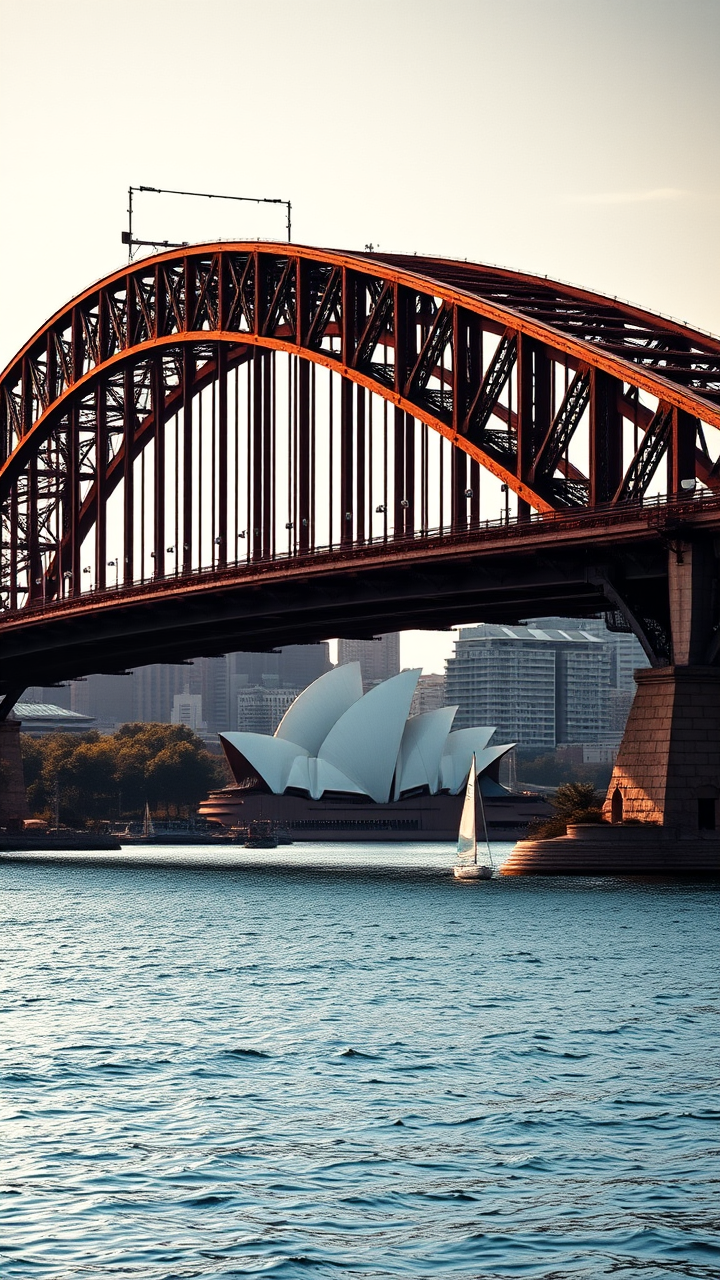
Create a stunning image of the Sydney Harbour Bridge, showcasing its iconic steel arch design and Art Deco elements. Highlight the bridge's massive, sweeping curves and intricate detailing, emphasizing the rust-red color of its steel structure against the azure blue of the harbor. Capture the texture of the weathered metal and the smooth surface of the water below, reflecting the bridge's silhouette. Surround the scene with the vibrant cityscape of Sydney, featuring the Sydney Opera House in the background, framed by lush greenery and the sparkling harbor. Set the scene during the golden hour, with warm, soft light casting long shadows and illuminating the bridge in a warm glow. Include a few sailboats drifting in the harbor to add life to the scene. Use a high-contrast photographic style to accentuate the bridge's grandeur and the dynamic interplay of light and shadow, evoking a sense of awe and admiration for this engineering marvel.
Analisi Dettagliata del Prompt Immagine Flux AI
Analizza il prompt dettagliato utilizzato per generare l'immagine con il Generatore Immagini Flux AI.
Esplora i Prompt Flux per il Generatore Immagini Flux AI
Come generare immagini con Flux.1 schnell
Segui questi quattro semplici passaggi per creare l'immagine desiderata.
Passaggio 1: Inserisci il Tuo Testo (Sentiti libero di perfezionare il prompt per risultati migliori)
Passaggio 2: Scegli le Proporzioni dell'Immagine
Passaggio 3: Seleziona il Tuo Modello Flux:
Passaggio 4: Clicca il Pulsante Genera e Attendi Alcuni Secondi per la Tua Immagine
Strumenti Flux AI correlati per prompt su Flux.1 schnell
Scopri strumenti avanzati di Flux AI per potenziare il tuo flusso di lavoro creativo.