Hikaru Shindo - Flux.1 dev
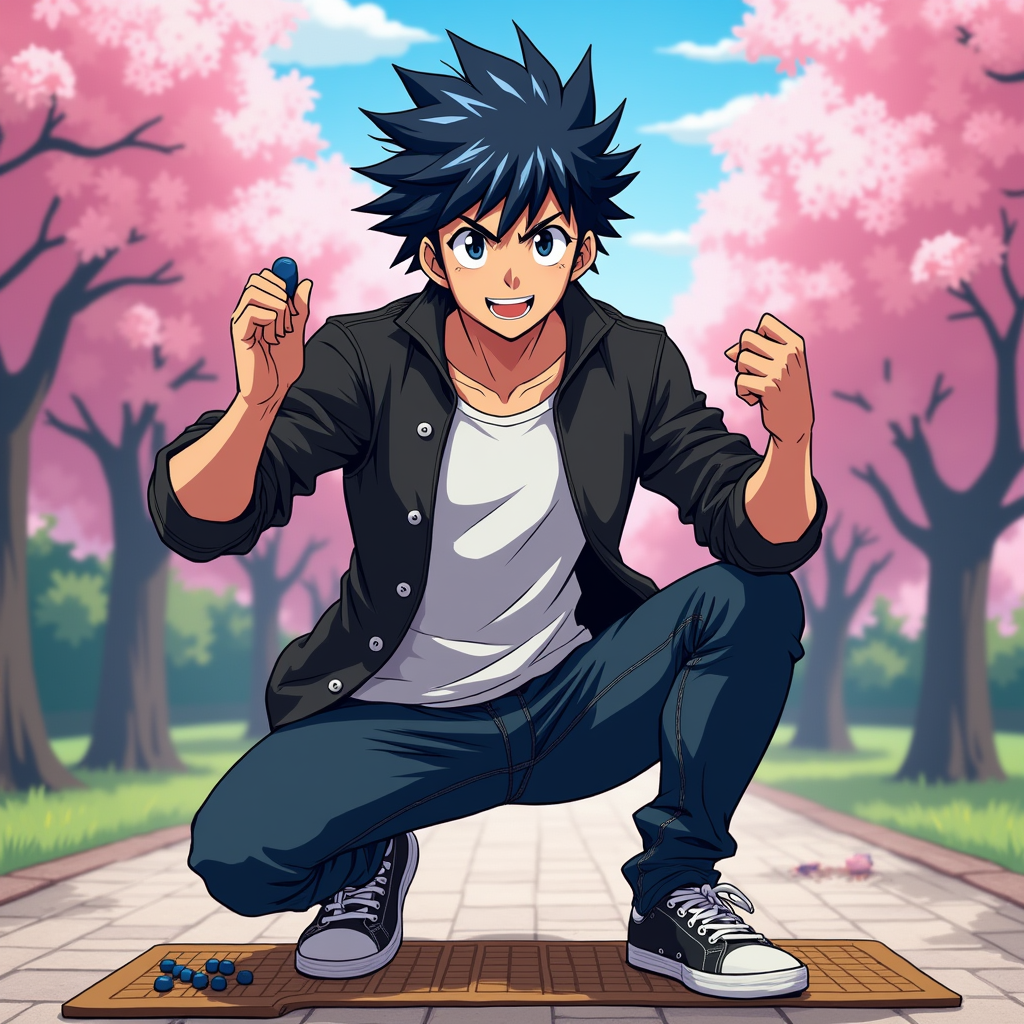
prompt
Generate an image of Hikaru Shindo in a vibrant anime style. Capture his spiky black hair with a slight blue tint, bright expressive eyes, and a determined yet friendly expression. He should be wearing a casual, stylish outfit consisting of a fitted black jacket over a white t-shirt, paired with dark jeans and sneakers. Include his signature Go board and stones as accessories, showcasing his passion for the game. Pose him in a dynamic stance, as if he's about to make a crucial move, with one hand raised and a Go stone in his fingers. The background should depict a serene park setting with cherry blossom trees, symbolizing growth and strategy. Use a colorful, energetic anime art style with bold outlines and vibrant colors, emphasizing the character's youthful spirit and determination.
Analisis Terperinci Prompt Gambar Flux AI
Analisis prompt terperinci yang digunakan untuk menghasilkan gambar dengan Generator Gambar Flux AI.
Jelajahi Prompt Flux untuk Generator Gambar AI Flux
Cara menghasilkan gambar dengan Flux.1 dev
Ikuti empat langkah sederhana ini untuk membuat gambar yang Anda inginkan.
Langkah 1: Masukkan Teks Anda (Silakan sempurnakan prompt untuk hasil yang lebih baik)
Langkah 2: Pilih Rasio Aspek Gambar
Langkah 3: Pilih Model Flux Anda:
Langkah 4: Klik Tombol Buat dan Tunggu Beberapa Detik untuk Gambar Anda
Alat Flux AI terkait untuk prompt tentang Flux.1 dev
Temukan alat-alat canggih dari Flux AI untuk meningkatkan alur kerja kreatif Anda.