Hikaru Shindo - Flux.1 dev
프롬프트
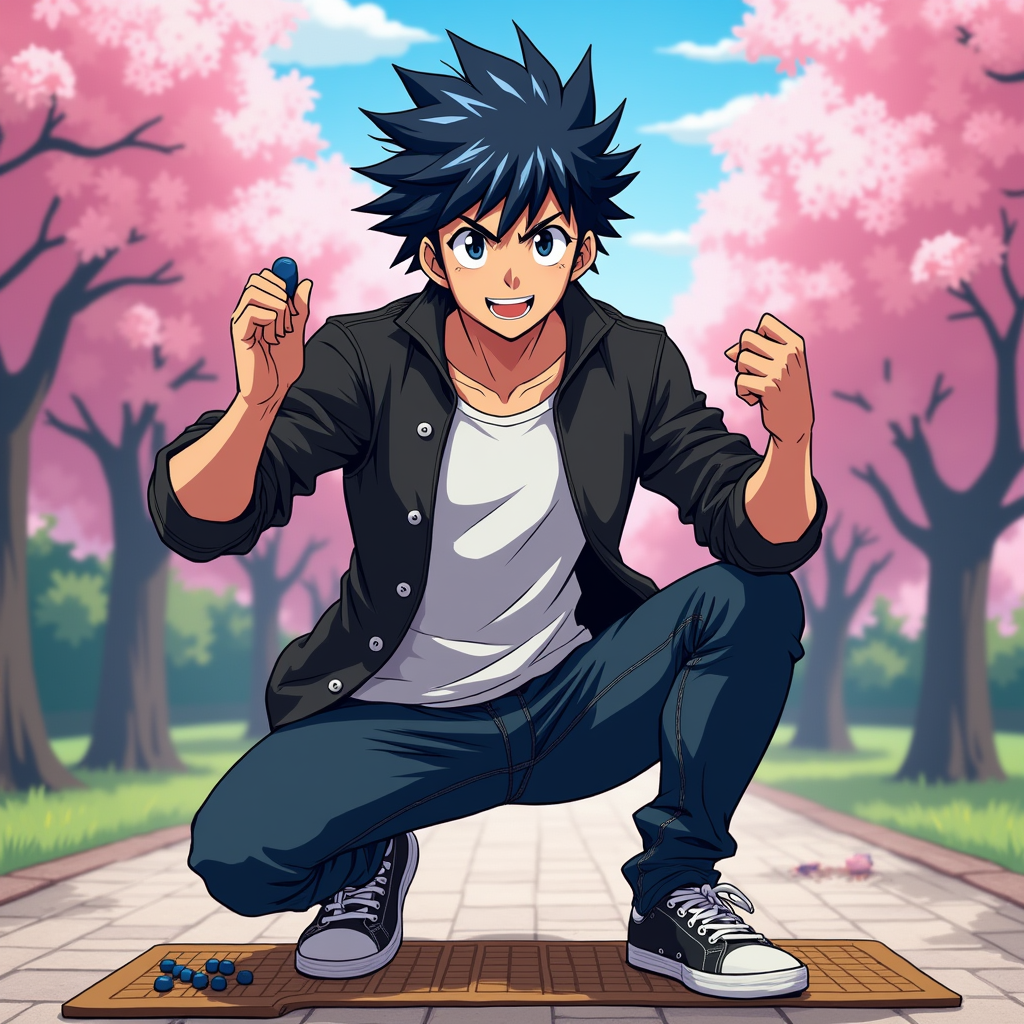
Generate an image of Hikaru Shindo in a vibrant anime style. Capture his spiky black hair with a slight blue tint, bright expressive eyes, and a determined yet friendly expression. He should be wearing a casual, stylish outfit consisting of a fitted black jacket over a white t-shirt, paired with dark jeans and sneakers. Include his signature Go board and stones as accessories, showcasing his passion for the game. Pose him in a dynamic stance, as if he's about to make a crucial move, with one hand raised and a Go stone in his fingers. The background should depict a serene park setting with cherry blossom trees, symbolizing growth and strategy. Use a colorful, energetic anime art style with bold outlines and vibrant colors, emphasizing the character's youthful spirit and determination.
Flux AI 이미지 프롬프트에 대한 상세 분석
Flux AI Image Generator를 사용하여 이미지를 생성하는 데 사용된 상세한 프롬프트를 분석합니다.
Flux AI 이미지 생성기 프롬프트 탐색
을 통해 이미지를 생성하는 방법 Flux.1 dev
원하는 이미지를 만들기 위해 다음 네 가지 간단한 단계를 따르세요.
단계 1: 텍스트 입력 (더 나은 결과를 위해 프롬프트를 자유롭게 수정하세요)
단계 2: 이미지 종횡비 선택
단계 3: Flux 모델 선택:
단계 4: 생성 버튼을 클릭하고 몇 초간 기다려 이미지를 받으세요
프롬프트와 관련된 Flux AI 도구 Flux.1 dev
Flux AI의 고급 도구를 발견하여 창의적인 작업 흐름을 향상시키세요.