Hikaru Shindo - Flux.1 dev
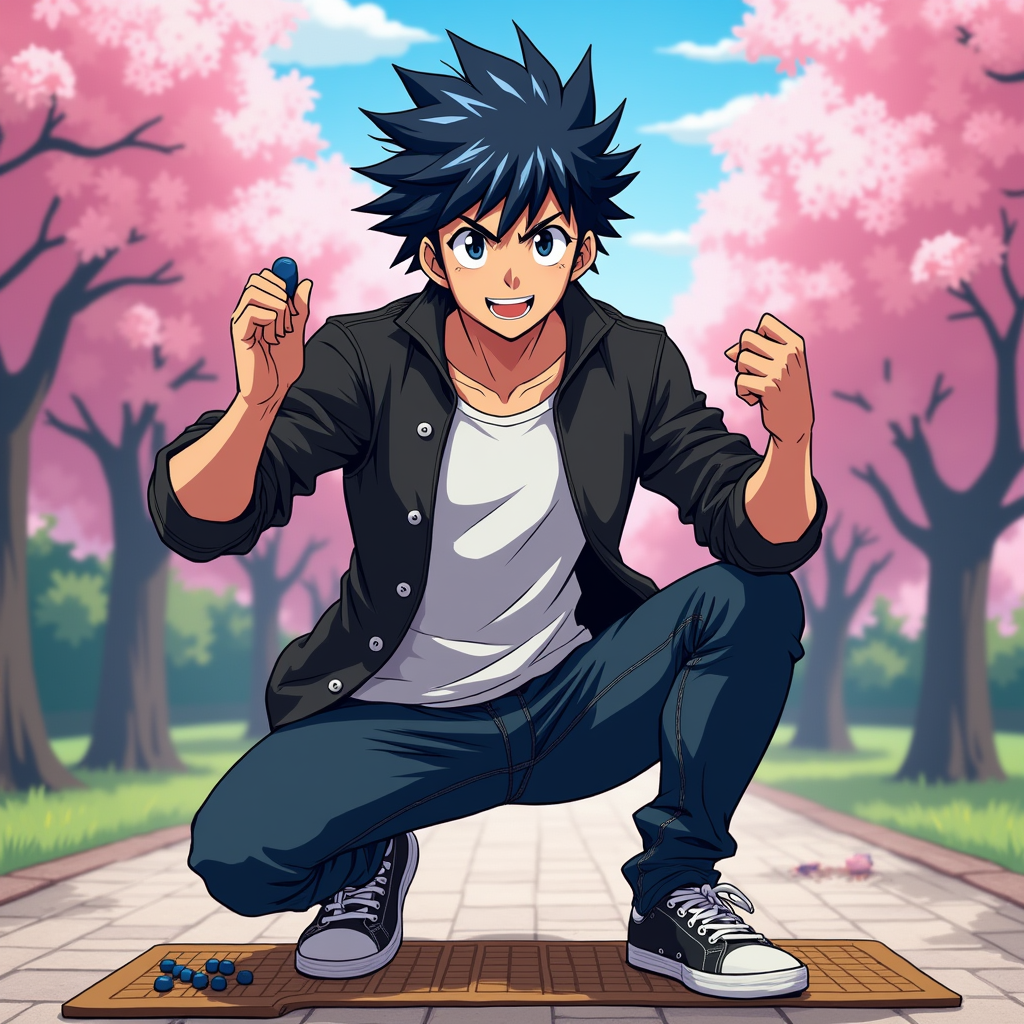
prompt
Generate an image of Hikaru Shindo in a vibrant anime style. Capture his spiky black hair with a slight blue tint, bright expressive eyes, and a determined yet friendly expression. He should be wearing a casual, stylish outfit consisting of a fitted black jacket over a white t-shirt, paired with dark jeans and sneakers. Include his signature Go board and stones as accessories, showcasing his passion for the game. Pose him in a dynamic stance, as if he's about to make a crucial move, with one hand raised and a Go stone in his fingers. The background should depict a serene park setting with cherry blossom trees, symbolizing growth and strategy. Use a colorful, energetic anime art style with bold outlines and vibrant colors, emphasizing the character's youthful spirit and determination.
Analisi Dettagliata del Prompt Immagine Flux AI
Analizza il prompt dettagliato utilizzato per generare l'immagine con il Generatore Immagini Flux AI.
Esplora i Prompt Flux per il Generatore Immagini Flux AI
Come generare immagini con Flux.1 dev
Segui questi quattro semplici passaggi per creare l'immagine desiderata.
Passaggio 1: Inserisci il Tuo Testo (Sentiti libero di perfezionare il prompt per risultati migliori)
Passaggio 2: Scegli le Proporzioni dell'Immagine
Passaggio 3: Seleziona il Tuo Modello Flux:
Passaggio 4: Clicca il Pulsante Genera e Attendi Alcuni Secondi per la Tua Immagine
Strumenti Flux AI correlati per prompt su Flux.1 dev
Scopri strumenti avanzati di Flux AI per potenziare il tuo flusso di lavoro creativo.