Leonardo da Vinci - Flux.1 schnell
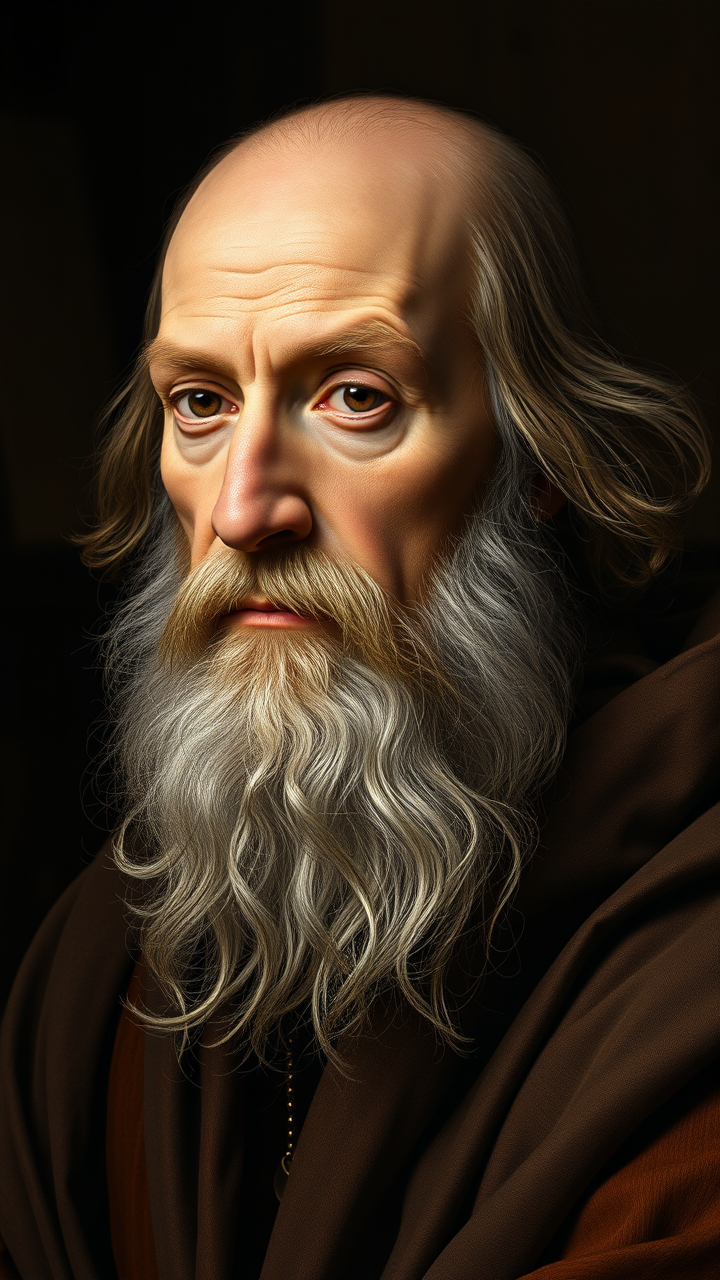
prompt
**"Generate a highly detailed Renaissance-style portrait of Leonardo da Vinci, capturing his wise and contemplative expression. His face should have sharp, intelligent features—a prominent nose, deep-set eyes, and a flowing white beard. Light him with soft, diffused chiaroscuro lighting, emphasizing the texture of his aged skin and the folds of his robes. The background should be muted and dark, evoking his workshop with subtle hints of parchment and scientific instruments. Render the portrait in a masterful oil-painting style, with rich brushstrokes and warm, earthy tones. Use a close-up, three-quarter view with a 50mm lens effect for intimacy. The mood should be scholarly yet enigmatic, reflecting his genius. Ultra HD, hyper-realistic details, 8K resolution."**
Analisi Dettagliata del Prompt Immagine Flux AI
Analizza il prompt dettagliato utilizzato per generare l'immagine con il Generatore Immagini Flux AI.
Esplora i Prompt Flux per il Generatore Immagini Flux AI
Come generare immagini con Flux.1 schnell
Segui questi quattro semplici passaggi per creare l'immagine desiderata.
Passaggio 1: Inserisci il Tuo Testo (Sentiti libero di perfezionare il prompt per risultati migliori)
Passaggio 2: Scegli le Proporzioni dell'Immagine
Passaggio 3: Seleziona il Tuo Modello Flux:
Passaggio 4: Clicca il Pulsante Genera e Attendi Alcuni Secondi per la Tua Immagine
Strumenti Flux AI correlati per prompt su Flux.1 schnell
Scopri strumenti avanzati di Flux AI per potenziare il tuo flusso di lavoro creativo.