Whimsical Butterfly Elegance - Flux.1 schnell
프롬프트
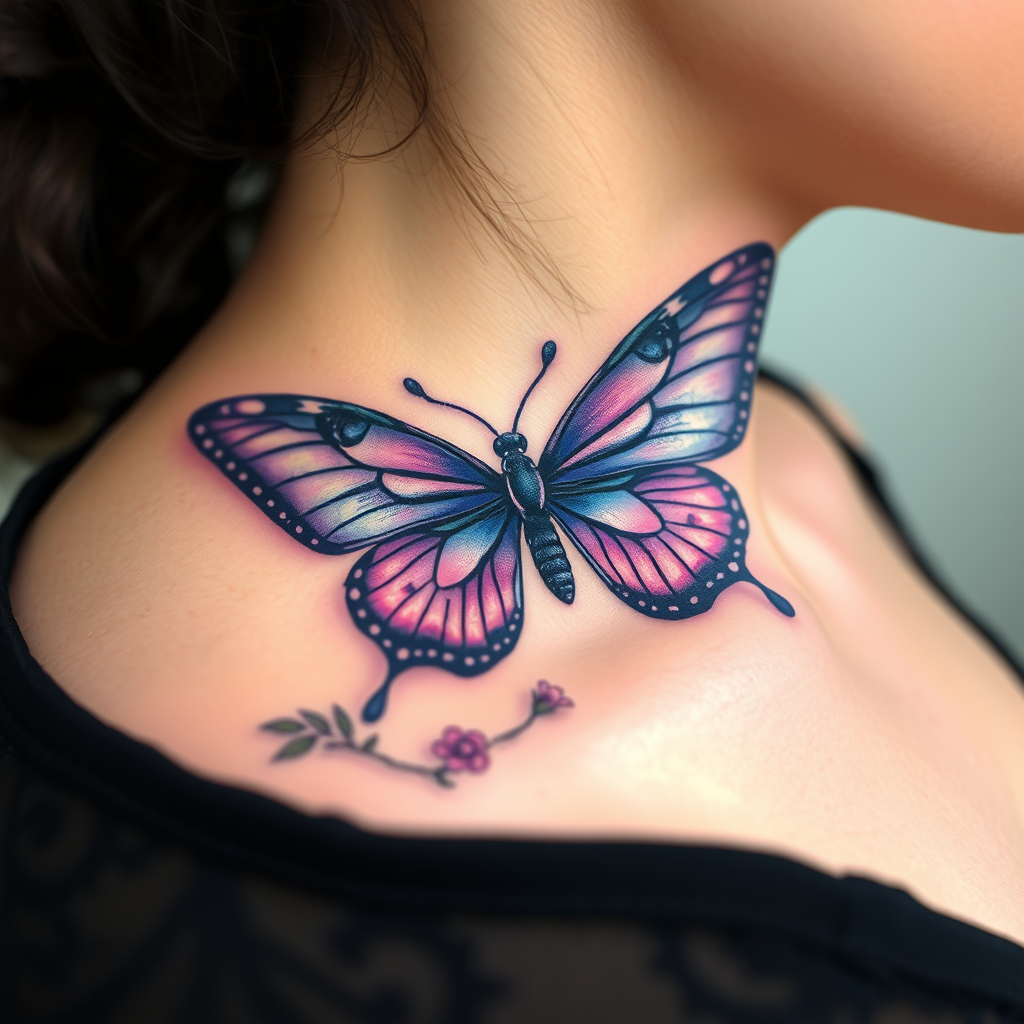
Design a realistic tattoo of a butterfly on the side of the neck, capturing the delicate intricacies of its wings. The butterfly should feature vibrant shades of blue and purple, with detailed patterns resembling lace and filigree, accentuated by subtle hints of iridescent white. The wings should appear slightly open, showcasing a blend of realistic shading and fine line work to create depth and texture. The size should be medium, approximately 4 to 6 inches in width, allowing for detailed visibility without overwhelming the neck. Incorporate elements of nature, such as small flowers or leaves, subtly intertwined with the butterfly’s body, symbolizing transformation and freedom. The overall aesthetic should evoke a sense of elegance and grace, with a touch of whimsy, creating a striking yet harmonious visual that complements the curvature of the neck.
Flux AI 이미지 프롬프트에 대한 상세 분석
Flux AI Image Generator를 사용하여 이미지를 생성하는 데 사용된 상세한 프롬프트를 분석합니다.
Flux AI 이미지 생성기 프롬프트 탐색
을 통해 이미지를 생성하는 방법 Flux.1 schnell
원하는 이미지를 만들기 위해 다음 네 가지 간단한 단계를 따르세요.
단계 1: 텍스트 입력 (더 나은 결과를 위해 프롬프트를 자유롭게 수정하세요)
단계 2: 이미지 종횡비 선택
단계 3: Flux 모델 선택:
단계 4: 생성 버튼을 클릭하고 몇 초간 기다려 이미지를 받으세요
프롬프트와 관련된 Flux AI 도구 Flux.1 schnell
Flux AI의 고급 도구를 발견하여 창의적인 작업 흐름을 향상시키세요.