Lego Shock: A Parent's Agony - Flux.1 dev
프롬프트
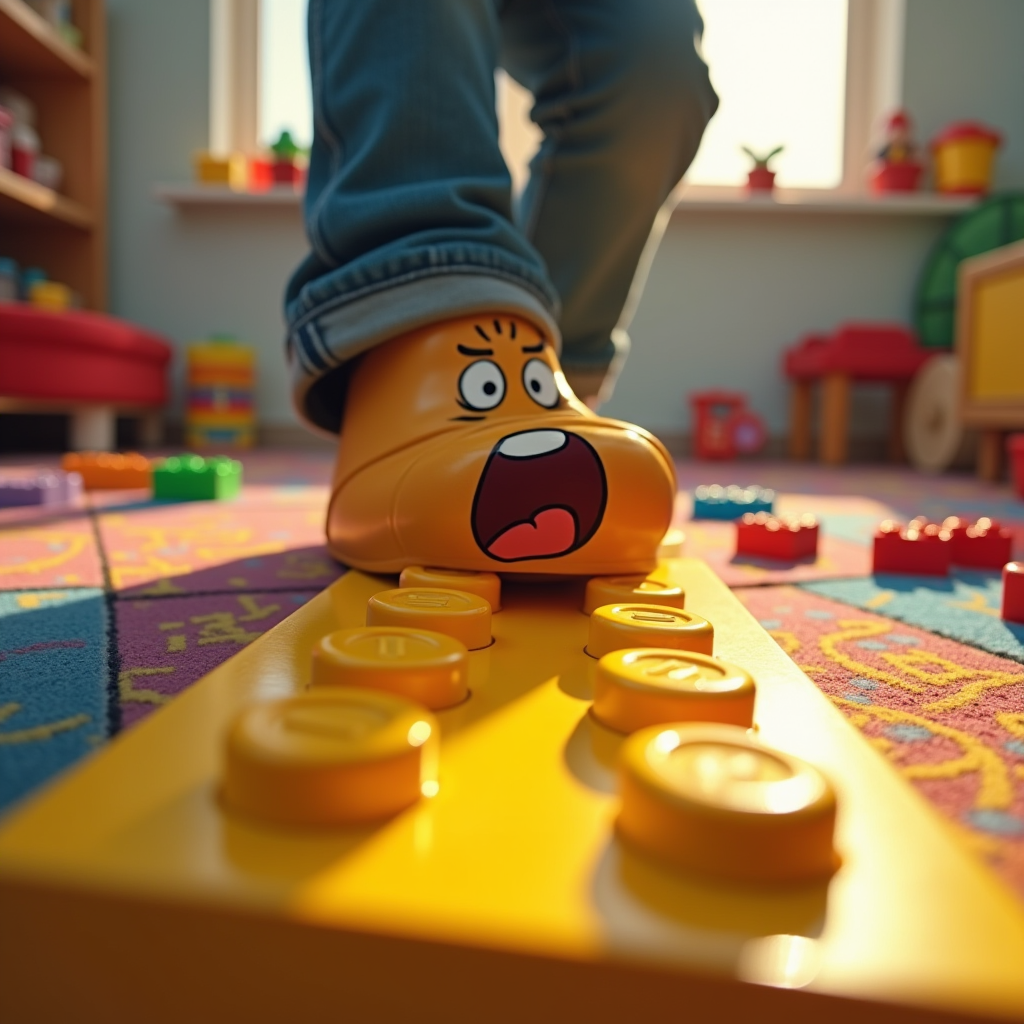
Create a hyper-realistic image capturing the moment of stepping on a bright yellow Lego brick. The foreground features a close-up of a foot, mid-step, with a look of shock and pain on the face of a cartoonish character, a parent in casual attire, eyes wide and mouth agape. The background is a chaotic playroom, scattered with colorful toys and Lego pieces, emphasizing the vibrant chaos of childhood. Use warm, saturated colors to convey the playful yet painful atmosphere. Soft, diffused lighting highlights the Lego brick, casting a dramatic shadow that accentuates the moment of impact. Incorporate a slight motion blur around the foot to suggest sudden movement. Artistic styles like comic book realism or exaggerated caricature can enhance the emotional impact, combining humor with the relatable agony of stepping on a Lego.
Flux AI 이미지 프롬프트에 대한 상세 분석
Flux AI Image Generator를 사용하여 이미지를 생성하는 데 사용된 상세한 프롬프트를 분석합니다.
Flux AI 이미지 생성기 프롬프트 탐색
을 통해 이미지를 생성하는 방법 Flux.1 dev
원하는 이미지를 만들기 위해 다음 네 가지 간단한 단계를 따르세요.
단계 1: 텍스트 입력 (더 나은 결과를 위해 프롬프트를 자유롭게 수정하세요)
단계 2: 이미지 종횡비 선택
단계 3: Flux 모델 선택:
단계 4: 생성 버튼을 클릭하고 몇 초간 기다려 이미지를 받으세요
프롬프트와 관련된 Flux AI 도구 Flux.1 dev
Flux AI의 고급 도구를 발견하여 창의적인 작업 흐름을 향상시키세요.