The World Games - Flux.1.1 pro
프롬프트
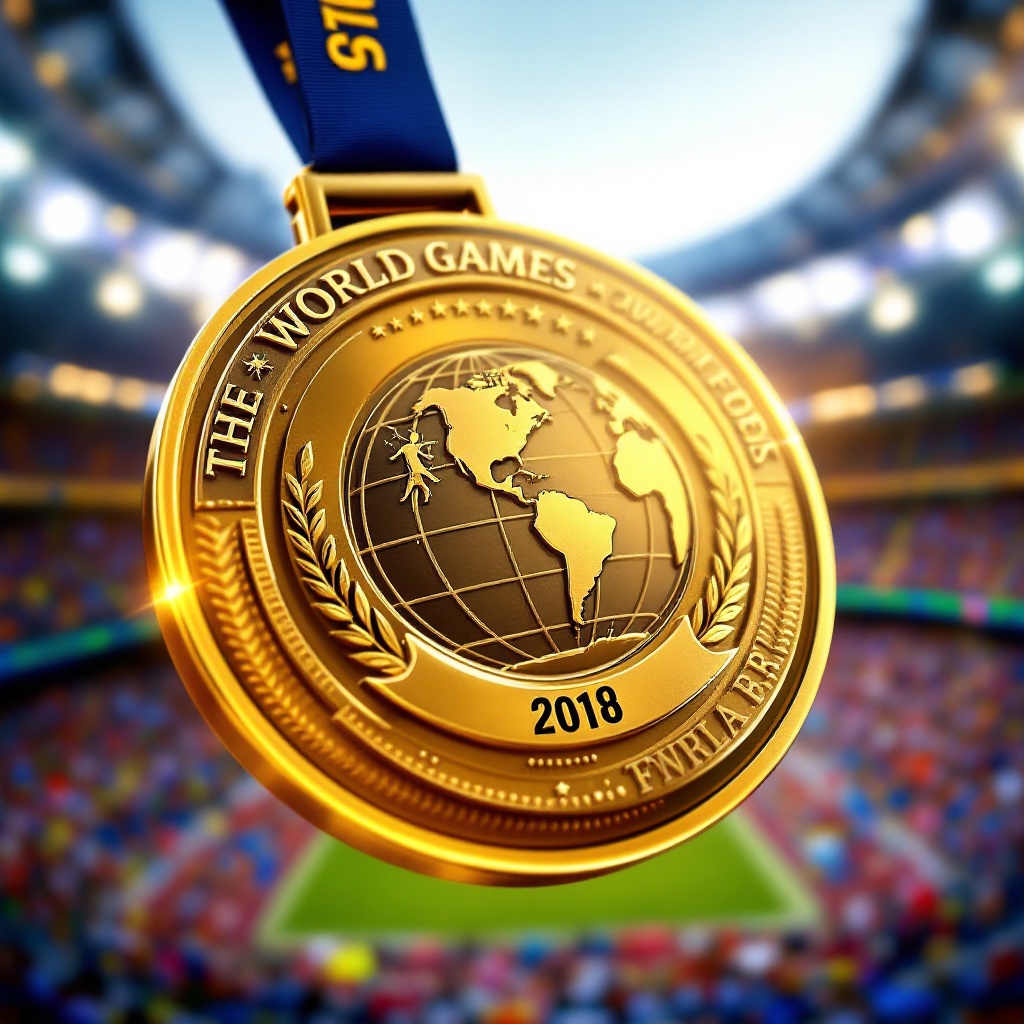
Create a stunning image of a gold medal for The World Games, featuring a circular design with a diameter of 3 inches, crafted from polished brass with intricate engravings. The medal's front showcases a raised emblem of a globe intertwined with various sports symbols, such as a runner, swimmer, and weightlifter, symbolizing unity in sports. The ribbon is 1.5 inches wide, made of deep blue satin with gold accents, elegantly cascading from the top. On the back, engrave the event name and year in bold, dynamic font. Use a vibrant color scheme of gold, blue, and white, with soft lighting that highlights the medal's shine and texture. The background should be a blurred stadium scene, evoking excitement and energy, with the perspective angled slightly from above to emphasize the medal's grandeur and significance.
Flux AI 이미지 프롬프트에 대한 상세 분석
Flux AI Image Generator를 사용하여 이미지를 생성하는 데 사용된 상세한 프롬프트를 분석합니다.
Flux AI 이미지 생성기 프롬프트 탐색
을 통해 이미지를 생성하는 방법 Flux.1.1 pro
원하는 이미지를 만들기 위해 다음 네 가지 간단한 단계를 따르세요.
단계 1: 텍스트 입력 (더 나은 결과를 위해 프롬프트를 자유롭게 수정하세요)
단계 2: 이미지 종횡비 선택
단계 3: Flux 모델 선택:
단계 4: 생성 버튼을 클릭하고 몇 초간 기다려 이미지를 받으세요
프롬프트와 관련된 Flux AI 도구 Flux.1.1 pro
Flux AI의 고급 도구를 발견하여 창의적인 작업 흐름을 향상시키세요.