The World Games - Flux.1.1 pro
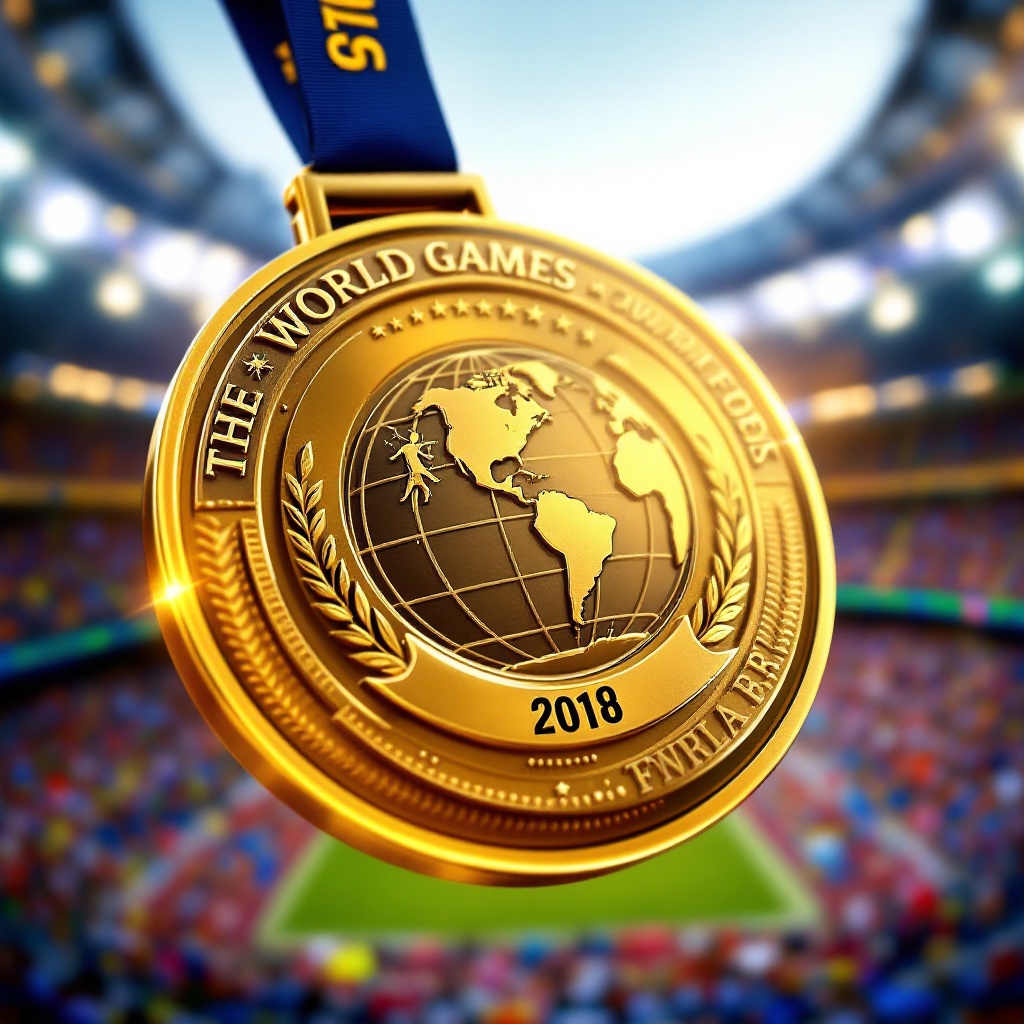
prompt
Create a stunning image of a gold medal for The World Games, featuring a circular design with a diameter of 3 inches, crafted from polished brass with intricate engravings. The medal's front showcases a raised emblem of a globe intertwined with various sports symbols, such as a runner, swimmer, and weightlifter, symbolizing unity in sports. The ribbon is 1.5 inches wide, made of deep blue satin with gold accents, elegantly cascading from the top. On the back, engrave the event name and year in bold, dynamic font. Use a vibrant color scheme of gold, blue, and white, with soft lighting that highlights the medal's shine and texture. The background should be a blurred stadium scene, evoking excitement and energy, with the perspective angled slightly from above to emphasize the medal's grandeur and significance.
Detailed Analysis of the Flux AI Image Prompt
Analyze the detailed prompt used to generate the image with Flux AI Image Generator.
Explore Flux Prompts for the Flux AI Image Generator
How to generate image by Flux.1.1 pro
Follow these four simple steps to create your desired image.
Step 1: Enter Your Text (Feel free to refine your prompt for better results)
Step 2: Choose Image Aspect Ratio
Step 3: Select Your Flux Model:
Step 4: Click the Generate Button and Wait a Few Seconds for Your Image
Related Flux AI tools for prompts about Flux.1.1 pro
Discover advanced tools from Flux AI to boost your creative workflow.