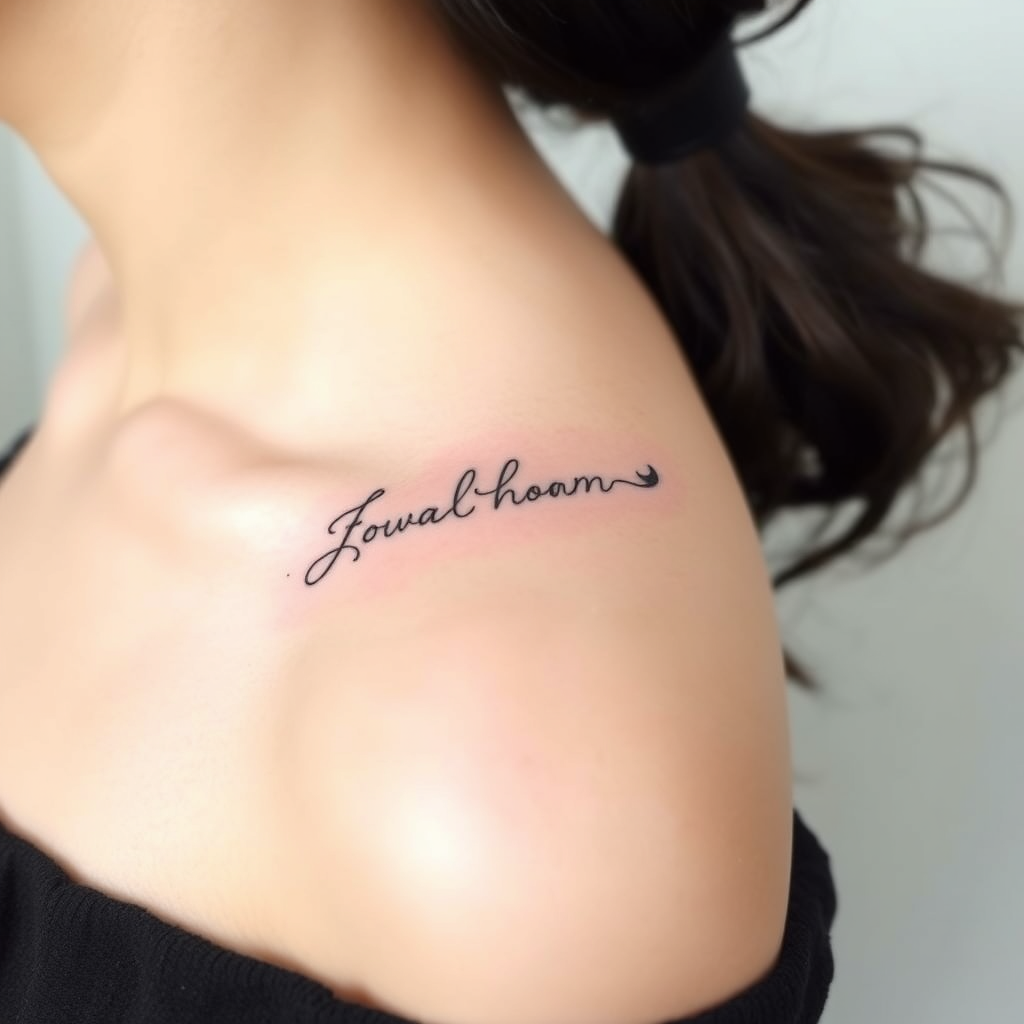
Collarbone-Flowing Script - Flux.1 schnell
프롬프트
**Prompt:** "Elegant, flowing script tattoo gracefully curving along the collarbone, featuring delicate cursive lettering with subtle flourishes and fine linework. Minimalist yet intricate, the design should follow the natural contour of the bone for a seamless, organic look. Black ink with slight shading for depth, emphasizing clean, precise lines. The script can incorporate tiny, hidden details like micro-dots or faint vine-like tendrils for texture. Aesthetic is soft, feminine, and timeless—evoking sophistication and personal meaning. Size should be medium, spanning the length of the collarbone without overpowering. Optional: a single, tiny symbolic element (e.g., a crescent moon or star) integrated subtly into the design.
Flux AI 이미지 프롬프트에 대한 상세 분석
Flux AI Image Generator를 사용하여 이미지를 생성하는 데 사용된 상세한 프롬프트를 분석합니다.
Flux AI 이미지 생성기 프롬프트 탐색
을 통해 이미지를 생성하는 방법 Flux.1 schnell
원하는 이미지를 만들기 위해 다음 네 가지 간단한 단계를 따르세요.
단계 1: 텍스트 입력 (더 나은 결과를 위해 프롬프트를 자유롭게 수정하세요)
단계 2: 이미지 종횡비 선택
단계 3: Flux 모델 선택:
단계 4: 생성 버튼을 클릭하고 몇 초간 기다려 이미지를 받으세요
프롬프트와 관련된 Flux AI 도구 Flux.1 schnell
Flux AI의 고급 도구를 발견하여 창의적인 작업 흐름을 향상시키세요.