Hand-Micro Wolf Silhouette - Flux.1.1 pro
Lời nhắc
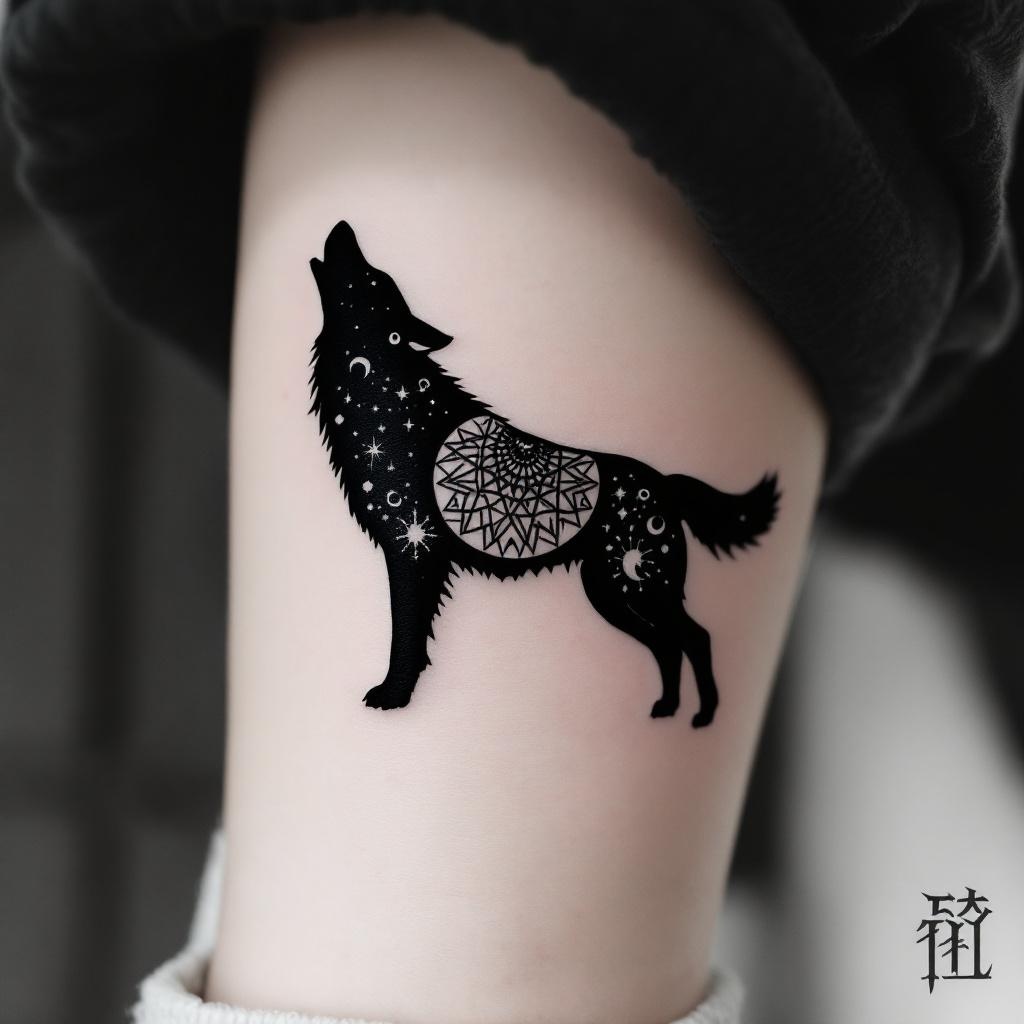
**Prompt:** A hand-micro tattoo featuring a sleek, minimalist wolf silhouette, intricately composed of fine linework and subtle dotwork shading. The design should capture the wolf in mid-howl, with delicate geometric patterns or tribal-inspired elements subtly woven into its form. Black and grey ink for a timeless look, with precise detailing to ensure clarity at a small scale. Placement on the inner wrist, forearm, or behind the ear for subtle visibility. Size: 2-3 inches, balancing detail and readability. The mood should be mystical yet understated, evoking strength and solitude. Optional: a crescent moon or faint constellation accents for added symbolism.
Phân tích Chi tiết về Prompt Hình ảnh Flux AI
Phân tích prompt chi tiết được sử dụng để tạo ra hình ảnh với Flux AI Image Generator.
Khám phá Flux Prompts cho Trình tạo hình ảnh Flux AI
Cách tạo hình ảnh bằng Flux.1.1 pro
Theo dõi bốn bước đơn giản dưới đây để tạo ra hình ảnh bạn mong muốn.
Bước 1: Nhập Văn bản của Bạn (Cảm thấy tự do tinh chỉnh prompt của bạn để có kết quả tốt hơn)
Bước 2: Chọn Tỷ lệ Khung Hình của Hình ảnh
Bước 3: Chọn Mô hình Flux của Bạn:
Bước 4: Nhấn Nút Tạo và Chờ vài Giây để Có Hình ảnh của Bạn
Công cụ Flux AI liên quan đến prompts về Flux.1.1 pro
Khám phá các công cụ nâng cao từ Flux AI để tăng cường quy trình làm việc sáng tạo của bạn.