Bicep-Japanese Tiger - Flux.1 schnell
Lời nhắc
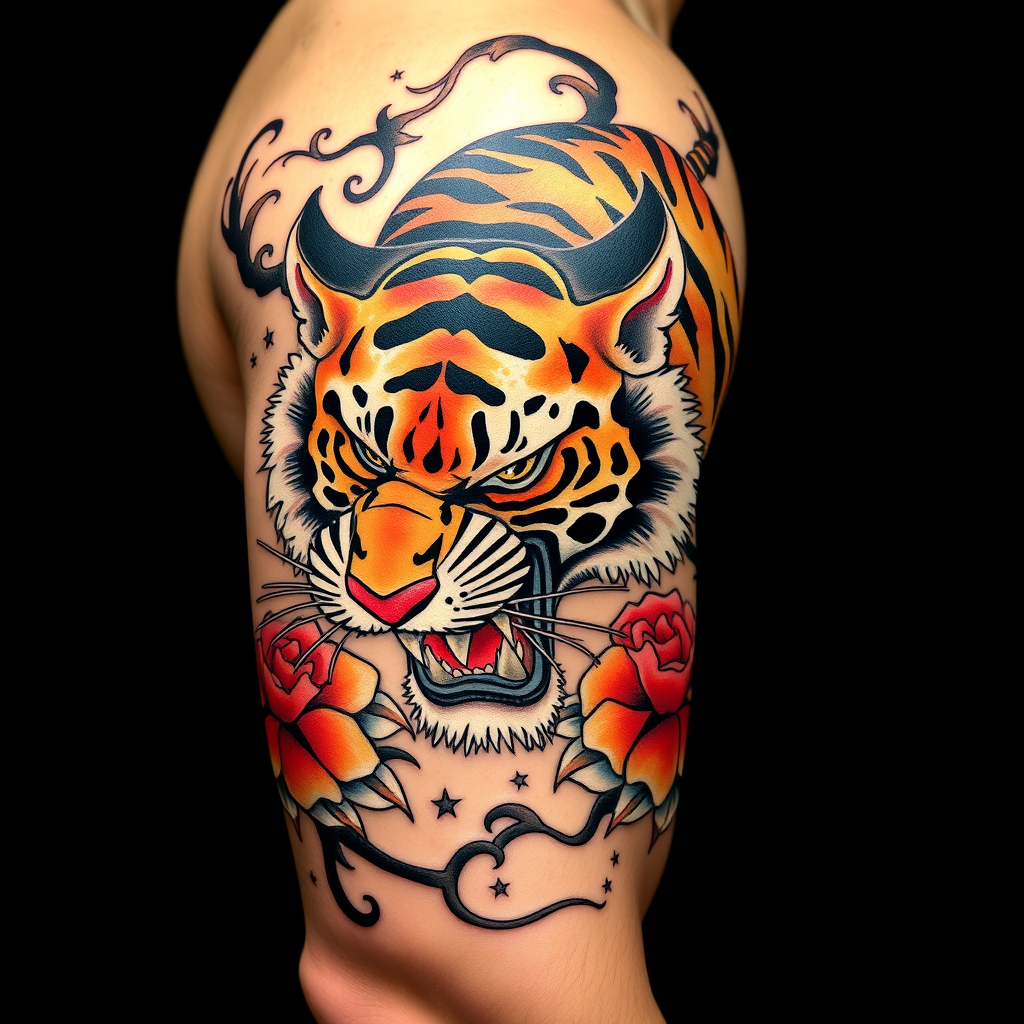
**Prompt:** A bold **Japanese traditional tattoo (Irezumi)** of a **ferocious tiger** wrapping around the bicep, rendered in **vibrant colors**—deep oranges, blacks, and reds—with **dynamic shading and intricate linework**. The tiger's snarling face should dominate the front, with **paws and claws extended**, blending into **flowing wind bars (kaze-suji) and floral motifs (peonies or chrysanthemums)**. The design should emphasize **movement and power**, with **textured fur details** and **subtle background gradients**. **Black and gray accents** enhance depth, while **gold highlights** add elegance. The tattoo should **follow the bicep's curvature**, sized to fit the arm's natural musculature. Mood: **majestic, fierce, and timeless**.
Phân tích Chi tiết về Prompt Hình ảnh Flux AI
Phân tích prompt chi tiết được sử dụng để tạo ra hình ảnh với Flux AI Image Generator.
Khám phá Flux Prompts cho Trình tạo hình ảnh Flux AI
Cách tạo hình ảnh bằng Flux.1 schnell
Theo dõi bốn bước đơn giản dưới đây để tạo ra hình ảnh bạn mong muốn.
Bước 1: Nhập Văn bản của Bạn (Cảm thấy tự do tinh chỉnh prompt của bạn để có kết quả tốt hơn)
Bước 2: Chọn Tỷ lệ Khung Hình của Hình ảnh
Bước 3: Chọn Mô hình Flux của Bạn:
Bước 4: Nhấn Nút Tạo và Chờ vài Giây để Có Hình ảnh của Bạn
Công cụ Flux AI liên quan đến prompts về Flux.1 schnell
Khám phá các công cụ nâng cao từ Flux AI để tăng cường quy trình làm việc sáng tạo của bạn.