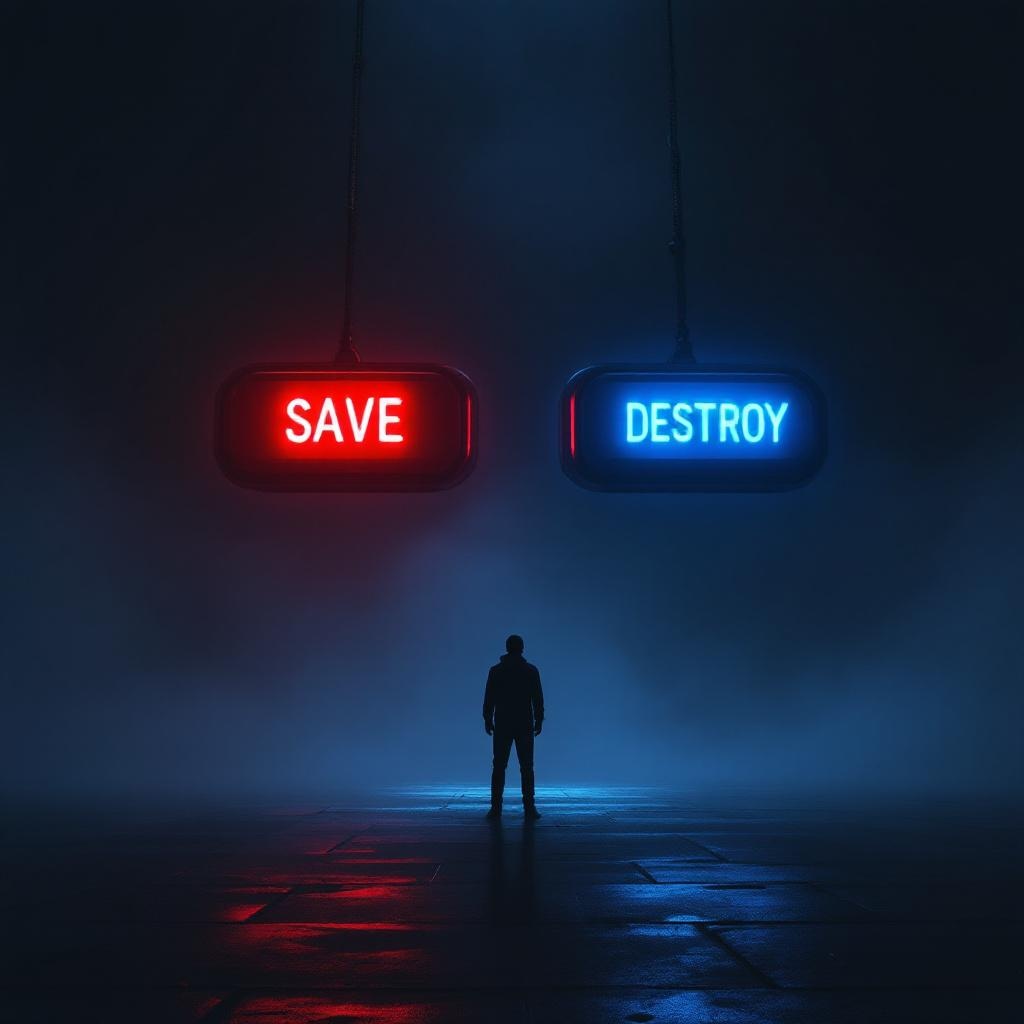
Two Buttons Impossible Choice - Flux.1.1 pro
提示
**Image Prompt:** A dramatic, high-contrast scene featuring two large, glowing buttons suspended in a dim, foggy void. The left button is vibrant red, labeled "SAVE," emitting a warm, pulsing light; the right button is icy blue, labeled "DESTROY," with a cold, eerie glow. A lone figure stands hesitantly between them, their face obscured by shadows, hands trembling mid-reach. The background is a surreal blend of swirling mist and fractured light, suggesting an infinite abyss. Cinematic lighting casts sharp highlights and deep shadows, amplifying the tension. The style is hyper-realistic with a touch of cyberpunk noir, emphasizing metallic textures and neon reflections. The composition is symmetrical, drawing focus to the central dilemma, while faint, ghostly whispers blur the edges of perception.
Flux AI 图像提示的详细分析
分析用于通过 Flux AI 图像生成器生成图像的详细提示。
探索Flux AI图像生成器的提示词
如何通过 Flux.1.1 pro
按照以下四个简单步骤创建您想要的图像。
步骤 1:输入您的文字 (可以优化您的提示以获得更好的结果)
步骤 2:选择图片宽高比
步骤 3:选择您的 Flux 模型:
步骤 4:点击生成按钮,等待几秒钟获取您的图像
与提示相关的 Flux AI 工具 Flux.1.1 pro
发现来自 Flux AI 的高级工具,提升您的创意工作流程。