Two Buttons Impossible Choice - Flux.1.1 pro
Invite
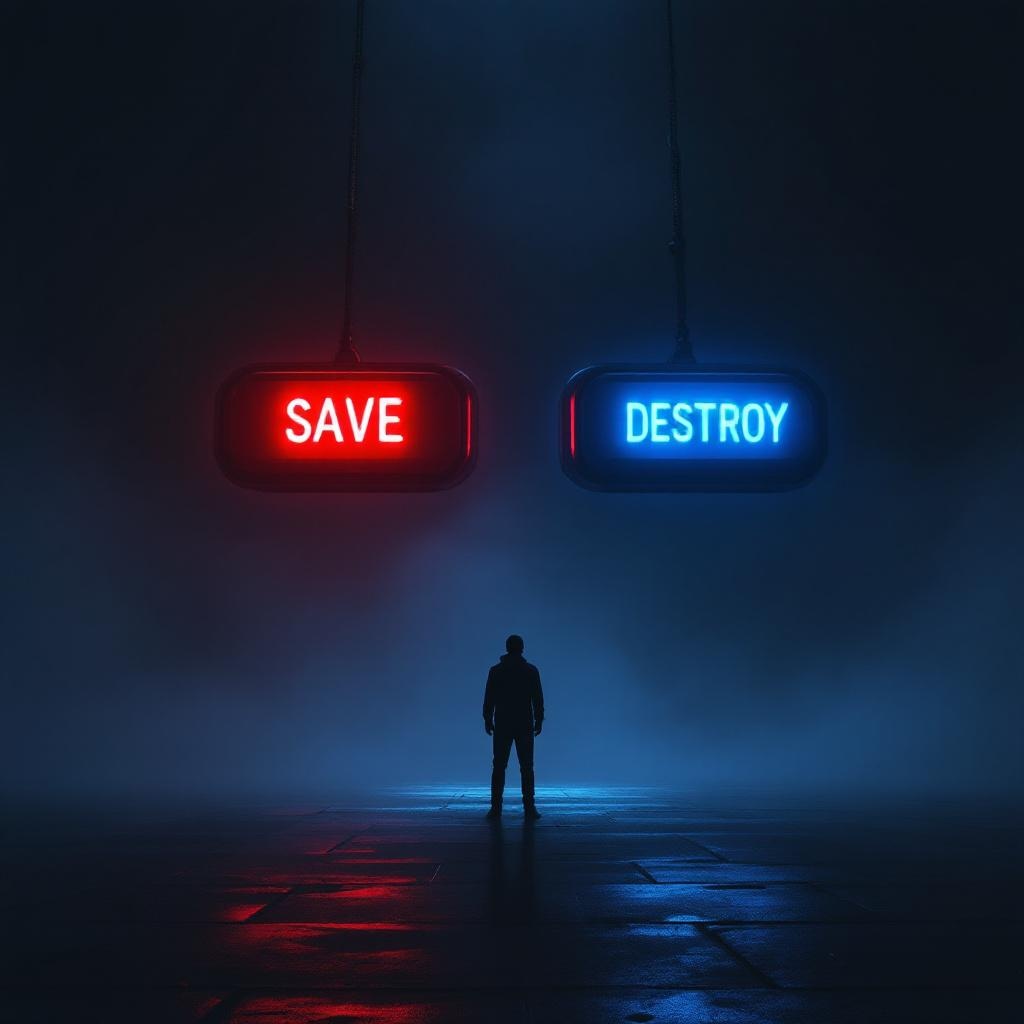
**Image Prompt:** A dramatic, high-contrast scene featuring two large, glowing buttons suspended in a dim, foggy void. The left button is vibrant red, labeled "SAVE," emitting a warm, pulsing light; the right button is icy blue, labeled "DESTROY," with a cold, eerie glow. A lone figure stands hesitantly between them, their face obscured by shadows, hands trembling mid-reach. The background is a surreal blend of swirling mist and fractured light, suggesting an infinite abyss. Cinematic lighting casts sharp highlights and deep shadows, amplifying the tension. The style is hyper-realistic with a touch of cyberpunk noir, emphasizing metallic textures and neon reflections. The composition is symmetrical, drawing focus to the central dilemma, while faint, ghostly whispers blur the edges of perception.
Analyse Détaillée du Prompt d'Image Flux IA
Analysez le prompt détaillé utilisé pour générer l'image avec Flux IA Image Generator.
Explorez les invites Flux IA
Comment générer une image par Flux.1.1 pro
Suivez ces quatre étapes simples pour créer l'image désirée.
Étape 1 : Entrez votre texte (N'hésitez pas à affiner votre prompt pour de meilleurs résultats)
Étape 2 : Choisissez le ratio d'aspect de l'image
Étape 3 : Sélectionnez votre modèle Flux :
Étape 4 : Cliquez sur le bouton Générer et attendez quelques secondes pour votre image
Outils Flux IA liés aux prompts sur Flux.1.1 pro
Découvrez des outils avancés de Flux IA pour booster votre flux de travail créatif.