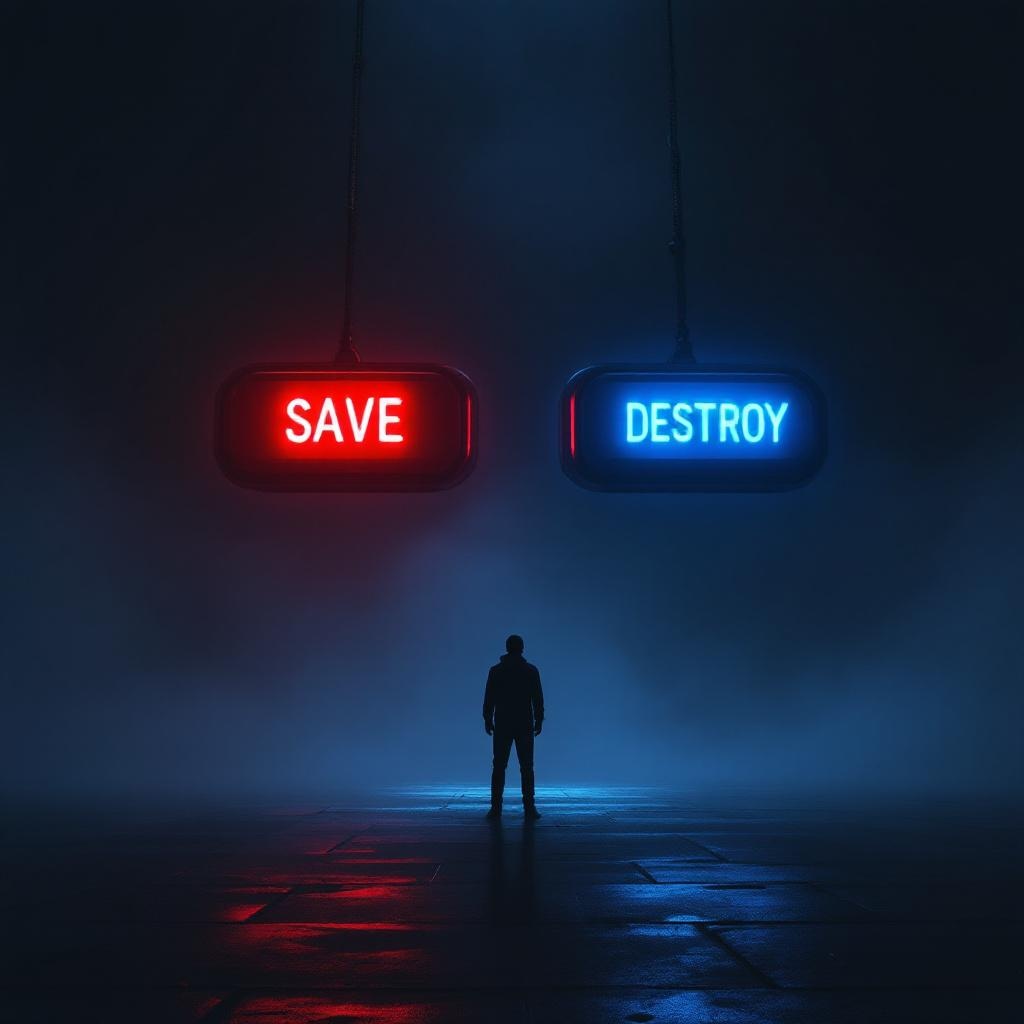
Two Buttons Impossible Choice - Flux.1.1 pro
prompt
**Image Prompt:** A dramatic, high-contrast scene featuring two large, glowing buttons suspended in a dim, foggy void. The left button is vibrant red, labeled "SAVE," emitting a warm, pulsing light; the right button is icy blue, labeled "DESTROY," with a cold, eerie glow. A lone figure stands hesitantly between them, their face obscured by shadows, hands trembling mid-reach. The background is a surreal blend of swirling mist and fractured light, suggesting an infinite abyss. Cinematic lighting casts sharp highlights and deep shadows, amplifying the tension. The style is hyper-realistic with a touch of cyberpunk noir, emphasizing metallic textures and neon reflections. The composition is symmetrical, drawing focus to the central dilemma, while faint, ghostly whispers blur the edges of perception.
Analisi Dettagliata del Prompt Immagine Flux AI
Analizza il prompt dettagliato utilizzato per generare l'immagine con il Generatore Immagini Flux AI.
Esplora i Prompt Flux per il Generatore Immagini Flux AI
Come generare immagini con Flux.1.1 pro
Segui questi quattro semplici passaggi per creare l'immagine desiderata.
Passaggio 1: Inserisci il Tuo Testo (Sentiti libero di perfezionare il prompt per risultati migliori)
Passaggio 2: Scegli le Proporzioni dell'Immagine
Passaggio 3: Seleziona il Tuo Modello Flux:
Passaggio 4: Clicca il Pulsante Genera e Attendi Alcuni Secondi per la Tua Immagine
Strumenti Flux AI correlati per prompt su Flux.1.1 pro
Scopri strumenti avanzati di Flux AI per potenziare il tuo flusso di lavoro creativo.