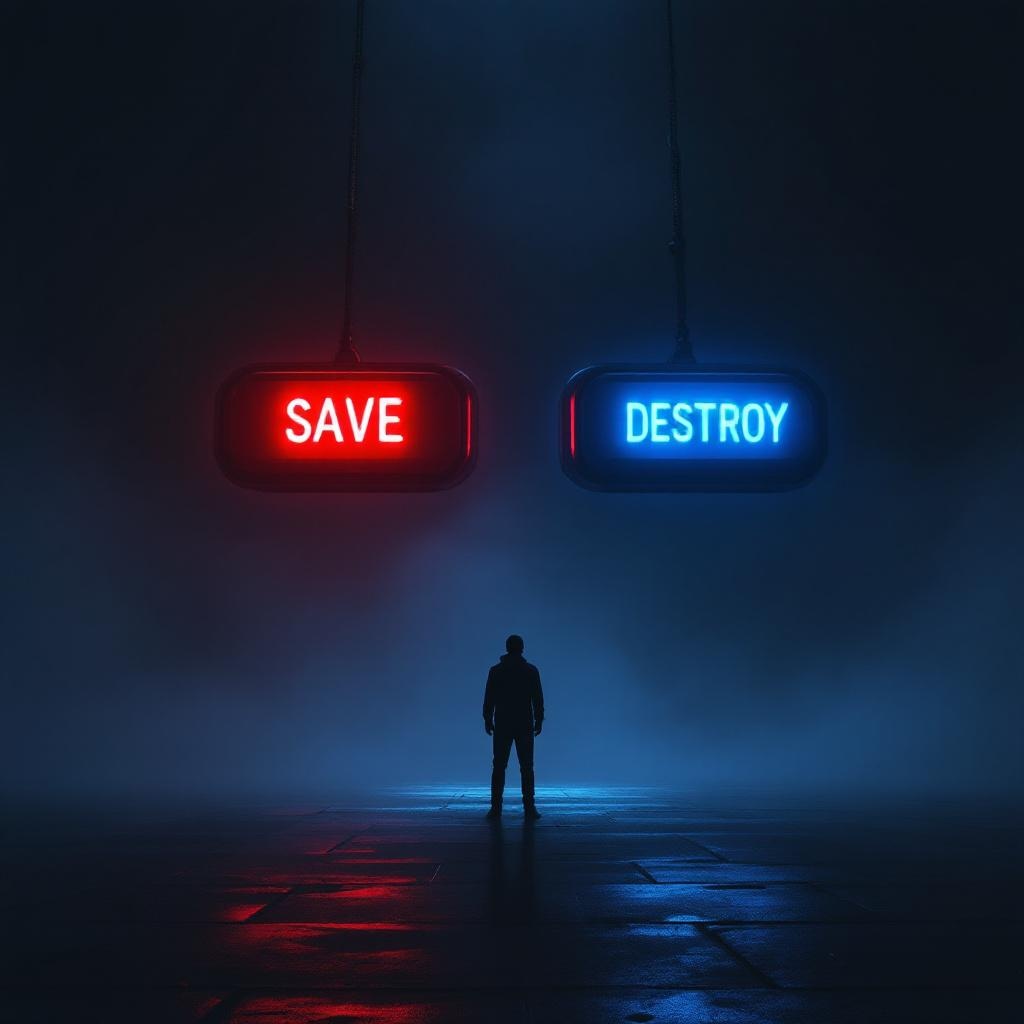
Two Buttons Impossible Choice - Flux.1.1 pro
Prompt
**Image Prompt:** A dramatic, high-contrast scene featuring two large, glowing buttons suspended in a dim, foggy void. The left button is vibrant red, labeled "SAVE," emitting a warm, pulsing light; the right button is icy blue, labeled "DESTROY," with a cold, eerie glow. A lone figure stands hesitantly between them, their face obscured by shadows, hands trembling mid-reach. The background is a surreal blend of swirling mist and fractured light, suggesting an infinite abyss. Cinematic lighting casts sharp highlights and deep shadows, amplifying the tension. The style is hyper-realistic with a touch of cyberpunk noir, emphasizing metallic textures and neon reflections. The composition is symmetrical, drawing focus to the central dilemma, while faint, ghostly whispers blur the edges of perception.
Análise Detalhada do Prompt de Imagem Flux IA
Analise o prompt detalhado usado para gerar a imagem com o Flux IA Image Generator.
Explore Prompts Flux para o Gerador de Imagens
Como gerar uma imagem por Flux.1.1 pro
Siga estes quatro passos simples para criar a imagem desejada.
Passo 1: Insira seu texto (Sinta-se à vontade para refinar seu prompt para melhores resultados)
Passo 2: Escolha a proporção da imagem
Passo 3: Selecione seu modelo Flux:
Passo 4: Clique no botão Gerar e aguarde alguns segundos para sua imagem
Ferramentas Flux IA relacionadas a prompts sobre Flux.1.1 pro
Descubra ferramentas avançadas da Flux IA para melhorar seu fluxo de trabalho criativo.