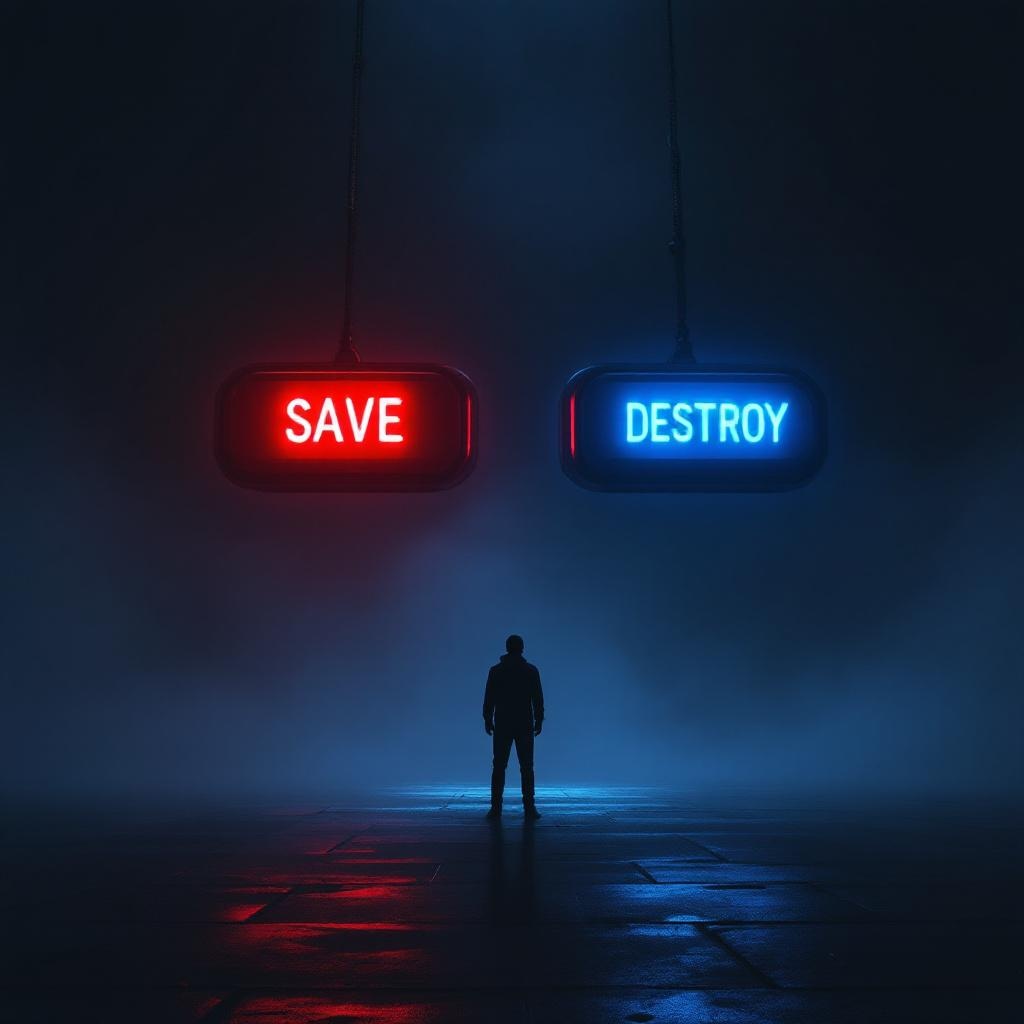
Two Buttons Impossible Choice - Flux.1.1 pro
Indicador
**Image Prompt:** A dramatic, high-contrast scene featuring two large, glowing buttons suspended in a dim, foggy void. The left button is vibrant red, labeled "SAVE," emitting a warm, pulsing light; the right button is icy blue, labeled "DESTROY," with a cold, eerie glow. A lone figure stands hesitantly between them, their face obscured by shadows, hands trembling mid-reach. The background is a surreal blend of swirling mist and fractured light, suggesting an infinite abyss. Cinematic lighting casts sharp highlights and deep shadows, amplifying the tension. The style is hyper-realistic with a touch of cyberpunk noir, emphasizing metallic textures and neon reflections. The composition is symmetrical, drawing focus to the central dilemma, while faint, ghostly whispers blur the edges of perception.
Análisis Detallado del Prompt de Imagen de Flux IA
Analiza el prompt detallado utilizado para generar la imagen con Flux IA Image Generator.
Explorar Mensajes para Flux IA
Cómo generar una imagen por Flux.1.1 pro
Sigue estos cuatro sencillos pasos para crear la imagen que deseas.
Paso 1: Ingresa tu texto (No dudes en refinar tu prompt para mejores resultados)
Paso 2: Elige la relación de aspecto de la imagen
Paso 3: Selecciona tu modelo Flux:
Paso 4: Haz clic en el botón Generar y espera unos segundos para tu imagen
Herramientas Flux IA relacionadas para prompts sobre Flux.1.1 pro
Descubre herramientas avanzadas de Flux IA para potenciar tu flujo de trabajo creativo.