Suya - Flux.1.1 pro
Eingabe
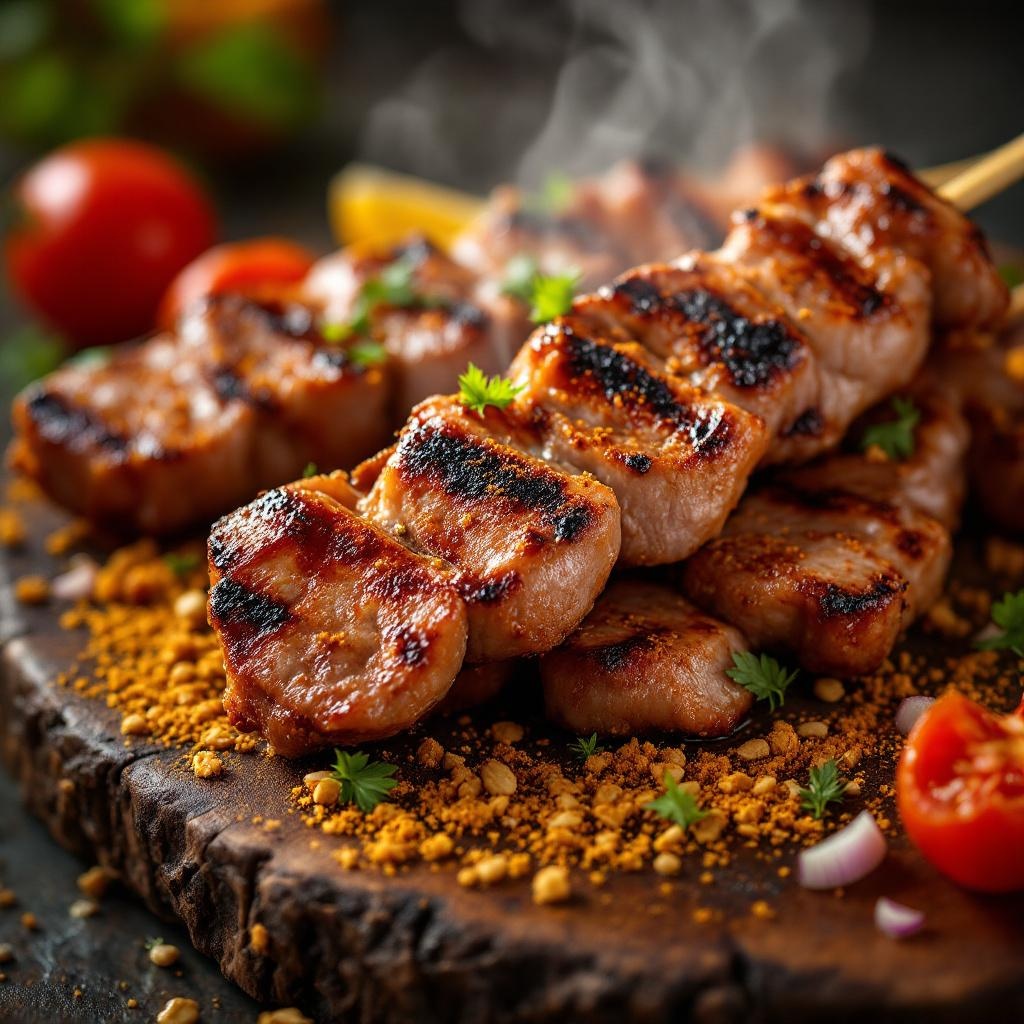
**Prompt:** "A close-up, high-resolution macro shot of freshly grilled Suya, showcasing the vibrant red-brown spice crust glistening with peanut oil. Skewers of tender, thinly sliced beef or chicken, charred at the edges, dusted with a mix of ground peanuts, cayenne, and aromatic spices. Steam rises from the hot meat, enhancing the smoky aroma. The golden-brown peanut crumbs cling to the surface, adding texture. Shot against a rustic wooden board or woven mat, with warm, diffused lighting casting soft shadows to highlight the rich colors. A sprinkle of sliced onions and tomatoes adds freshness, while a hint of smoke lingers in the background. Style: rich, rustic food photography with a shallow depth of field to emphasize the juicy, spiced meat.
Detaillierte Analyse des Flux KI Image Prompt
Analysiere den detaillierten Prompt, der zur Erstellung des Bildes mit dem Flux KI Image Generator verwendet wurde.
Flux-Prompts für den KI-Bildgenerator erkunden
Wie man ein Bild generiert von Flux.1.1 pro
Folge diesen vier einfachen Schritten, um das gewünschte Bild zu erstellen.
Schritt 1: Gib deinen Text ein (Fühle dich frei, deinen Prompt für bessere Ergebnisse zu verfeinern)
Schritt 2: Wähle das Bildseitenverhältnis
Schritt 3: Wähle dein Flux-Modell:
Schritt 4: Klicke auf die Generieren-Schaltfläche und warte ein paar Sekunden auf dein Bild
Verwandte Flux KI Tools für Prompts über Flux.1.1 pro
Entdecke fortschrittliche Tools von Flux KI, um deinen kreativen Workflow zu verbessern.