Suya - Flux.1.1 pro
Prompt
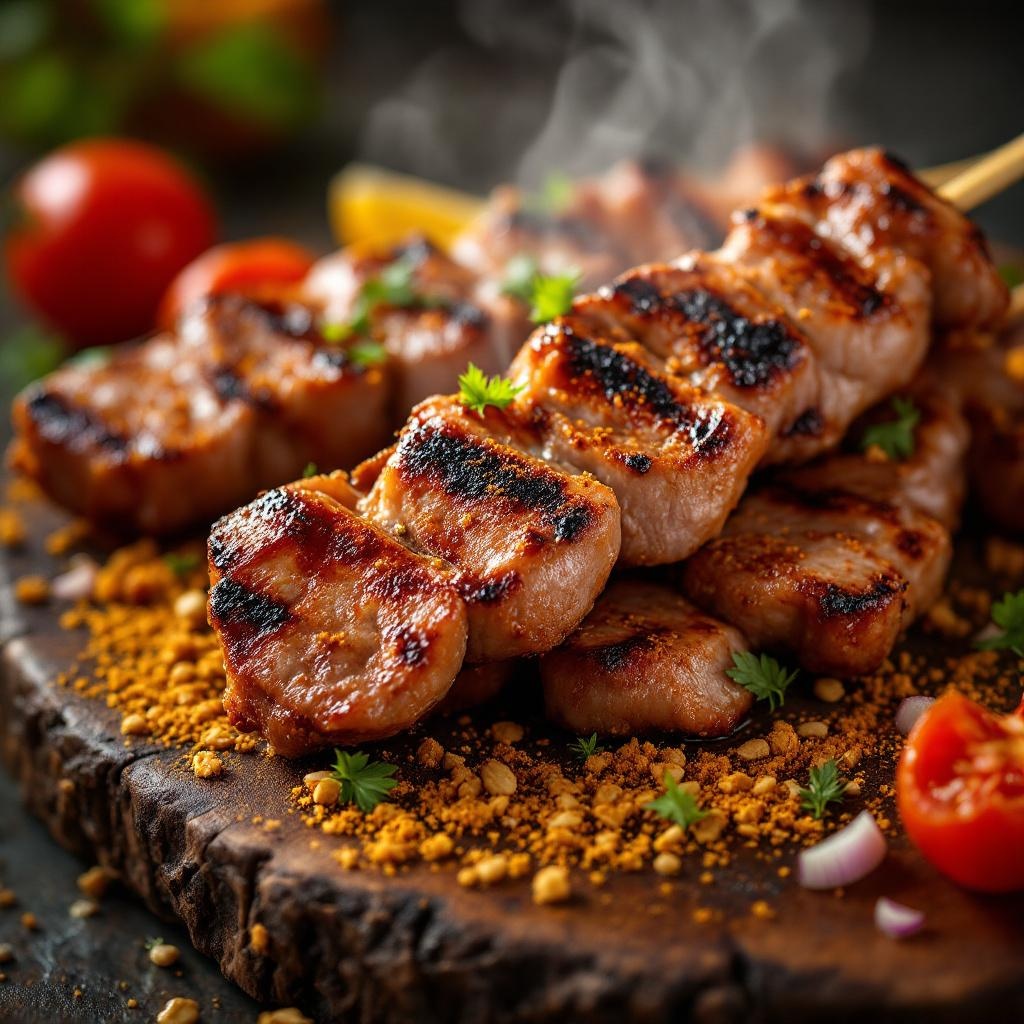
**Prompt:** "A close-up, high-resolution macro shot of freshly grilled Suya, showcasing the vibrant red-brown spice crust glistening with peanut oil. Skewers of tender, thinly sliced beef or chicken, charred at the edges, dusted with a mix of ground peanuts, cayenne, and aromatic spices. Steam rises from the hot meat, enhancing the smoky aroma. The golden-brown peanut crumbs cling to the surface, adding texture. Shot against a rustic wooden board or woven mat, with warm, diffused lighting casting soft shadows to highlight the rich colors. A sprinkle of sliced onions and tomatoes adds freshness, while a hint of smoke lingers in the background. Style: rich, rustic food photography with a shallow depth of field to emphasize the juicy, spiced meat.
Análise Detalhada do Prompt de Imagem Flux IA
Analise o prompt detalhado usado para gerar a imagem com o Flux IA Image Generator.
Explore Prompts Flux para o Gerador de Imagens
Como gerar uma imagem por Flux.1.1 pro
Siga estes quatro passos simples para criar a imagem desejada.
Passo 1: Insira seu texto (Sinta-se à vontade para refinar seu prompt para melhores resultados)
Passo 2: Escolha a proporção da imagem
Passo 3: Selecione seu modelo Flux:
Passo 4: Clique no botão Gerar e aguarde alguns segundos para sua imagem
Ferramentas Flux IA relacionadas a prompts sobre Flux.1.1 pro
Descubra ferramentas avançadas da Flux IA para melhorar seu fluxo de trabalho criativo.