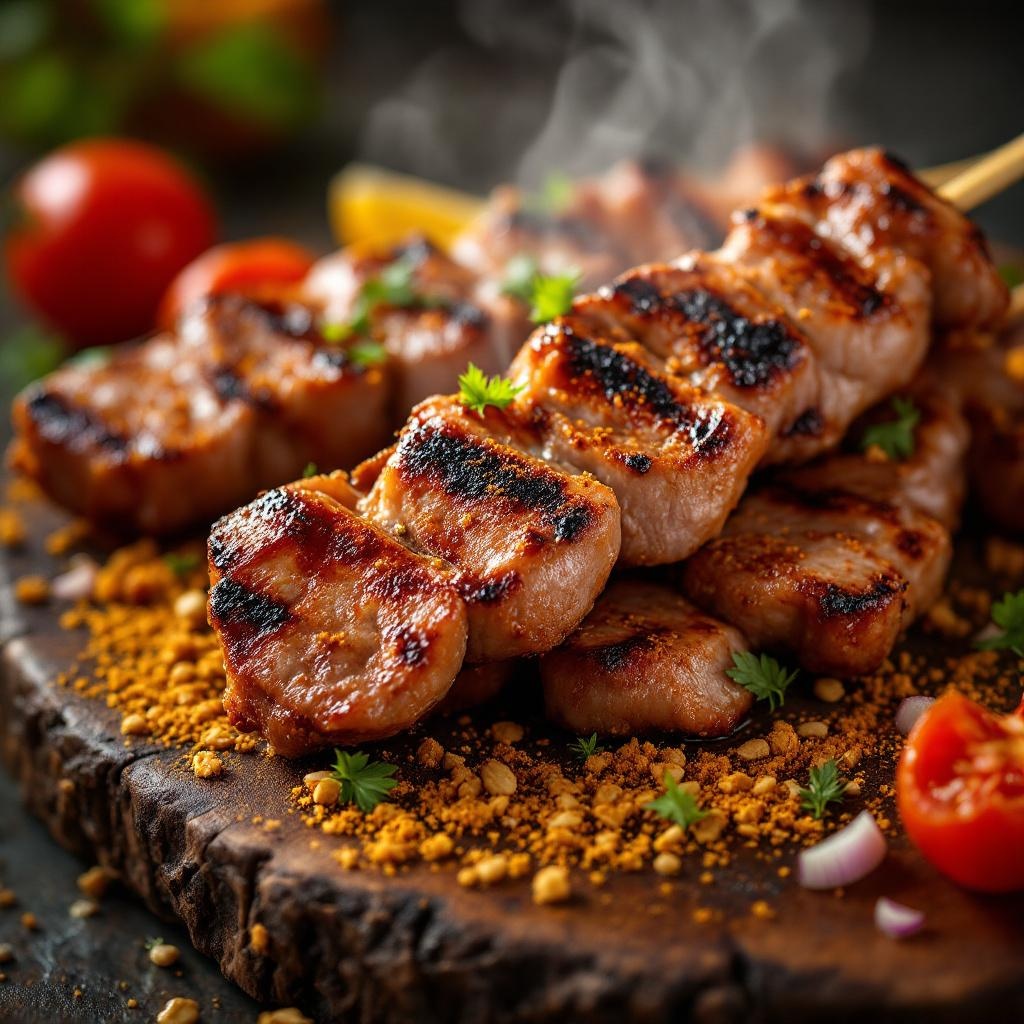
Suya - Flux.1.1 pro
Invite
**Prompt:** "A close-up, high-resolution macro shot of freshly grilled Suya, showcasing the vibrant red-brown spice crust glistening with peanut oil. Skewers of tender, thinly sliced beef or chicken, charred at the edges, dusted with a mix of ground peanuts, cayenne, and aromatic spices. Steam rises from the hot meat, enhancing the smoky aroma. The golden-brown peanut crumbs cling to the surface, adding texture. Shot against a rustic wooden board or woven mat, with warm, diffused lighting casting soft shadows to highlight the rich colors. A sprinkle of sliced onions and tomatoes adds freshness, while a hint of smoke lingers in the background. Style: rich, rustic food photography with a shallow depth of field to emphasize the juicy, spiced meat.
Analyse Détaillée du Prompt d'Image Flux IA
Analysez le prompt détaillé utilisé pour générer l'image avec Flux IA Image Generator.
Explorez les invites Flux IA
Comment générer une image par Flux.1.1 pro
Suivez ces quatre étapes simples pour créer l'image désirée.
Étape 1 : Entrez votre texte (N'hésitez pas à affiner votre prompt pour de meilleurs résultats)
Étape 2 : Choisissez le ratio d'aspect de l'image
Étape 3 : Sélectionnez votre modèle Flux :
Étape 4 : Cliquez sur le bouton Générer et attendez quelques secondes pour votre image
Outils Flux IA liés aux prompts sur Flux.1.1 pro
Découvrez des outils avancés de Flux IA pour booster votre flux de travail créatif.