Suya - Flux.1.1 pro
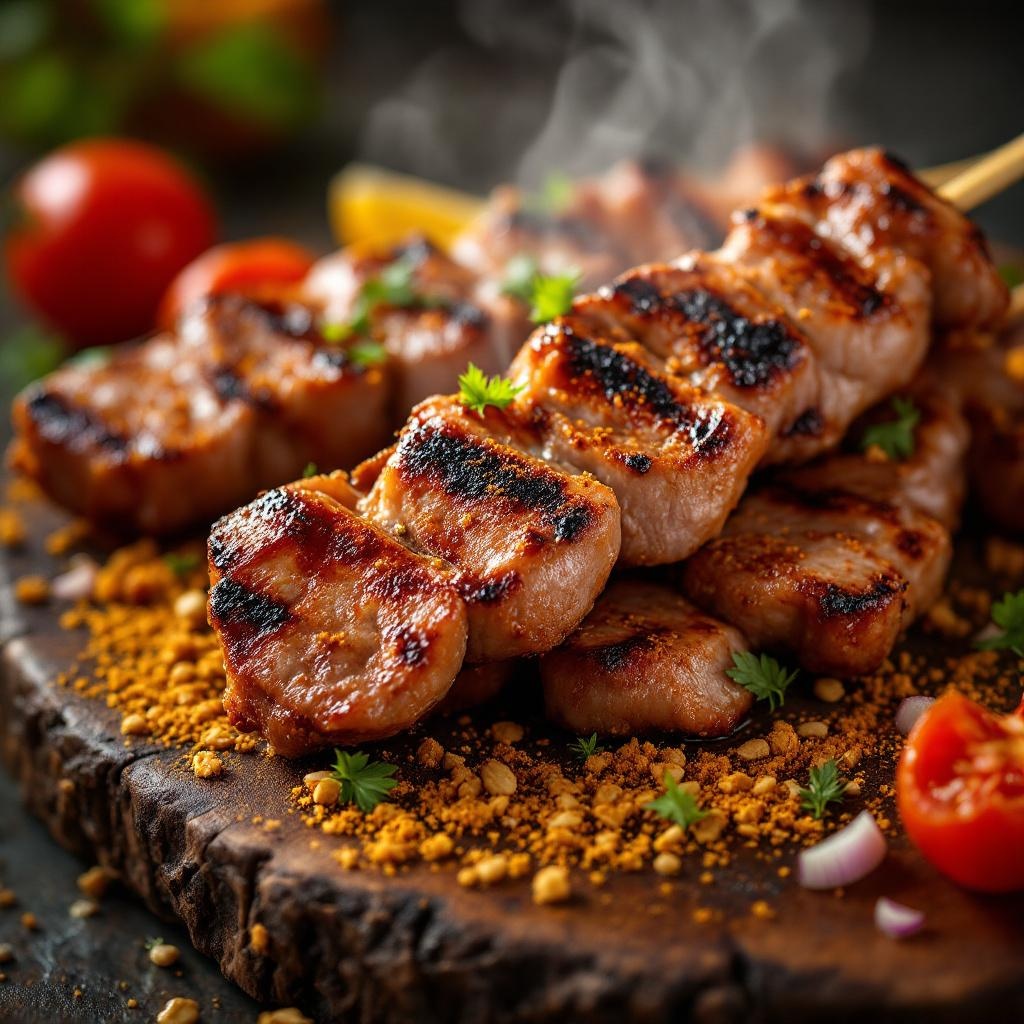
prompt
**Prompt:** "A close-up, high-resolution macro shot of freshly grilled Suya, showcasing the vibrant red-brown spice crust glistening with peanut oil. Skewers of tender, thinly sliced beef or chicken, charred at the edges, dusted with a mix of ground peanuts, cayenne, and aromatic spices. Steam rises from the hot meat, enhancing the smoky aroma. The golden-brown peanut crumbs cling to the surface, adding texture. Shot against a rustic wooden board or woven mat, with warm, diffused lighting casting soft shadows to highlight the rich colors. A sprinkle of sliced onions and tomatoes adds freshness, while a hint of smoke lingers in the background. Style: rich, rustic food photography with a shallow depth of field to emphasize the juicy, spiced meat.
Analisi Dettagliata del Prompt Immagine Flux AI
Analizza il prompt dettagliato utilizzato per generare l'immagine con il Generatore Immagini Flux AI.
Esplora i Prompt Flux per il Generatore Immagini Flux AI
Come generare immagini con Flux.1.1 pro
Segui questi quattro semplici passaggi per creare l'immagine desiderata.
Passaggio 1: Inserisci il Tuo Testo (Sentiti libero di perfezionare il prompt per risultati migliori)
Passaggio 2: Scegli le Proporzioni dell'Immagine
Passaggio 3: Seleziona il Tuo Modello Flux:
Passaggio 4: Clicca il Pulsante Genera e Attendi Alcuni Secondi per la Tua Immagine
Strumenti Flux AI correlati per prompt su Flux.1.1 pro
Scopri strumenti avanzati di Flux AI per potenziare il tuo flusso di lavoro creativo.