Suya - Flux.1.1 pro
Indicador
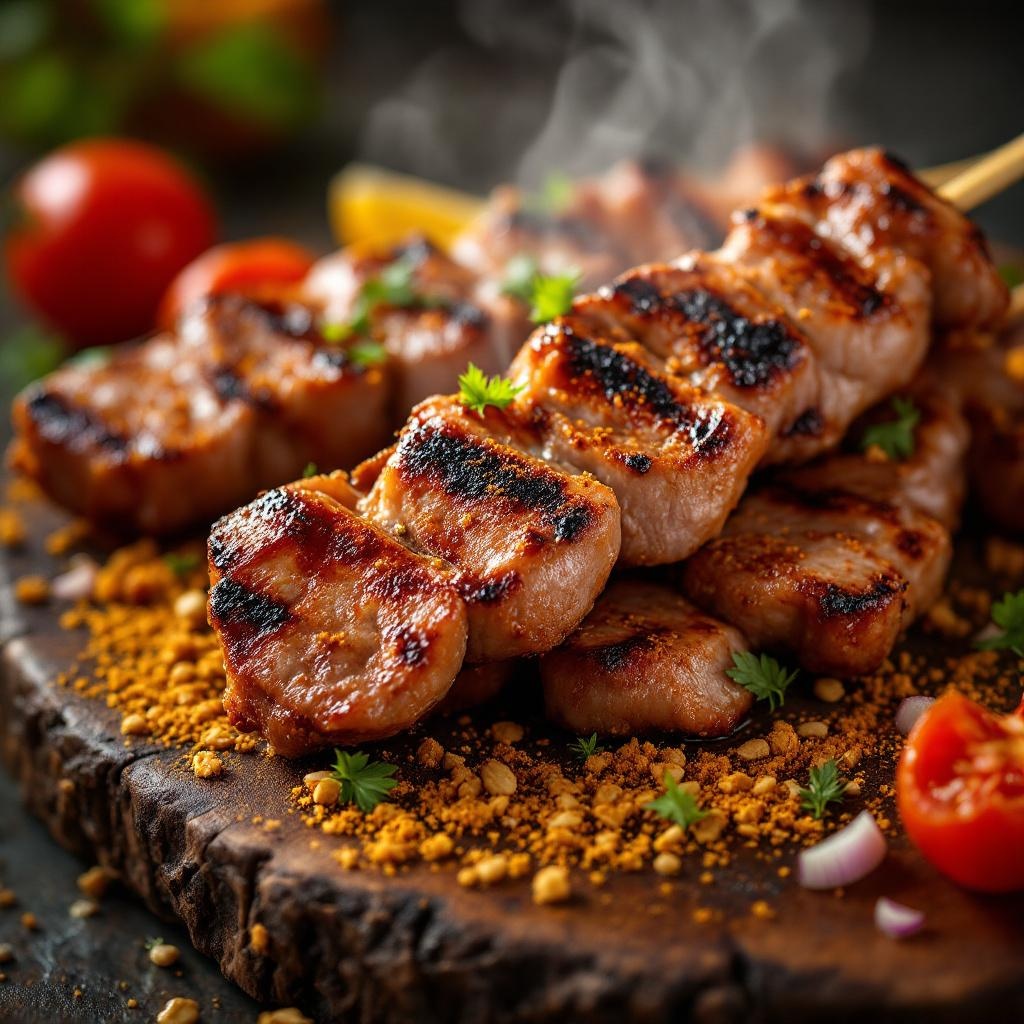
**Prompt:** "A close-up, high-resolution macro shot of freshly grilled Suya, showcasing the vibrant red-brown spice crust glistening with peanut oil. Skewers of tender, thinly sliced beef or chicken, charred at the edges, dusted with a mix of ground peanuts, cayenne, and aromatic spices. Steam rises from the hot meat, enhancing the smoky aroma. The golden-brown peanut crumbs cling to the surface, adding texture. Shot against a rustic wooden board or woven mat, with warm, diffused lighting casting soft shadows to highlight the rich colors. A sprinkle of sliced onions and tomatoes adds freshness, while a hint of smoke lingers in the background. Style: rich, rustic food photography with a shallow depth of field to emphasize the juicy, spiced meat.
Análisis Detallado del Prompt de Imagen de Flux IA
Analiza el prompt detallado utilizado para generar la imagen con Flux IA Image Generator.
Explorar Mensajes para Flux IA
Cómo generar una imagen por Flux.1.1 pro
Sigue estos cuatro sencillos pasos para crear la imagen que deseas.
Paso 1: Ingresa tu texto (No dudes en refinar tu prompt para mejores resultados)
Paso 2: Elige la relación de aspecto de la imagen
Paso 3: Selecciona tu modelo Flux:
Paso 4: Haz clic en el botón Generar y espera unos segundos para tu imagen
Herramientas Flux IA relacionadas para prompts sobre Flux.1.1 pro
Descubre herramientas avanzadas de Flux IA para potenciar tu flujo de trabajo creativo.