Rail - Flux.1.1 pro
Eingabe
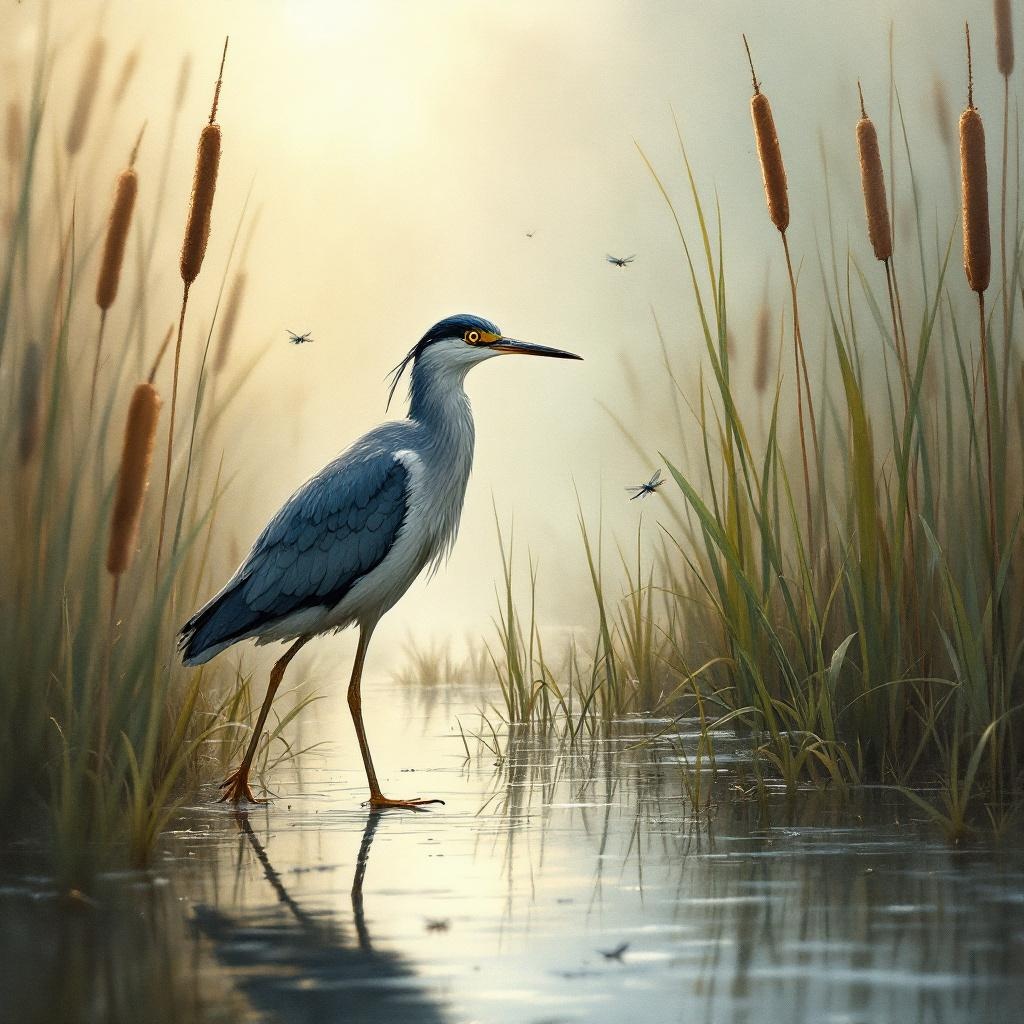
**Image Prompt:** A sleek, long-legged rail stands poised at the edge of a misty marsh, its iridescent blue-black feathers glistening with dew. Its slender beak tilts slightly, eyes sharp and alert, as it steps delicately through the reeds. The scene is rendered in a semi-realistic watercolor style, with soft, diffused lighting casting a golden haze over the wetland. The color palette blends muted greens, deep blues, and earthy browns, evoking a serene, dawn-lit atmosphere. Shot from a low angle to emphasize the rail’s elegance, the composition frames the bird amidst towering cattails and reflective water. Dragonflies hover nearby, adding movement to the tranquil scene.
Detaillierte Analyse des Flux KI Image Prompt
Analysiere den detaillierten Prompt, der zur Erstellung des Bildes mit dem Flux KI Image Generator verwendet wurde.
Flux-Prompts für den KI-Bildgenerator erkunden
Wie man ein Bild generiert von Flux.1.1 pro
Folge diesen vier einfachen Schritten, um das gewünschte Bild zu erstellen.
Schritt 1: Gib deinen Text ein (Fühle dich frei, deinen Prompt für bessere Ergebnisse zu verfeinern)
Schritt 2: Wähle das Bildseitenverhältnis
Schritt 3: Wähle dein Flux-Modell:
Schritt 4: Klicke auf die Generieren-Schaltfläche und warte ein paar Sekunden auf dein Bild
Verwandte Flux KI Tools für Prompts über Flux.1.1 pro
Entdecke fortschrittliche Tools von Flux KI, um deinen kreativen Workflow zu verbessern.