Rail - Flux.1.1 pro
prompt
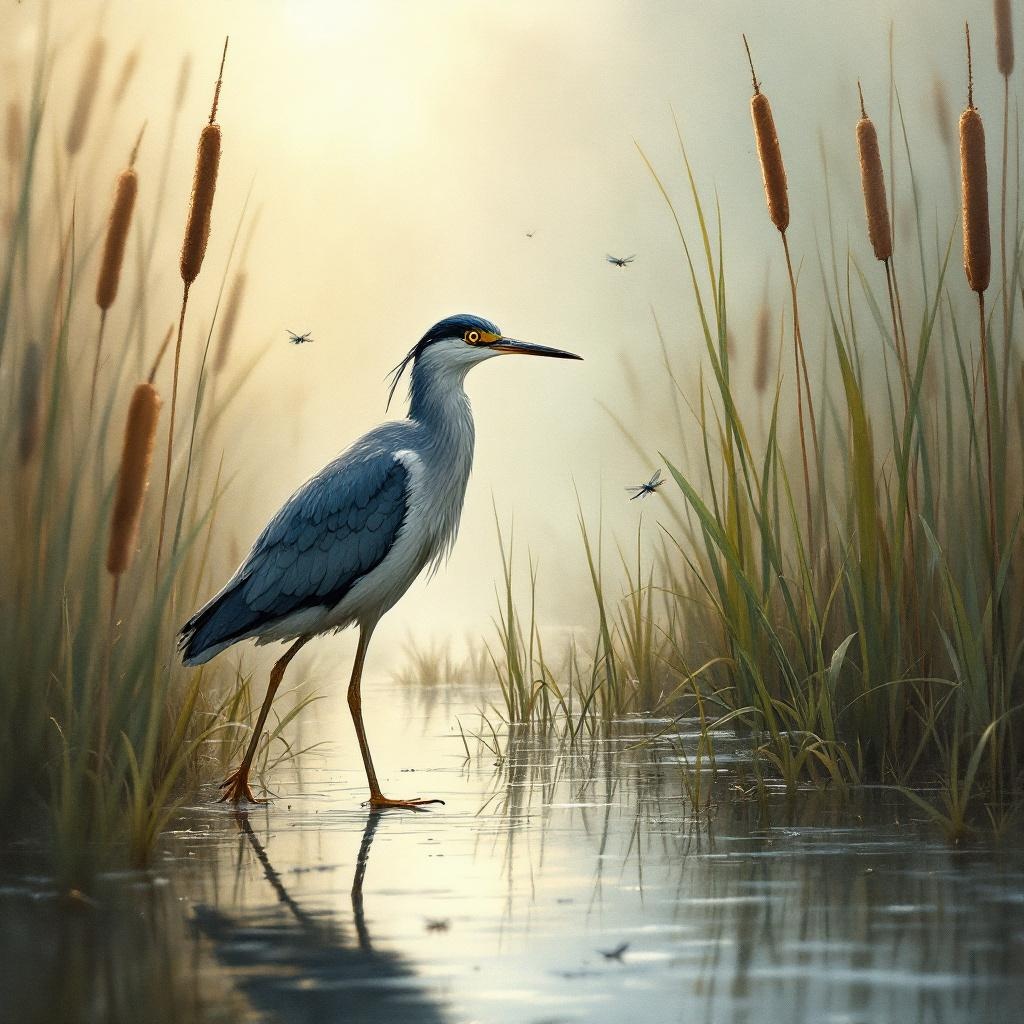
**Image Prompt:** A sleek, long-legged rail stands poised at the edge of a misty marsh, its iridescent blue-black feathers glistening with dew. Its slender beak tilts slightly, eyes sharp and alert, as it steps delicately through the reeds. The scene is rendered in a semi-realistic watercolor style, with soft, diffused lighting casting a golden haze over the wetland. The color palette blends muted greens, deep blues, and earthy browns, evoking a serene, dawn-lit atmosphere. Shot from a low angle to emphasize the rail’s elegance, the composition frames the bird amidst towering cattails and reflective water. Dragonflies hover nearby, adding movement to the tranquil scene.
Analisis Terperinci Prompt Gambar Flux AI
Analisis prompt terperinci yang digunakan untuk menghasilkan gambar dengan Generator Gambar Flux AI.
Jelajahi Prompt Flux untuk Generator Gambar AI Flux
Cara menghasilkan gambar dengan Flux.1.1 pro
Ikuti empat langkah sederhana ini untuk membuat gambar yang Anda inginkan.
Langkah 1: Masukkan Teks Anda (Silakan sempurnakan prompt untuk hasil yang lebih baik)
Langkah 2: Pilih Rasio Aspek Gambar
Langkah 3: Pilih Model Flux Anda:
Langkah 4: Klik Tombol Buat dan Tunggu Beberapa Detik untuk Gambar Anda
Alat Flux AI terkait untuk prompt tentang Flux.1.1 pro
Temukan alat-alat canggih dari Flux AI untuk meningkatkan alur kerja kreatif Anda.