Rail - Flux.1.1 pro
prompt
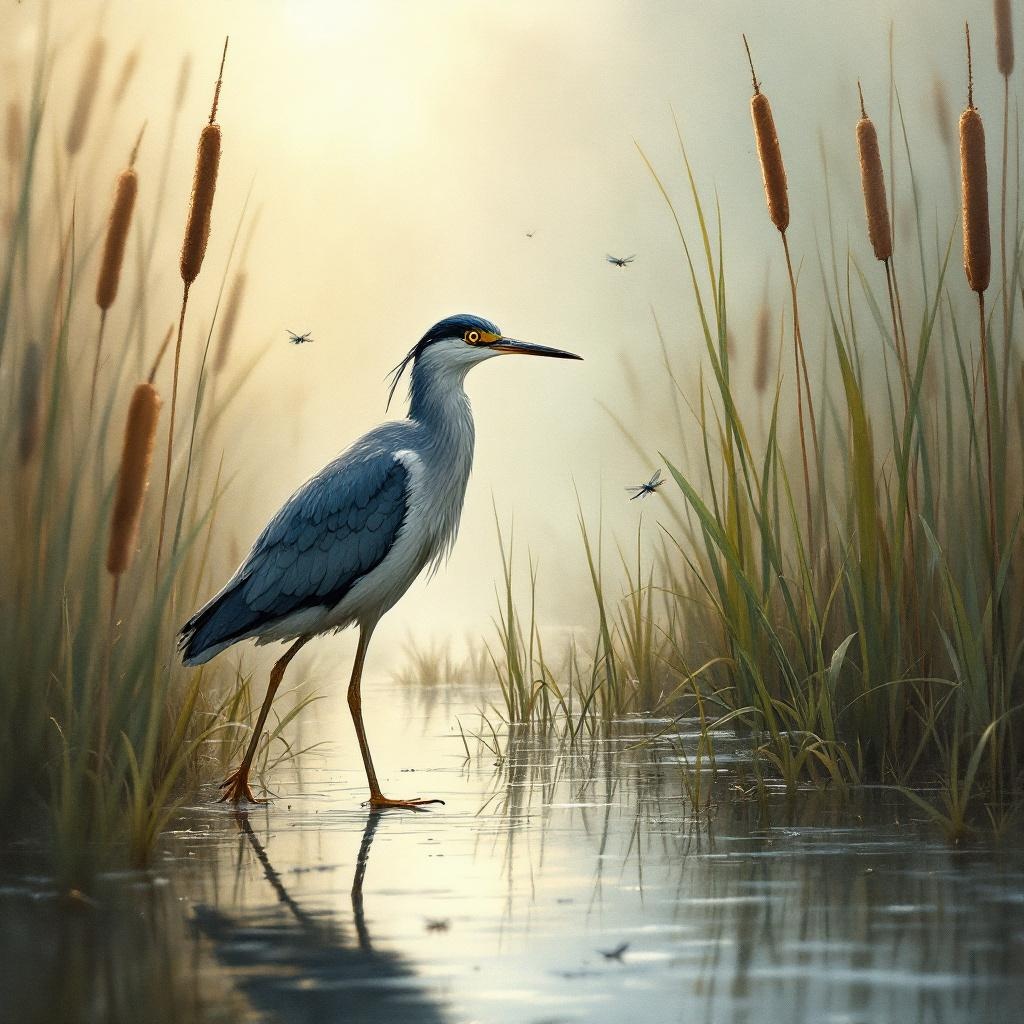
**Image Prompt:** A sleek, long-legged rail stands poised at the edge of a misty marsh, its iridescent blue-black feathers glistening with dew. Its slender beak tilts slightly, eyes sharp and alert, as it steps delicately through the reeds. The scene is rendered in a semi-realistic watercolor style, with soft, diffused lighting casting a golden haze over the wetland. The color palette blends muted greens, deep blues, and earthy browns, evoking a serene, dawn-lit atmosphere. Shot from a low angle to emphasize the rail’s elegance, the composition frames the bird amidst towering cattails and reflective water. Dragonflies hover nearby, adding movement to the tranquil scene.
Analisi Dettagliata del Prompt Immagine Flux AI
Analizza il prompt dettagliato utilizzato per generare l'immagine con il Generatore Immagini Flux AI.
Esplora i Prompt Flux per il Generatore Immagini Flux AI
Come generare immagini con Flux.1.1 pro
Segui questi quattro semplici passaggi per creare l'immagine desiderata.
Passaggio 1: Inserisci il Tuo Testo (Sentiti libero di perfezionare il prompt per risultati migliori)
Passaggio 2: Scegli le Proporzioni dell'Immagine
Passaggio 3: Seleziona il Tuo Modello Flux:
Passaggio 4: Clicca il Pulsante Genera e Attendi Alcuni Secondi per la Tua Immagine
Strumenti Flux AI correlati per prompt su Flux.1.1 pro
Scopri strumenti avanzati di Flux AI per potenziare il tuo flusso di lavoro creativo.