Rail - Flux.1.1 pro
Indicador
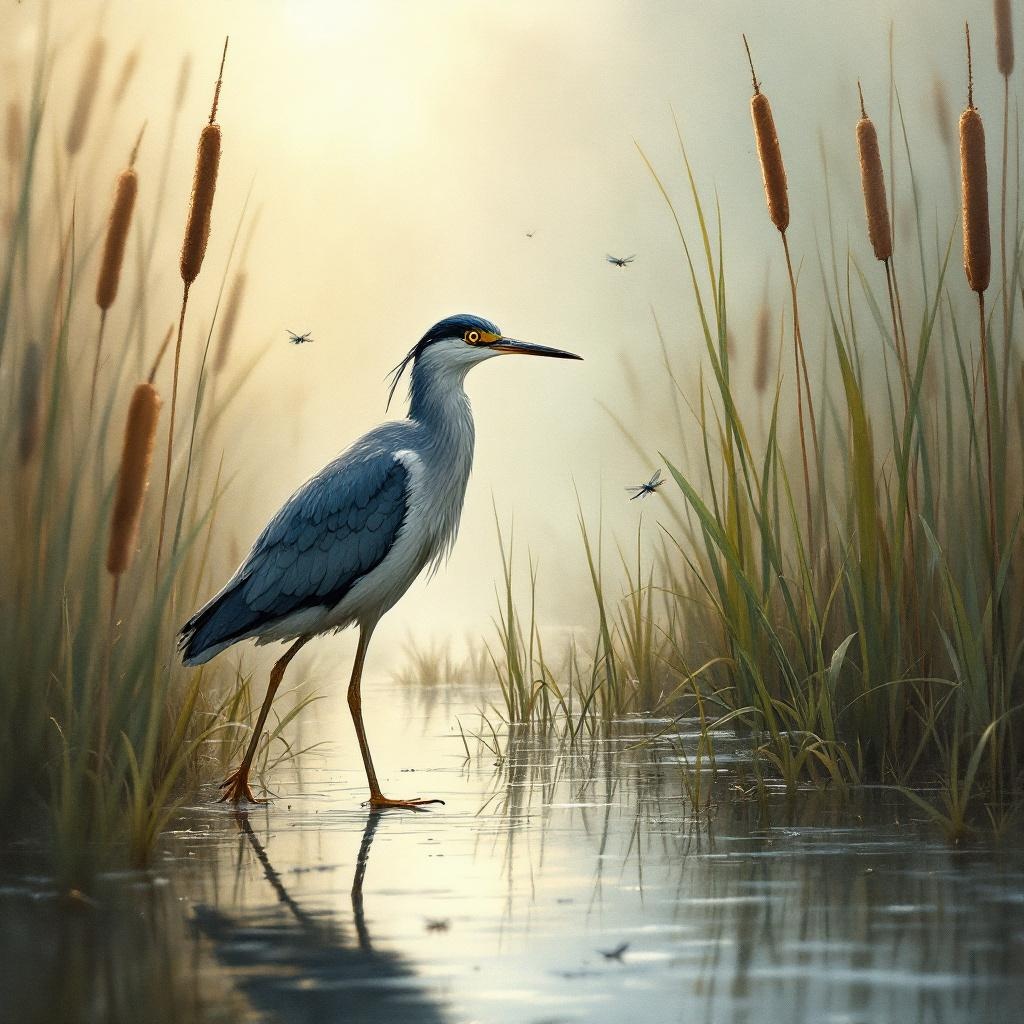
**Image Prompt:** A sleek, long-legged rail stands poised at the edge of a misty marsh, its iridescent blue-black feathers glistening with dew. Its slender beak tilts slightly, eyes sharp and alert, as it steps delicately through the reeds. The scene is rendered in a semi-realistic watercolor style, with soft, diffused lighting casting a golden haze over the wetland. The color palette blends muted greens, deep blues, and earthy browns, evoking a serene, dawn-lit atmosphere. Shot from a low angle to emphasize the rail’s elegance, the composition frames the bird amidst towering cattails and reflective water. Dragonflies hover nearby, adding movement to the tranquil scene.
Análisis Detallado del Prompt de Imagen de Flux IA
Analiza el prompt detallado utilizado para generar la imagen con Flux IA Image Generator.
Explorar Mensajes para Flux IA
Cómo generar una imagen por Flux.1.1 pro
Sigue estos cuatro sencillos pasos para crear la imagen que deseas.
Paso 1: Ingresa tu texto (No dudes en refinar tu prompt para mejores resultados)
Paso 2: Elige la relación de aspecto de la imagen
Paso 3: Selecciona tu modelo Flux:
Paso 4: Haz clic en el botón Generar y espera unos segundos para tu imagen
Herramientas Flux IA relacionadas para prompts sobre Flux.1.1 pro
Descubre herramientas avanzadas de Flux IA para potenciar tu flujo de trabajo creativo.