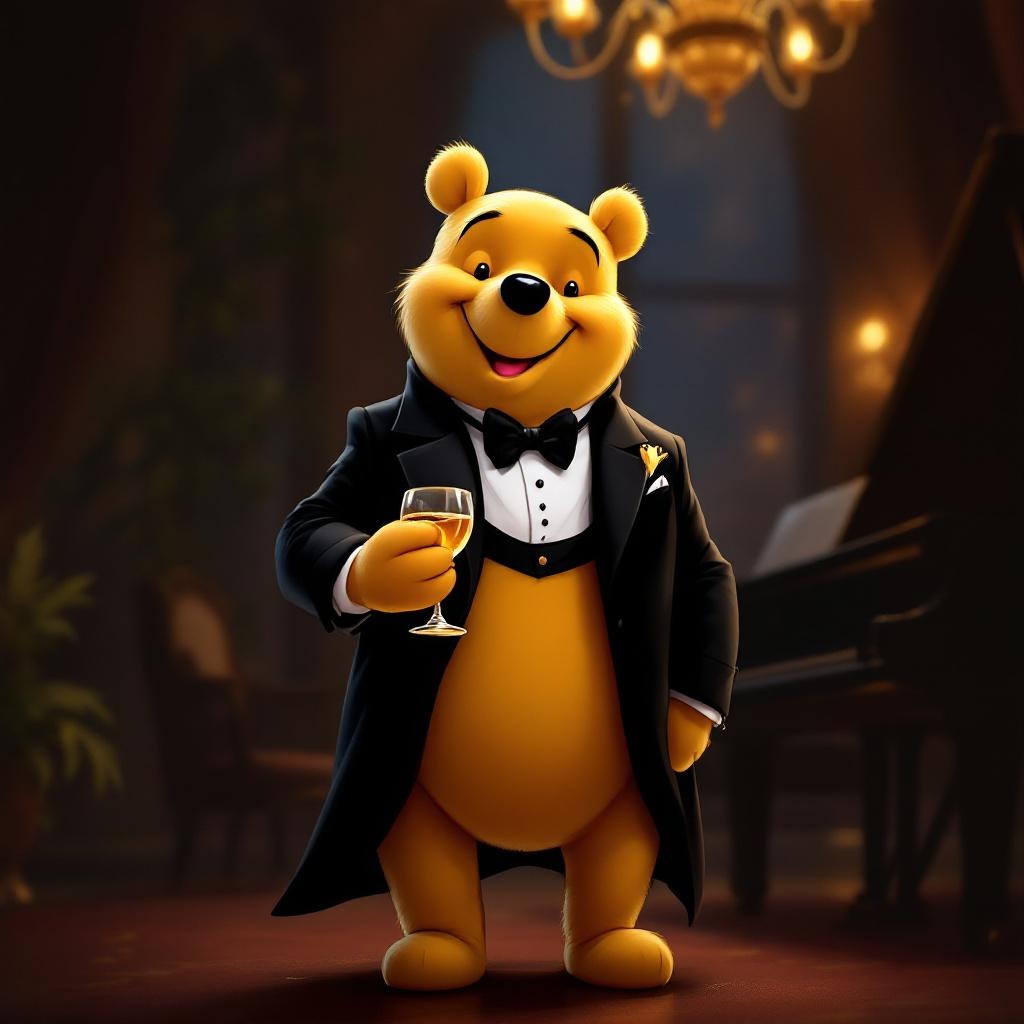
Tuxedo Winnie the Pooh - Flux.1.1 pro
Eingabe
**Prompt:** "A dapper Winnie the Pooh wearing a sleek black tuxedo with a crisp white dress shirt, black bow tie, and polished dress shoes, standing upright in a refined pose. His fur is soft and golden, contrasting elegantly with the tuxedo. The background is a sophisticated evening setting—dimly lit with warm amber lighting, a grand piano nearby, and a hint of a chandelier above. Pooh holds a honey jar like a fine wine glass, grinning mischievously. The style is a blend of Disney's classic charm and semi-realistic digital painting, with rich textures in the fabric and fur, subtle rim lighting for depth, and a touch of whimsy in his expression. Composition is balanced, focusing on Pooh as the centerpiece, with a shallow depth of field blurring the background slightly.
Detaillierte Analyse des Flux KI Image Prompt
Analysiere den detaillierten Prompt, der zur Erstellung des Bildes mit dem Flux KI Image Generator verwendet wurde.
Flux-Prompts für den KI-Bildgenerator erkunden
Wie man ein Bild generiert von Flux.1.1 pro
Folge diesen vier einfachen Schritten, um das gewünschte Bild zu erstellen.
Schritt 1: Gib deinen Text ein (Fühle dich frei, deinen Prompt für bessere Ergebnisse zu verfeinern)
Schritt 2: Wähle das Bildseitenverhältnis
Schritt 3: Wähle dein Flux-Modell:
Schritt 4: Klicke auf die Generieren-Schaltfläche und warte ein paar Sekunden auf dein Bild
Verwandte Flux KI Tools für Prompts über Flux.1.1 pro
Entdecke fortschrittliche Tools von Flux KI, um deinen kreativen Workflow zu verbessern.