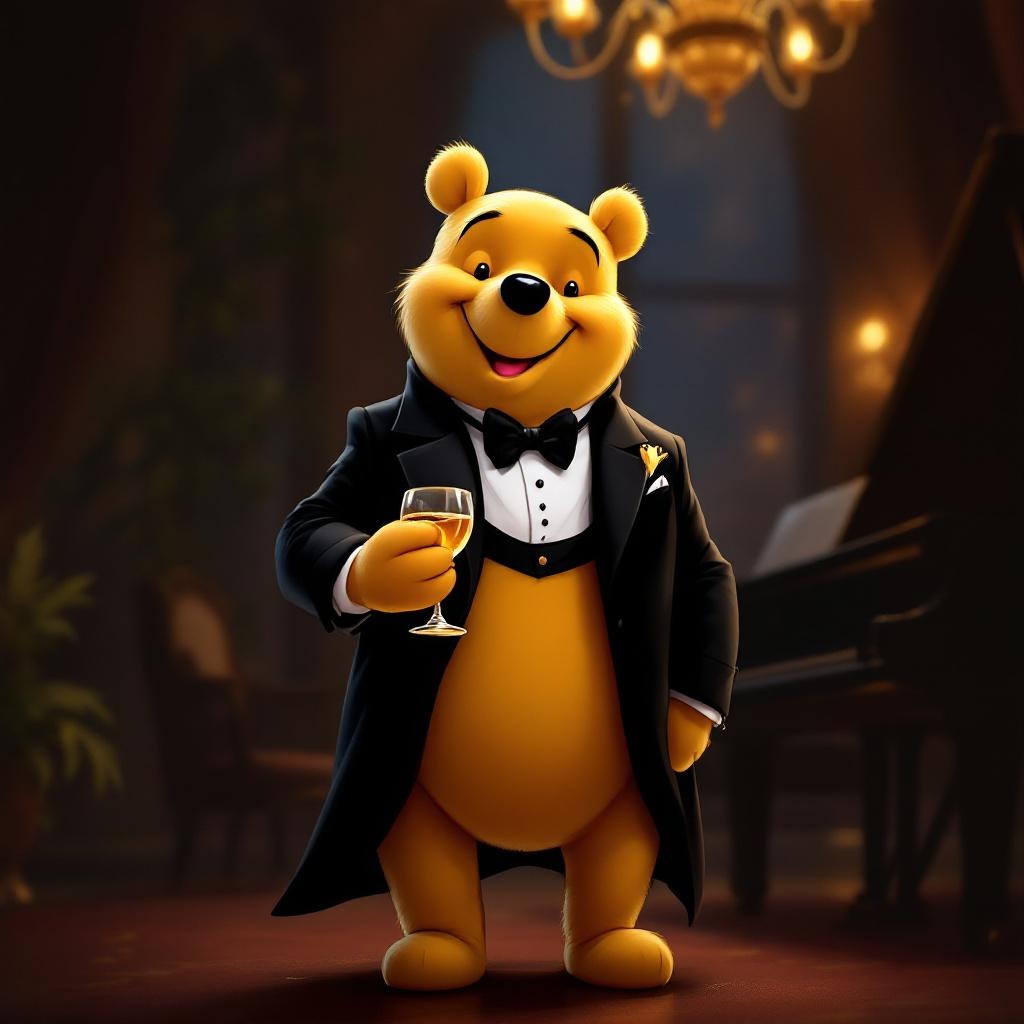
Tuxedo Winnie the Pooh - Flux.1.1 pro
prompt
**Prompt:** "A dapper Winnie the Pooh wearing a sleek black tuxedo with a crisp white dress shirt, black bow tie, and polished dress shoes, standing upright in a refined pose. His fur is soft and golden, contrasting elegantly with the tuxedo. The background is a sophisticated evening setting—dimly lit with warm amber lighting, a grand piano nearby, and a hint of a chandelier above. Pooh holds a honey jar like a fine wine glass, grinning mischievously. The style is a blend of Disney's classic charm and semi-realistic digital painting, with rich textures in the fabric and fur, subtle rim lighting for depth, and a touch of whimsy in his expression. Composition is balanced, focusing on Pooh as the centerpiece, with a shallow depth of field blurring the background slightly.
Detailed Analysis of the Flux AI Image Prompt
Analyze the detailed prompt used to generate the image with Flux AI Image Generator.
Explore Flux Prompts for the Flux AI Image Generator
How to generate image by Flux.1.1 pro
Follow these four simple steps to create your desired image.
Step 1: Enter Your Text (Feel free to refine your prompt for better results)
Step 2: Choose Image Aspect Ratio
Step 3: Select Your Flux Model:
Step 4: Click the Generate Button and Wait a Few Seconds for Your Image
Related Flux AI tools for prompts about Flux.1.1 pro
Discover advanced tools from Flux AI to boost your creative workflow.