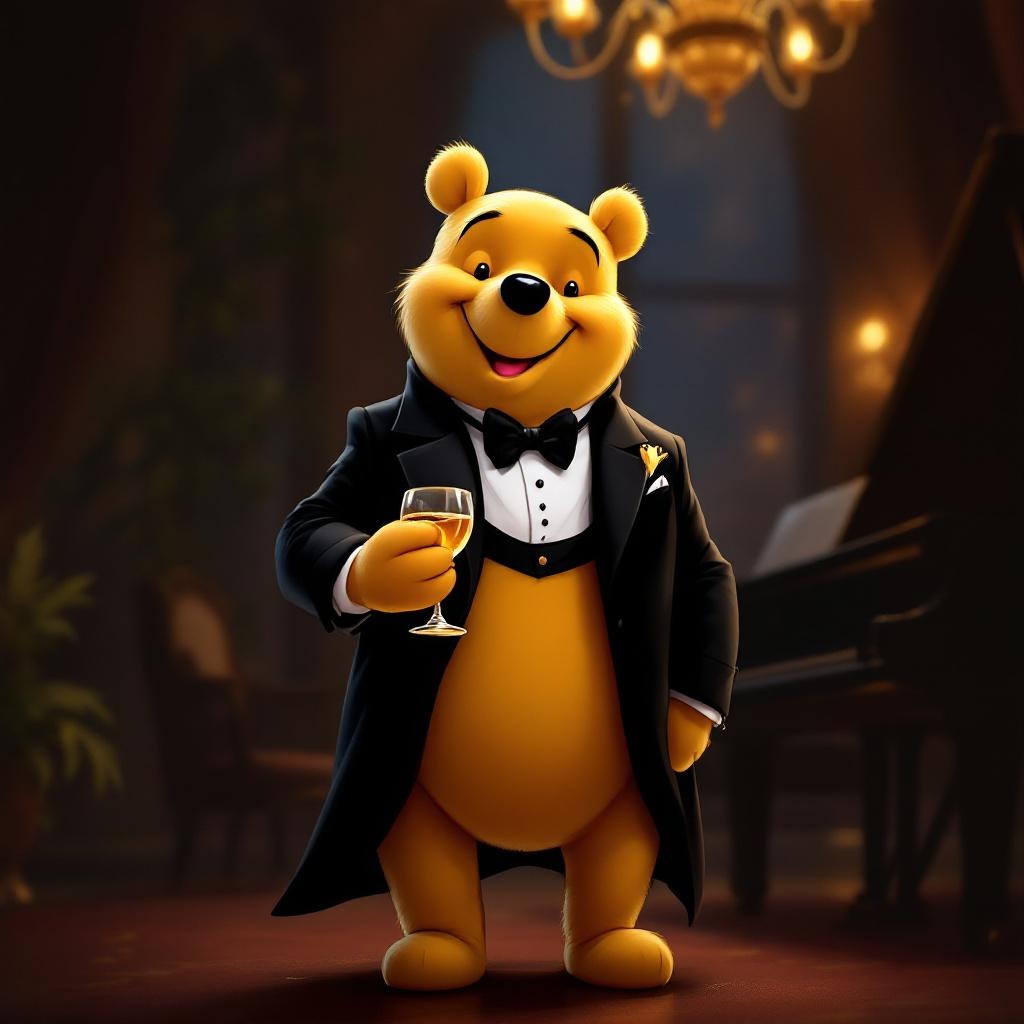
Tuxedo Winnie the Pooh - Flux.1.1 pro
Prompt
**Prompt:** "A dapper Winnie the Pooh wearing a sleek black tuxedo with a crisp white dress shirt, black bow tie, and polished dress shoes, standing upright in a refined pose. His fur is soft and golden, contrasting elegantly with the tuxedo. The background is a sophisticated evening setting—dimly lit with warm amber lighting, a grand piano nearby, and a hint of a chandelier above. Pooh holds a honey jar like a fine wine glass, grinning mischievously. The style is a blend of Disney's classic charm and semi-realistic digital painting, with rich textures in the fabric and fur, subtle rim lighting for depth, and a touch of whimsy in his expression. Composition is balanced, focusing on Pooh as the centerpiece, with a shallow depth of field blurring the background slightly.
Análise Detalhada do Prompt de Imagem Flux IA
Analise o prompt detalhado usado para gerar a imagem com o Flux IA Image Generator.
Explore Prompts Flux para o Gerador de Imagens
Como gerar uma imagem por Flux.1.1 pro
Siga estes quatro passos simples para criar a imagem desejada.
Passo 1: Insira seu texto (Sinta-se à vontade para refinar seu prompt para melhores resultados)
Passo 2: Escolha a proporção da imagem
Passo 3: Selecione seu modelo Flux:
Passo 4: Clique no botão Gerar e aguarde alguns segundos para sua imagem
Ferramentas Flux IA relacionadas a prompts sobre Flux.1.1 pro
Descubra ferramentas avançadas da Flux IA para melhorar seu fluxo de trabalho criativo.