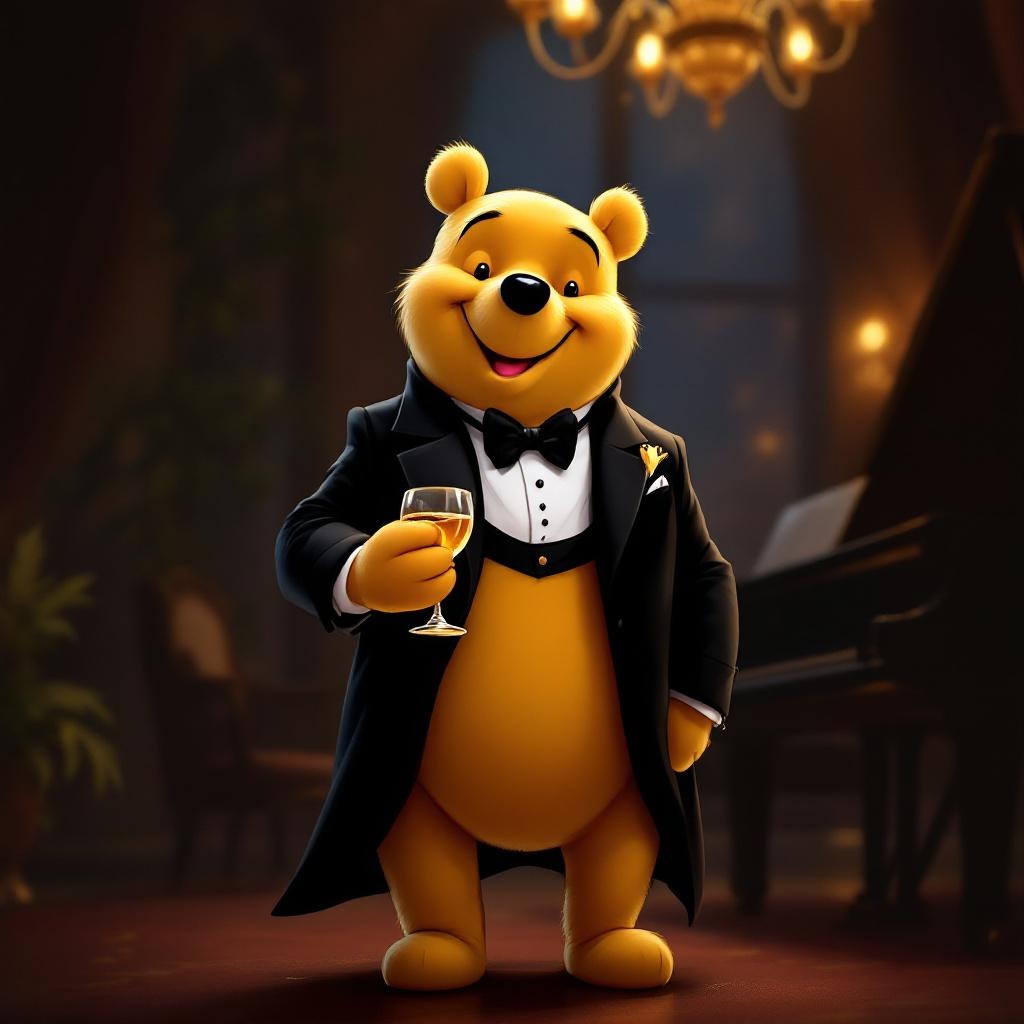
Tuxedo Winnie the Pooh - Flux.1.1 pro
Indicador
**Prompt:** "A dapper Winnie the Pooh wearing a sleek black tuxedo with a crisp white dress shirt, black bow tie, and polished dress shoes, standing upright in a refined pose. His fur is soft and golden, contrasting elegantly with the tuxedo. The background is a sophisticated evening setting—dimly lit with warm amber lighting, a grand piano nearby, and a hint of a chandelier above. Pooh holds a honey jar like a fine wine glass, grinning mischievously. The style is a blend of Disney's classic charm and semi-realistic digital painting, with rich textures in the fabric and fur, subtle rim lighting for depth, and a touch of whimsy in his expression. Composition is balanced, focusing on Pooh as the centerpiece, with a shallow depth of field blurring the background slightly.
Análisis Detallado del Prompt de Imagen de Flux IA
Analiza el prompt detallado utilizado para generar la imagen con Flux IA Image Generator.
Explorar Mensajes para Flux IA
Cómo generar una imagen por Flux.1.1 pro
Sigue estos cuatro sencillos pasos para crear la imagen que deseas.
Paso 1: Ingresa tu texto (No dudes en refinar tu prompt para mejores resultados)
Paso 2: Elige la relación de aspecto de la imagen
Paso 3: Selecciona tu modelo Flux:
Paso 4: Haz clic en el botón Generar y espera unos segundos para tu imagen
Herramientas Flux IA relacionadas para prompts sobre Flux.1.1 pro
Descubre herramientas avanzadas de Flux IA para potenciar tu flujo de trabajo creativo.