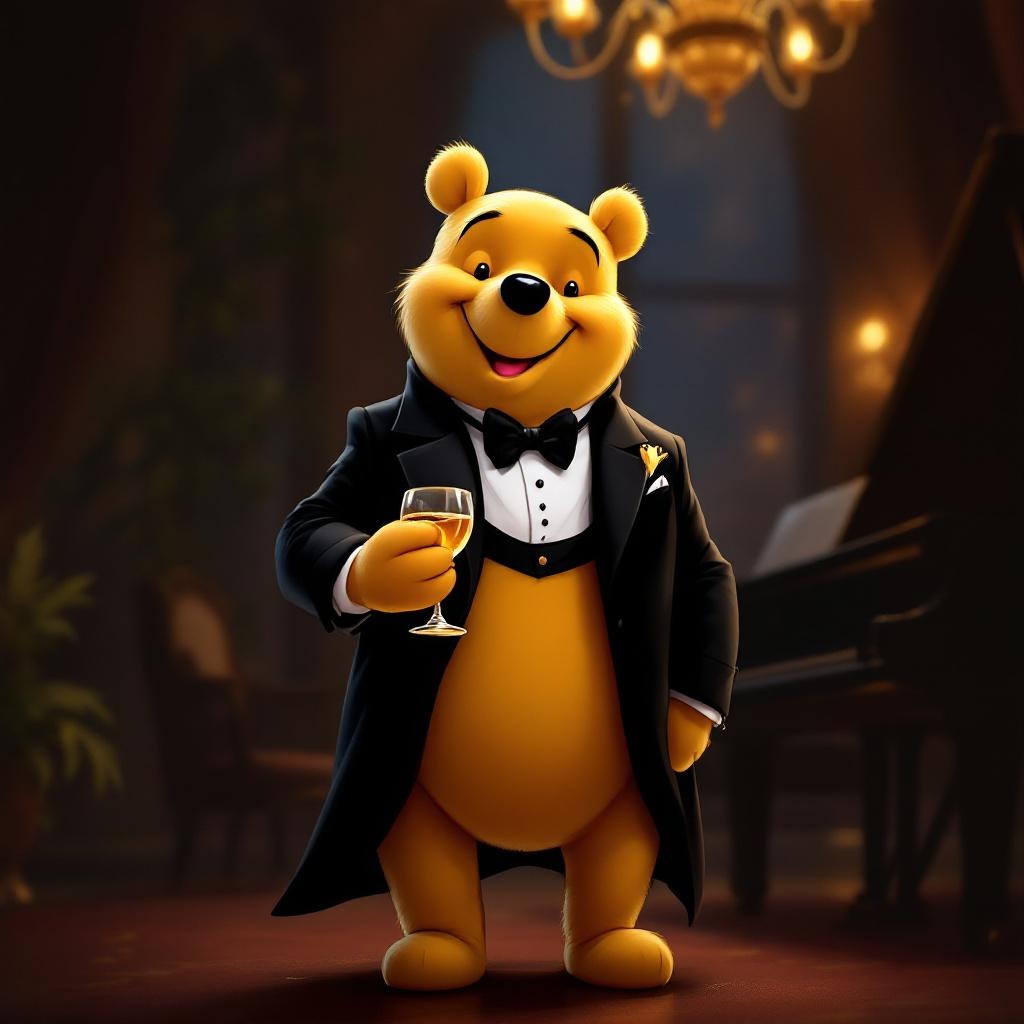
Tuxedo Winnie the Pooh - Flux.1.1 pro
プロンプト
**Prompt:** "A dapper Winnie the Pooh wearing a sleek black tuxedo with a crisp white dress shirt, black bow tie, and polished dress shoes, standing upright in a refined pose. His fur is soft and golden, contrasting elegantly with the tuxedo. The background is a sophisticated evening setting—dimly lit with warm amber lighting, a grand piano nearby, and a hint of a chandelier above. Pooh holds a honey jar like a fine wine glass, grinning mischievously. The style is a blend of Disney's classic charm and semi-realistic digital painting, with rich textures in the fabric and fur, subtle rim lighting for depth, and a touch of whimsy in his expression. Composition is balanced, focusing on Pooh as the centerpiece, with a shallow depth of field blurring the background slightly.
Flux AI Image Promptの詳細分析
Flux AI Image Generatorを使用して画像を生成するために使用された詳細なプロンプトを分析します。
Flux AI画像生成のプロンプトを探索
で画像を生成する方法 Flux.1.1 pro
以下の4つの簡単なステップに従って、希望する画像を作成してください。
ステップ 1: テキストを入力 (より良い結果のためにプロンプトを調整してください)
ステップ 2: 画像のアスペクト比を選択
ステップ 3: Fluxモデルを選択:
ステップ 4: 生成ボタンをクリックして数秒待ち、画像を取得
プロンプトに関連するFlux AIツール Flux.1.1 pro
Flux AIの高度なツールを発見して、クリエイティブな作業フローを強化しましょう。